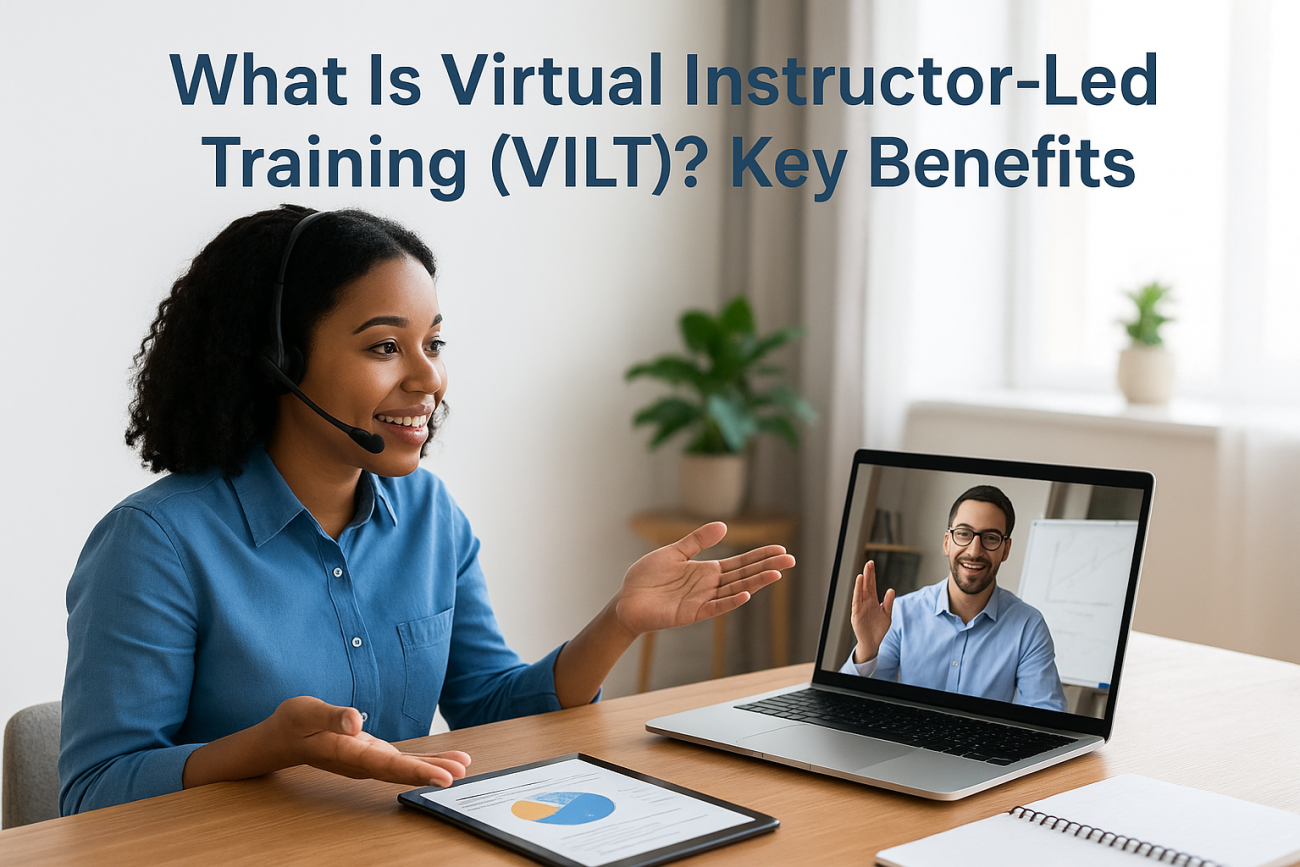
If you’ve ever wondered what is virtual instructor-led training, you’re not alone. As more organizations shift their programs online, VILT has become one of the most talked-about formats in corporate learning, and for good reason. It combines the structure and interaction of a live classroom with the flexibility of remote delivery, giving trainers and learners the best of both worlds.
But VILT isn’t just a video call with a slide deck. Done right, it’s a focused, engaging training experience that rivals (and sometimes beats) in-person sessions. It works for onboarding, compliance, product education, and beyond, which is exactly why we built Axis LMS at Atrixware to support it. Our platform helps businesses deliver, manage, and track virtual training alongside their broader learning programs, all from one central system.
This article breaks down what VILT actually is, how it compares to traditional classroom training and self-paced e-learning, the key benefits it offers organizations, and best practices to make your sessions effective. Whether you’re evaluating VILT for the first time or looking to improve an existing program, you’ll walk away with a clear, practical understanding of how it works and where it fits.
What virtual instructor-led training means
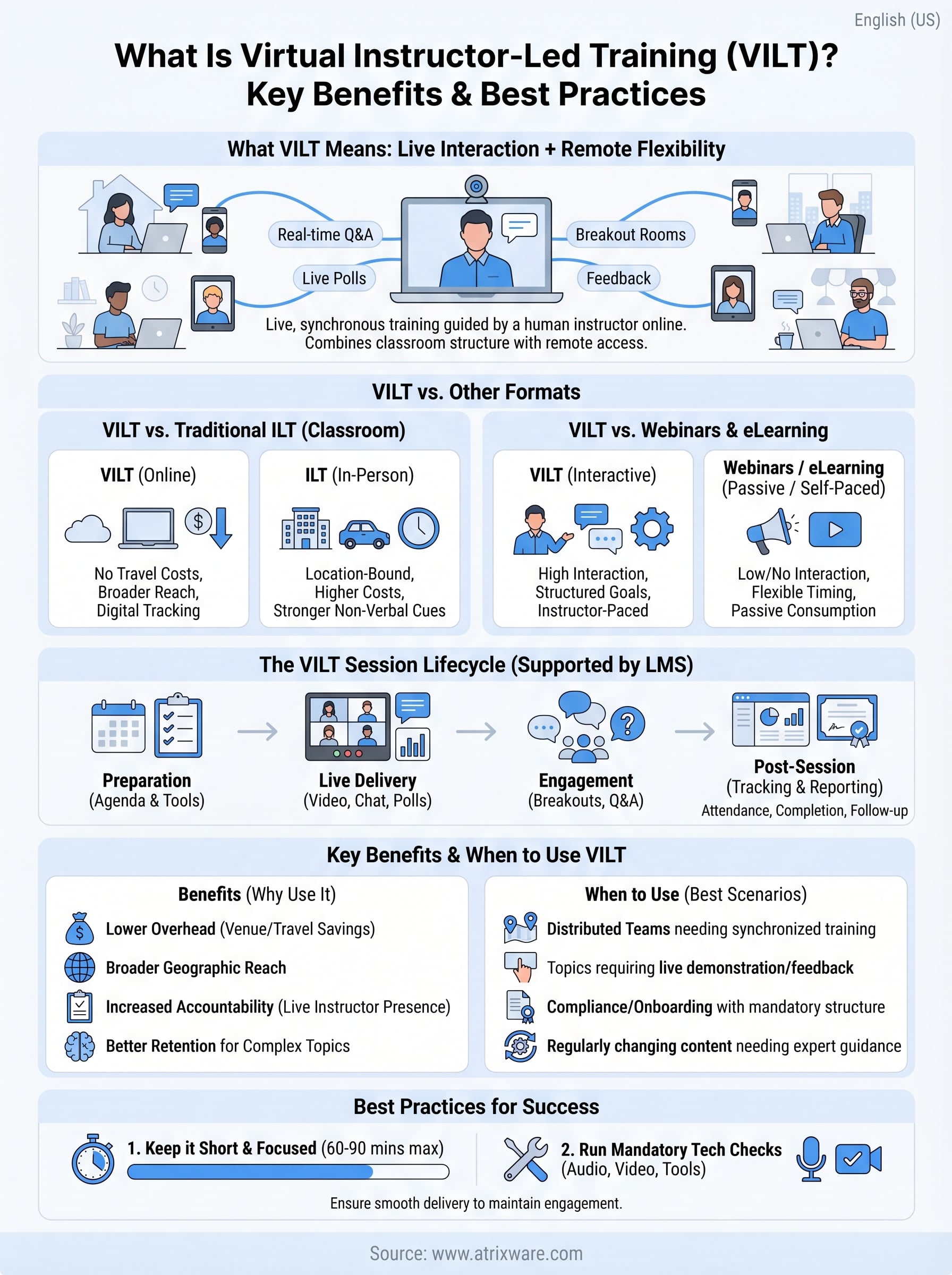
Virtual instructor-led training (VILT) is live, synchronous training delivered online by a human instructor to a group of learners. Instead of meeting in a physical room, the instructor and participants connect through a video conferencing platform, where the session unfolds in real time. Learners can ask questions, complete activities, and engage with the material just as they would in a face-to-face setting, except everyone joins from wherever they happen to be.
When people ask what is virtual instructor-led training, they’re really asking whether online training can match the quality of a real classroom. The answer is yes, when you structure the session correctly. VILT preserves the instructor-to-learner relationship that makes classroom training effective, while removing the logistical constraints of travel, physical space, and scheduling across multiple locations.
VILT is not a passive format. The instructor’s presence is the defining feature, and that presence drives engagement, accountability, and real-time feedback that recorded content cannot replicate.
The live element that sets VILT apart
What separates VILT from self-paced e-learning is the presence of a live instructor who guides the session, responds to questions, and adjusts the pace based on how learners are responding. This matters because learning is not just about consuming content. It’s about understanding it, and a skilled instructor catches confusion before it becomes a problem for the whole group.
In a VILT session, the instructor can run polls, breakout discussions, and live knowledge checks in real time, creating the kind of back-and-forth that reinforces retention. Learners who might skip ahead or disengage in a recorded course stay accountable because someone is actively facilitating and monitoring participation throughout.
The role of structure in VILT
Unlike a webinar, which is typically a one-way broadcast, VILT is designed around structured learning objectives. Each session has a defined agenda, specific outcomes the instructor intends to achieve, and built-in interaction points that keep learners active from start to finish rather than passively watching a presentation.
Your training team controls the pacing, content depth, and learner participation in ways that a pre-recorded course simply cannot replicate. That level of control makes VILT particularly effective for topics that require nuance, live demonstration, or immediate feedback, such as compliance procedures, product walkthroughs, or onboarding employees to complex internal workflows.
How VILT works in practice
Understanding what is virtual instructor-led training is one thing; seeing how it actually runs is another. A typical VILT session uses a video conferencing platform (such as Zoom or Microsoft Teams) as its delivery vehicle, paired with supporting tools like polls, chat, and digital whiteboards that keep learners actively engaged throughout.
The tools instructors use
Your instructor controls the session from a host interface that lets them share their screen, launch polls and breakout rooms, and monitor attendance in real time. Learners join from any device with a stable internet connection. Common interactive features your team will use include:
- Screen sharing and slide presentations
- Live polls and knowledge checks
- Breakout rooms for small group work
- Chat and digital whiteboards for collaborative exercises
The technology should be invisible to learners. When tools work smoothly, participants focus on the content rather than figuring out the platform.
What a session looks like from start to finish
A well-structured VILT session follows a clear agenda shared with participants in advance. Sessions typically open with an objectives review, move into content delivery broken up by activities or discussion, and close with a knowledge check or Q&A block that confirms comprehension before learners log off.
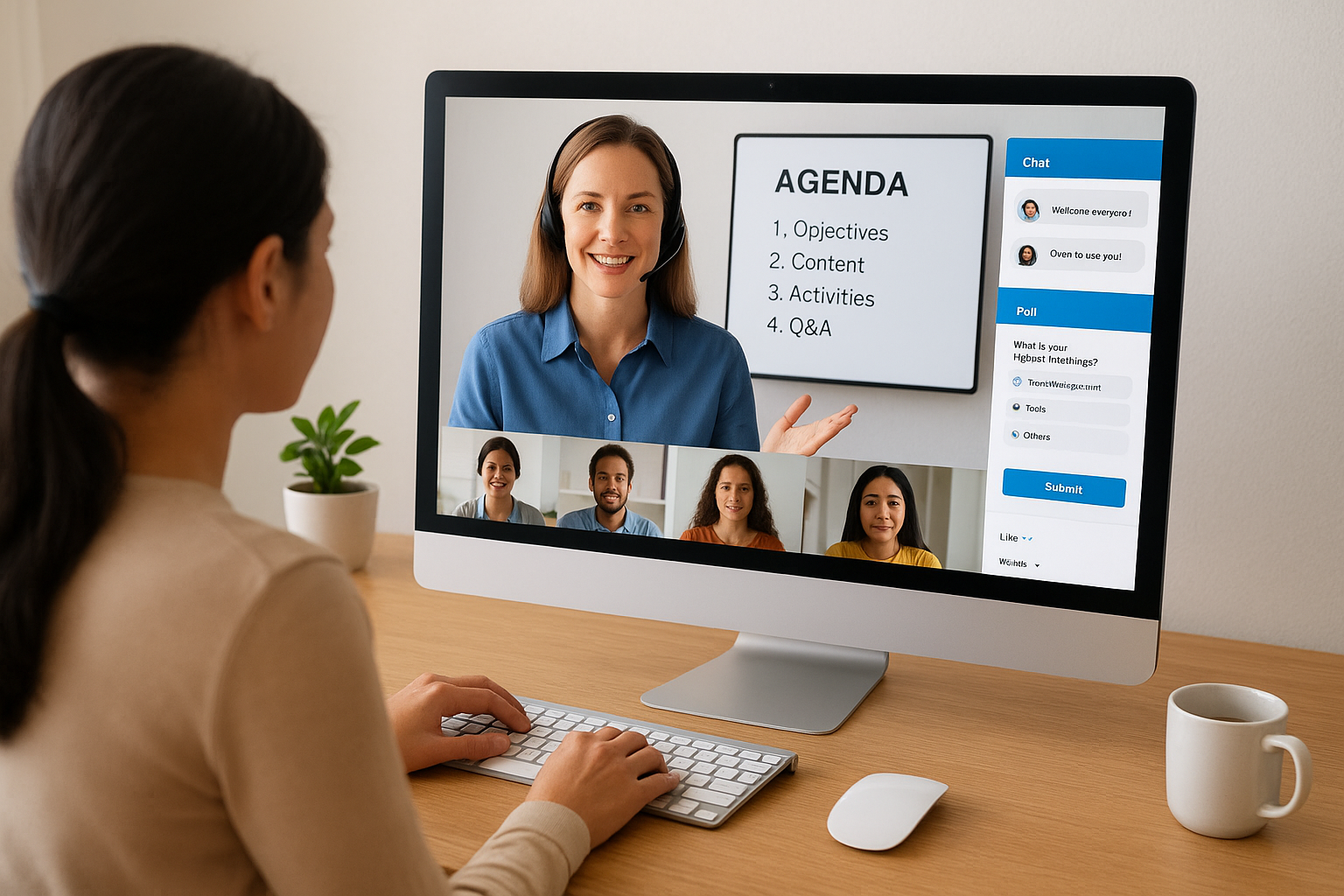
Your training team can record sessions and track attendance automatically, then feed completion data directly into your LMS for reporting. This visibility means you always know who attended, who engaged, and where learners may need additional support before they advance to the next stage of your program.
VILT vs ILT, webinars, and eLearning
Knowing what is virtual instructor-led training is easier when you compare it to the formats it most closely resembles. Each format serves a different purpose, and choosing the wrong one for your training need costs you time, money, and learner engagement. Here is how VILT stacks up against the alternatives.
VILT vs ILT
Traditional instructor-led training (ILT) runs in a physical room with an instructor and learners present at the same location. VILT replicates that live, instructor-guided experience online, eliminating travel costs and scheduling complexity without sacrificing the interaction that makes ILT effective. You still get real-time questions, live demonstrations, and group discussion. The main trade-off is that ILT gives instructors stronger non-verbal cues from the room, while VILT requires more deliberate facilitation techniques to read and respond to a distributed group.
When your learners are spread across multiple locations, VILT delivers ILT-quality engagement at a fraction of the cost.
VILT vs webinars and eLearning
Webinars broadcast content from a presenter to a large audience with minimal two-way interaction. They work for announcements and overviews but lack the structured learning objectives and participation that define a true VILT session. Self-paced eLearning gives learners full control over when and how fast they consume content, which suits topics where timing is flexible. What it cannot do is respond to confusion in real time or adjust the session based on what learners are actually struggling with.
| Format | Live instructor | Two-way interaction | Learner pacing |
|---|---|---|---|
| VILT | Yes | High | Instructor-led |
| ILT | Yes | High | Instructor-led |
| Webinar | Yes | Low | Instructor-led |
| eLearning | No | None | Self-paced |
Key benefits and when to use VILT
Organizations that run live remote sessions quickly discover that understanding what is virtual instructor-led training is just the beginning. The real value shows up in lower overhead costs, broader geographic reach, and the kind of instructor-driven accountability that keeps learners engaged and on track in ways that self-paced content simply cannot deliver. You eliminate venue fees, travel expenses, and scheduling delays without giving up the human connection that makes live training work.
Where VILT delivers the most value
VILT works best when learners need real-time guidance and feedback from an expert. Complex topics like compliance procedures, technical product training, or new employee onboarding all benefit from a live instructor who can field questions, clarify steps, and adjust delivery on the spot. If your training content changes frequently or requires nuanced explanation, VILT gives you flexibility that a pre-recorded course cannot match.
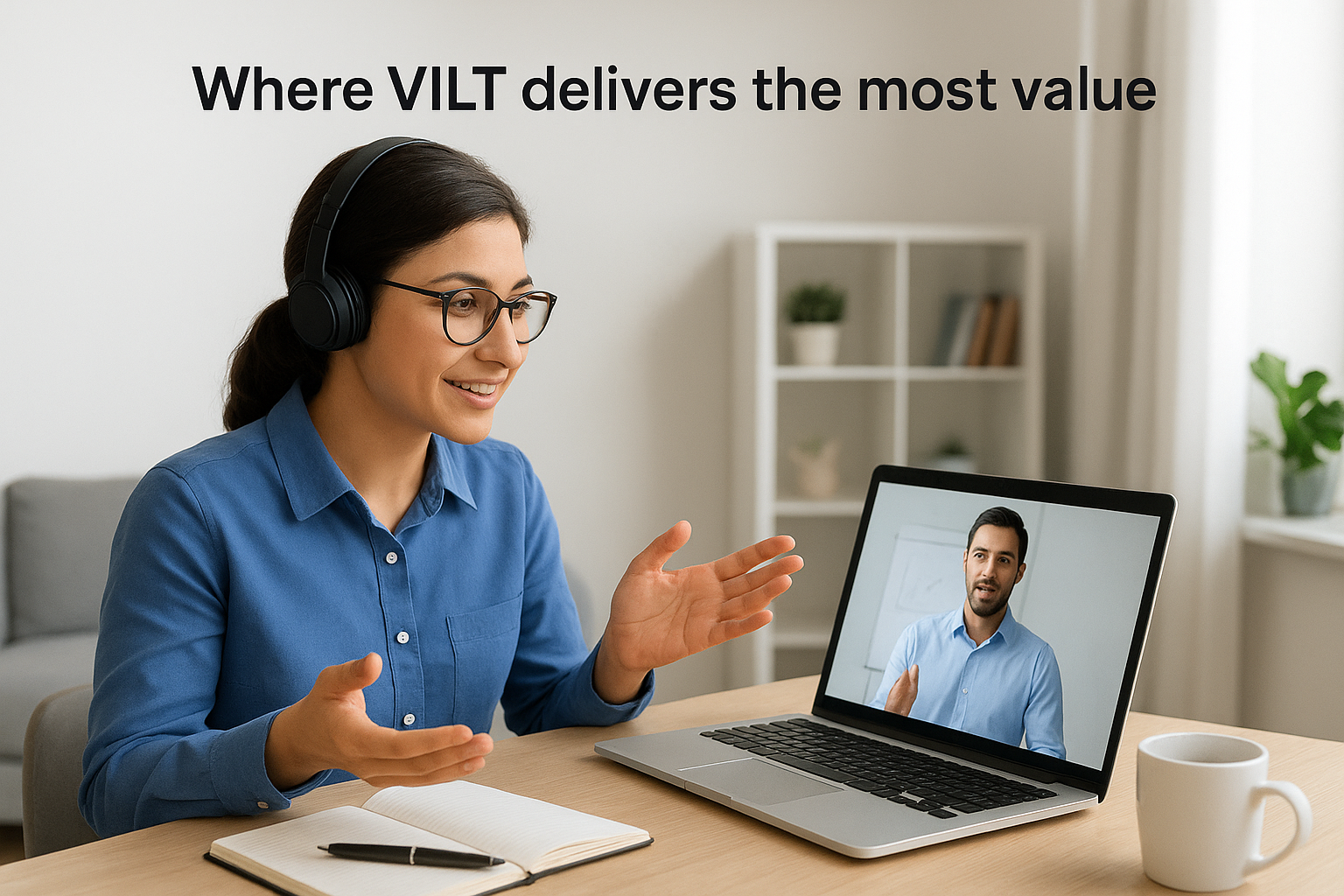
VILT is the right choice when learner questions drive understanding and only a live instructor can answer them in the moment.
Situations that call for VILT over other formats
Some training needs fit VILT better than others. Use VILT when:
- Your learners are distributed across multiple locations but still need synchronized, cohort-based instruction
- The topic involves live demonstration or scenario practice that benefits from instructor modeling and immediate correction
- Your program requires accountability, with documented attendance and participation records tied to a compliance requirement
- New hires or partners need a structured, time-bound introduction to processes, systems, or company standards
Choosing VILT for the right scenarios means your instructors spend their time where it creates the most impact. Your learners get the engagement they need to retain what they learned and apply it directly on the job.
Best practices for effective VILT sessions
Running a great VILT session takes more than loading slides into a video call. Once you understand what is virtual instructor-led training and commit to using it, the next step is making sure your delivery holds learner attention from the first minute to the last. The most effective sessions combine tight structure, deliberate interaction, and reliable technical preparation before learners ever join the call.
Keep sessions short and focused
Online learners lose focus faster than in-person participants, so session length directly affects retention. Limit each VILT block to 60-90 minutes maximum, and break longer programs into multiple shorter sessions spread across days rather than single marathon runs. Schedule your hardest content and interactive exercises in the first half of the session when attention is sharpest, and use the final minutes for a clear recap and open questions.
Shorter, more frequent sessions consistently outperform long ones in both learner retention and instructor energy.
Run a technical check before every session
Technical failures mid-session kill momentum and damage learner confidence in your program. Send participants a setup checklist at least 24 hours in advance covering audio, video, and platform access so no one is troubleshooting on the day. Your instructors should run a dry-run of every tool they plan to use, from polls to breakout rooms, to confirm everything functions before the first learner logs in.
- Test audio and video from the instructor’s connection
- Confirm breakout room assignments are configured in advance
- Verify that screen sharing and poll tools launch without delay
- Assign a co-host to manage chat and handle technical issues during delivery
This preparation keeps your instructors focused on teaching rather than fixing problems when it matters most.
Next steps for your training program
Now that you know what is virtual instructor-led training and how it fits alongside ILT, webinars, and self-paced eLearning, the next move is practical. VILT delivers the live engagement and instructor accountability your learners need, but it works best when your platform supports the full session lifecycle, from scheduling and reminders through attendance tracking, completion reporting, and follow-up course assignments.
Axis LMS gives your team a single place to schedule live sessions, track attendance, and manage every training format together, whether that’s virtual instructor-led sessions, self-paced courses, or blended programs. Your administrators get real-time visibility into learner progress, and your instructors can focus on delivery instead of chasing down completion records across disconnected tools. Your whole program stays organized in one place.
When you’re ready to see whether Axis LMS is the right fit, take the LMS readiness quiz to find out exactly where you stand and what your next step should be.
