Every organization handling sensitive data, whether it’s employee records, customer information, or learner progress inside a platform like Axis LMS, needs a clear security management policy template to define how that data gets protected. Without one, you’re left with vague expectations, inconsistent practices, and real exposure to compliance failures under frameworks like GDPR or FDA 21 CFR Part 11.
The problem? Most teams know they need a policy but stall out staring at a blank document. Starting from scratch wastes time and increases the chance you’ll miss critical sections that auditors and stakeholders expect to see. A solid template gives you structure and lets you focus on the details unique to your organization rather than reinventing the format.
This guide walks you through how to customize a security management policy template that actually fits your business. You’ll learn what to include, how to adapt each section to your specific compliance requirements, and how to roll the finished policy out to your team, including through your LMS for trackable acknowledgment and training.
What a security management policy covers
A security management policy template typically spans several key areas that work together to protect your organization’s data, systems, and people. Understanding what belongs in each section helps you customize intelligently rather than filling in blanks without context. Before you touch a single line of the template, know what each component is supposed to accomplish so your final document actually reflects how your organization operates.
Core components every policy needs
Most security management policies share a common set of building blocks. These sections tell your team what is expected of them and give auditors a clear picture of how your organization manages risk. A well-structured policy document covers:
- Scope and applicability: which people, systems, and locations the policy governs
- Roles and responsibilities: who owns, enforces, and reviews the policy
- Data classification: how you label and handle sensitive, internal, and public data
- Access controls: rules for who can access what systems, under what conditions
- Incident response: the steps your team takes when a security event occurs
- Acceptable use: what employees can and cannot do with company systems and devices
- Compliance references: the specific regulations your organization must follow, such as GDPR, HIPAA, or FDA 21 CFR Part 11
A policy that skips even one of these components leaves a gap that both auditors and attackers will find.
What makes a policy enforceable
Having named sections in a document is not enough on its own. Each section needs defined ownership, meaning a specific role or team is accountable for enforcing it, not just aware of it. Your policy also needs a documented review cycle, typically annual at minimum, so it stays current as your systems, team structure, and regulatory environment change.
Policies that sit in a shared drive and never get updated become liabilities instead of protections. Distributing the policy through your LMS and requiring tracked acknowledgment from every employee closes the gap between having a policy on paper and actually enforcing it across your workforce.
Step 1. Set scope, roles, and definitions
Before you write a single control into your security management policy template, you need to anchor the document with three foundational elements: who it applies to, who is accountable for it, and what key terms mean. Skipping this step produces a policy that people interpret differently depending on their role, which leads to inconsistent enforcement.
Define your scope
Your scope statement tells readers exactly which systems, people, and locations the policy governs. Be specific. A vague scope like "all company assets" creates confusion. Instead, write something like: "This policy applies to all full-time employees, contractors, and third-party vendors who access Acme Corp’s internal networks, cloud systems, or customer data, regardless of device or location."
A scope that excludes contractors or remote workers by accident leaves your most common access points completely unprotected.
Assign roles and document key definitions
Every policy section needs a named role as the owner, not a department name. Use a table like this to make accountability clear at a glance:
| Role | Responsibility |
|---|---|
| CISO or Security Lead | Policy ownership and annual review |
| IT Administrator | Technical control implementation |
| HR Manager | Employee acknowledgment tracking |
| Department Managers | Team-level enforcement |
After roles, add a short definitions section covering terms like "sensitive data," "authorized user," and "security incident" so every reader interprets the policy the same way.
Step 2. Customize controls and requirements
Once your scope and roles are locked in, you need to fill your security management policy template with controls that reflect your actual environment, not a generic checklist copied from the internet. Controls that don’t match your infrastructure create confusion and get quietly ignored by the people responsible for following them.
Map controls to your actual risk profile
Start by listing the specific systems, data types, and access points your organization uses. Then match each one to a corresponding control requirement. This forces you to write controls that are relevant and testable rather than aspirational. Use a mapping table like this one:
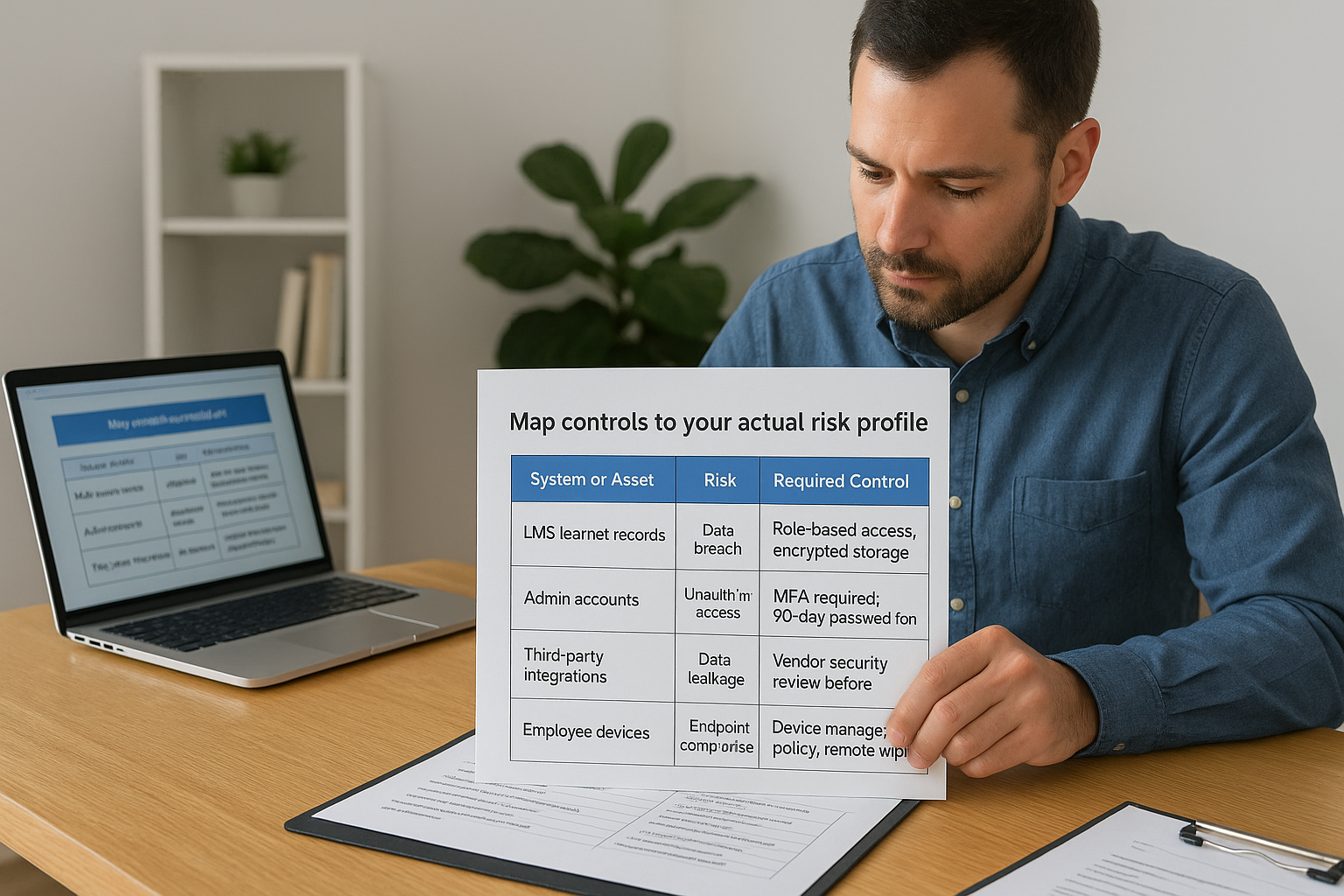
| System or Asset | Risk | Required Control |
|---|---|---|
| LMS learner records | Data breach | Role-based access, encrypted storage |
| Admin accounts | Unauthorized access | MFA required, 90-day password rotation |
| Third-party integrations | Data leakage | Vendor security review before onboarding |
| Employee devices | Endpoint compromise | Device management policy, remote wipe capability |
Controls without a matching risk are just noise that makes your policy harder to follow.
Write controls in plain, enforceable language
Each control statement should tell your team exactly what action to take, not just describe a goal. Replace vague language like "passwords should be strong" with specific requirements: "All user passwords must be a minimum of 12 characters and include at least one uppercase letter, one number, and one special character."
Testing each control against the question "Can I verify whether this is being followed?" will help you cut any requirements that sound good but can’t actually be measured.
Step 3. Add compliance, enforcement, and metrics
Your security management policy template needs more than controls to hold up under an audit or a real security event. This step is where you connect your policy to specific regulations, define what happens when rules are broken, and establish how you will measure whether the policy is actually working.
Reference specific regulations
Name the exact frameworks your organization must comply with rather than citing compliance in general terms. If you fall under GDPR, HIPAA, or FDA 21 CFR Part 11, list each one by name and note which policy sections directly address its requirements. This gives auditors a clear path between your controls and the rules that require them.
A policy that references vague "industry standards" without naming specific frameworks gives auditors nothing concrete to verify against.
Define consequences and track effectiveness
Enforcement language signals to your team that the policy carries real weight. Add a sentence that states the consequences for violations explicitly, such as disciplinary action up to and including termination for repeat or willful offenses. Pair enforcement with measurable metrics you review on a fixed schedule so you can confirm whether the policy is being followed:
| Metric | Target |
|---|---|
| Policy acknowledgment rate | 100% within 30 days of hire |
| Incident response time | Under 4 hours for critical events |
| Annual policy review completion | Completed by set due date each year |
Step 4. Roll out, train, and review on schedule
A finished security management policy template only creates value when your team actually reads, understands, and acknowledges it. Distributing the policy through your LMS lets you track exactly who has completed the acknowledgment and send automated reminders to anyone who has not, so you have a documented record when an audit comes around.
Distribute and track acknowledgment
Assign the policy as a required course or document acknowledgment task inside your LMS before the go-live date. Set a completion deadline of 30 days for existing employees and include it in your standard onboarding sequence for new hires. Pair the acknowledgment with a short quiz covering the key controls so you can confirm comprehension, not just a signature.
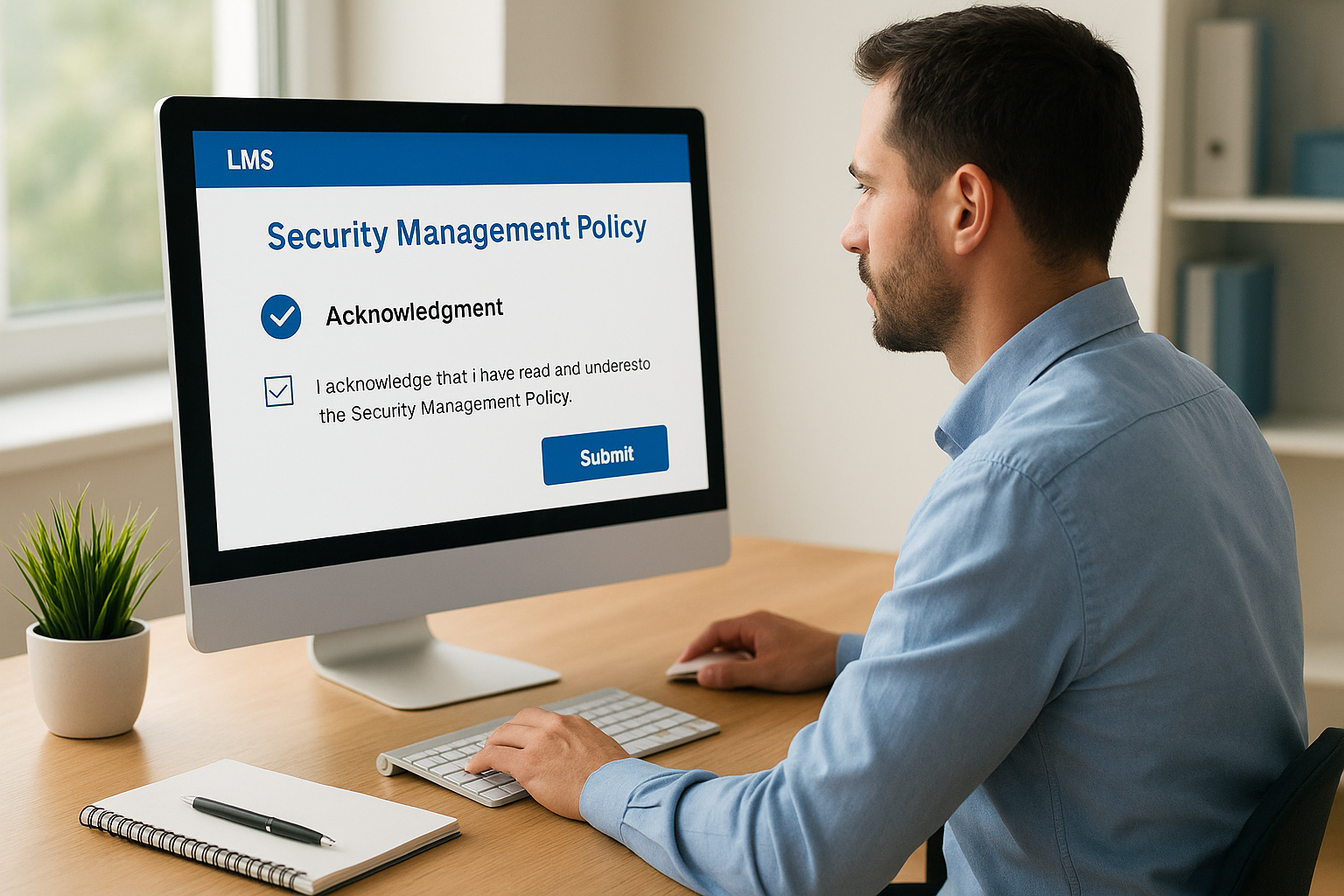
An acknowledgment record with a timestamp is your first line of defense when a policy violation dispute arises.
Schedule mandatory reviews
Your policy goes stale fast if you treat it as a one-time task. Build a fixed annual review date into your calendar and assign the CISO or security lead as the owner of that review. Use the table below as a simple recurring checklist:
| Review Task | Frequency | Owner |
|---|---|---|
| Full policy review | Annual | CISO |
| Acknowledgment re-sign | Annual | HR Manager |
| Metrics report | Quarterly | IT Administrator |
Next steps
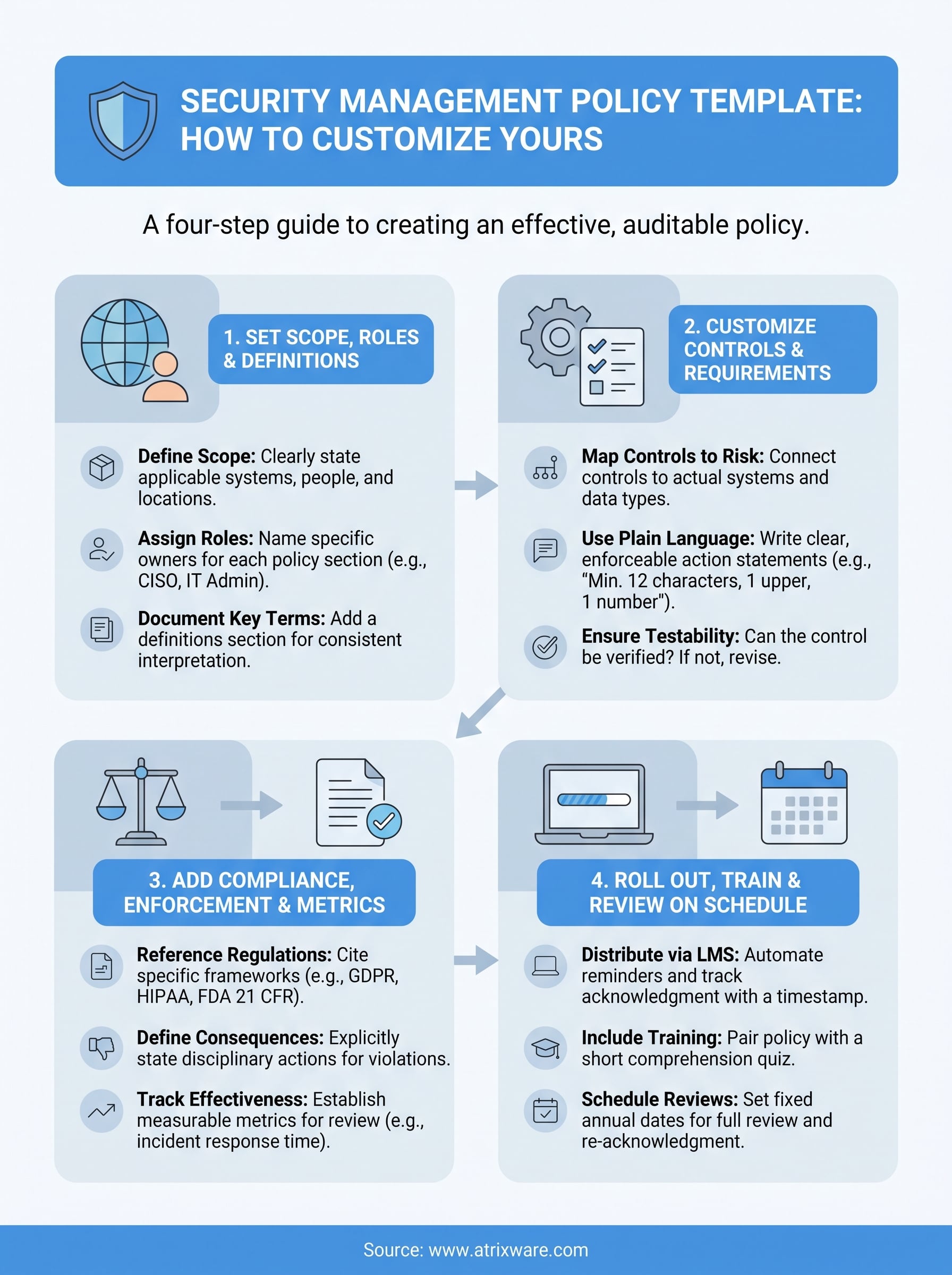
You now have everything you need to turn a generic security management policy template into a document that reflects your actual environment, assigns real accountability, and holds up under audit. The four steps in this guide give you a clear sequence: lock in your scope and roles, build controls that match your risk profile, connect the policy to your compliance requirements, and then roll it out through a system that tracks who has acknowledged it and when.
The rollout step is where most organizations lose momentum. Emailing a PDF to your team with no tracking, no quiz, and no reminder sequence produces the same result every time: low completion rates and no documentation when a compliance review arrives. Delivering your policy through an LMS fixes that gap by automating reminders, recording completions, and generating the audit trail you need without manual follow-up.
If you want to see how Axis LMS handles policy rollout and training delivery, start a free admin demo and explore it firsthand.
