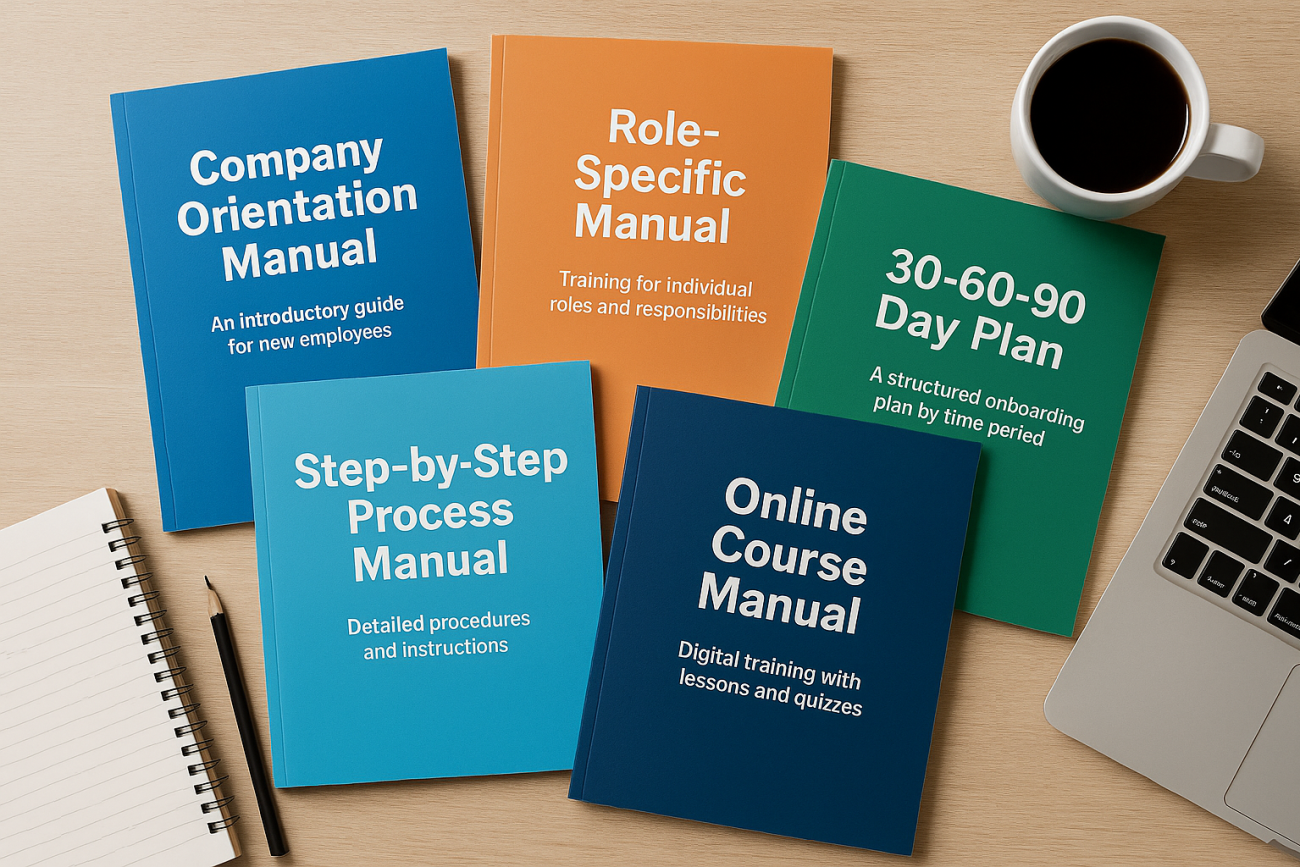
Most training material is built for a launch date. It gets written, approved, delivered once, and then quietly stops matching the job it was supposed to support. The materials that survive are rarely the most polished ones. They are the ones designed with a clear job to do, a named owner, and a review path that does not depend on someone remembering.
This guide covers what belongs in a complete set of employee training materials, how to choose a format for each purpose, and how to build something that still works when the process, the tools, or the team changes. The framing here follows current practitioner guidance that treats materials as more than slides: a set includes reference documents, practice activities, checks, and the instructions that tell people what is available to them.
What Counts as Employee Training Materials
The phrase covers far more than a slide deck. A complete set usually includes several document types working together, each doing a different part of the job. Common examples cited across current guides include employee handbooks, training manuals, instructor-led training materials, interactive courses, checklists, and quizzes. Some guides split the list further to add training videos or webinars and self-paced learning modules.
A practical way to think about the collection:
- Reference material that people return to: employee handbooks and training manuals.
- Delivery material that runs a session: instructor-led training materials, slides, facilitator notes, and activity instructions.
- Practice material that lets someone try the task: interactive courses and self-paced learning modules.
- Checking material that confirms understanding: quizzes, knowledge checks, and sign-off records.
- Job aids used at the point of work: checklists and short procedure cards.
If a set contains only delivery material, the learner has nothing to consult on week three when the session has faded and the task is in front of them. Reference and job aids are what extend the life of the training well past the room.
Match the Format to the Job It Has to Do
Format decisions go wrong when they are driven by what is easiest to produce rather than what the learner needs to do. The useful question is not “should this be a video or a document” but “what will the person be doing when they need this.” A policy question needs a searchable reference. A procedure performed at a machine needs a short checklist. A judgment call needs practice with feedback.
| Format | Strongest use | What to plan for |
|---|---|---|
| Employee handbook | Expectations, policies, and where to find things | Treat it as a reference, not a course |
| Training manual | Role requirements and what learning is available to a department | Needs an owner and a review date |
| Instructor-led materials | Discussion, practice, and feedback in a live session | Facilitator guidance matters as much as slides |
| Interactive courses | Self-paced knowledge and procedure practice | Scenarios must resemble the real work |
| Self-paced modules | Onboarding and repeatable content delivered at scale | Clear navigation and completion criteria |
| Training videos and webinars | Demonstrations and expert explanation for distributed teams | They age quickly, so plan updates early |
| Checklists | Step-by-step tasks performed at the point of work | Keep them short enough to actually be used |
| Quizzes | Confirming recall and recording completion | Test the task, not the trivia |
Most programs need three or four of these, not all eight. A short set that is accurate and well maintained beats a large library nobody can navigate.
A Build Sequence That Keeps Scope Under Control
Material projects expand because the scope was never fixed. Working through a defined sequence keeps the effort proportionate to the outcome.
- Name the task. Write down what someone should be able to do after the training, in plain language, as an action.
- List the decisions and steps. Capture what a competent performer actually thinks through, including the parts an expert has stopped noticing.
- Identify the gaps. Separate what people need to know from what they need to look up. Knowledge that is consulted rarely belongs in a reference, not a course.
- Choose formats. Assign each piece of content to the format that suits its use, using the table above as a starting point.
- Draft the smallest complete version. Build one module, one checklist, or one manual section end to end before expanding.
- Test with real learners. Watch a small group use the material on an actual task and note where they stop, guess, or ask questions.
- Revise, then set the review cycle. Fix what the test exposed and record who owns the next review.
Step six is the one most often skipped. A draft that reads well in review can still fail in use, and the failure is usually visible within the first few minutes of watching someone work through it.
Write for the Person Who Has to Do the Task
Instructional writing has a different standard from marketing or policy writing. It has to be understood on the first read by someone who is not a subject matter expert, possibly while distracted, possibly on a phone. Materials written by specialists often assume context the learner does not have.
Some habits that help:
- Lead with the action, then the explanation. The reader usually wants to know what to do before why it matters.
- Use the words the team uses. Internal shorthand is fine if it is genuinely shared, confusing if it is not.
- Keep sentences short and one instruction per step.
- Replace adjectives with specifics. “Promptly” tells nobody anything; a defined handoff point does.
- Put warnings next to the step they apply to instead of collecting them at the front.
The goal is instructional copy that is easy to understand on first contact. If a draft needs a verbal walkthrough to make sense, the document is not finished.
Organize Materials So They Scale Across Teams
A single well-built set is a start. The harder problem is keeping a growing library usable when several departments and managers are involved. Current guidance on employee training materials stresses organizing the set and making it scale across teams, which usually comes down to three decisions made early.
First, a central index. One place that lists what exists, who it is for, and where it lives. Without it, teams rebuild content that already exists because they could not find it.
Second, a naming and version convention. A consistent structure for titles and version numbers lets people tell a current document from a superseded one at a glance.
Third, a clear owner per item. Every handbook section, module, and checklist should have one named person accountable for its accuracy.
The training manual is often the natural anchor for all three. In many organizations the manual is where an employee finds out which courses are offered for their department, or whether they can take leave to participate in a conference. That makes it both a reference document and a map of the wider program, so it should be written and maintained with that dual purpose in mind.
Build, Buy, or Adapt
Not every topic needs to be built from scratch. Vendors sell prebuilt workshop content and training materials, often described as ready-to-go and priced as a one-time purchase. That can make sense for topics that are broadly similar across organizations, such as general leadership or communication workshops, where the cost of original development is hard to justify.
Original development earns its effort where the content is specific to your processes, systems, or customers. A generic module on giving feedback can be adapted. A checklist for your own intake procedure cannot.
If you use prebuilt material, check two things before adopting it: whether the examples can be swapped for your own context, and whether you are permitted to edit it. Content you cannot adapt tends to be delivered once and then shelved, because it never quite fits the audience.
Keep Materials Current After Rollout
The 2026 problem is not usually creation. It is decay. Processes change, systems get replaced, job titles shift, and the document keeps describing last year’s version of the work. A few habits prevent most of it.
- Put a review date on every document and treat it as a real commitment, not a formality.
- Trigger a review whenever a related system, policy, or process changes, rather than waiting for the date.
- Collect questions from the people doing the job. Repeated questions in the same place mark a gap in the material.
- Keep deprecated versions accessible only to the owners, so old copies stop circulating.
- Review completion and quiz data for signals that a section is not landing.
One supporting argument for the effort: a 2026 guide from AIHR reports that 76% of employees are more inclined to stay with an employer that offers training and development. Materials that stay accurate and useful are part of what makes that offer credible. Stale documents send the opposite signal.
A Pre-Rollout Check
Before a set goes out, run through these questions. A “no” is a fix, not a note for later.
- Can a new person find the material without being sent a link directly?
- Does each item have a named owner and a review date?
- Is there at least one job aid someone can use during the task, not just beforehand?
- Do the quizzes test something the job actually requires?
- Has anyone outside the project team used a draft on a real task?
- Is there a clear route for reporting an error or asking a question?
None of these require a bigger budget. They require a decision, made before launch, that the material is a maintained asset rather than a one-time deliverable.
Frequently Asked Questions
How many formats do I need for a complete set of employee training materials?
Most programs work well with three or four formats rather than the full range. A typical set combines a reference document, a delivery format such as an instructor-led session or self-paced module, a job aid like a checklist, and a quiz for confirmation. Add more only when a specific task genuinely needs a different treatment.
How long should an employee training manual be?
Long enough to cover what the role requires and short enough to be navigated. Length is a poor measure of quality. What matters is that a reader can find the section relevant to their department, understand which learning is available to them, and trust that the content reflects current practice. Structure and clear headings do more for usability than word count.
How do I know whether the materials actually work?
Watch people use them on real tasks. A short pilot with a handful of learners will expose unclear steps, missing context, and sections nobody reads far faster than a review meeting. Pair that with quiz results and the questions employees ask most often, which point directly at gaps in the written material.
Should I write employee training materials in-house or buy prebuilt content?
Buy for topics that are broadly similar across organizations and build for anything specific to your systems, customers, or procedures. If you buy, confirm that examples can be localized and that editing is permitted. Prebuilt content that cannot be adapted usually gets delivered once and then abandoned because it never fits the audience closely enough.
How often should training materials be reviewed?
Set a review date for every document and also trigger a review whenever a related system, policy, or process changes. The second trigger matters more than the first, because change is what makes material wrong. Assign one named owner per item so the review is someone’s job rather than everyone’s good intention.
