The best remote new hire training does four things: it gets access and equipment ready before day one, it gives the hire a written plan with milestones, it connects them with a manager and a peer, and it keeps all learning content in one place. If you lead a small team, start with pre-boarding and a 30/60/90 plan. If you run HR or training for 25 or more people, add an LMS and a few simple metrics.
The problem is easy to recognize. A remote hire opens a laptop and finds an inbox full of invites, a pile of documents, and no clear order. They can’t lean over and ask a coworker where to start, so they guess, and a week of guessing slows everything after it.
This article gives you five strategies in the order you would build them. Each one follows the same pattern: what it involves, how to put it into practice, and the mistake to avoid. At Atrixware we have built learning management software since 1997, so the first strategy draws on how online training gets delivered and tracked in practice.
1. Build your training hub in an LMS
An LMS gives every new hire one place to find courses, documents, assignments, and progress, so nobody has to ask where to begin. For remote new hire training, this is the foundation. Without it, content ends up in shared drives, chat threads, and old recordings, and managers can’t see who finished what.
What it involves
You load your onboarding content into a single system and assign it as a path, not a library. The hire logs in on day one and sees today’s tasks, what comes next, and what is due this week. You see completion in real time, with no spreadsheet.
How to put it into practice
Axis LMS fits this job. You build courses with a drag-and-drop interface, and the built-in AI features can generate quizzes, surveys, and e-learning presentations from a topic or a document. It can pull user data from HR systems such as BambooHR and ADP, so accounts exist before the start date. SAML single sign-on means one login, and the interfaces work on mobile devices. Atrixware usually sets up a system within 1 to 3 business days after purchase.
Size matters when you choose a plan:
- Axis LMS Lite suits 25 to 100 employees and customers. The Online Training plan for 25 users is listed at $209, and the plan that adds streaming virtual classroom training is listed at $299.
- Axis LMS suits organizations of 150 to 100,000 users, with Core, Pro, and Enterprise tiers.
A new hire should open one link on day one and know exactly what to do next.
Mistake to avoid
Don’t upload every document you own and call it onboarding. Order the content, mark what is required in week one, and move the rest to a later phase. A hub with no sequence is just a bigger pile.
2. Pre-board before day one
Pre-boarding is everything between the signed offer and the first login, and it decides whether day one is smooth or stressful. For remote new hire training, a new hire who can’t log in on the first morning loses hours before learning anything.
What it involves
You handle logistics early so the hire’s first day goes to people and work. Access problems are among the most common first-day failures, and they are entirely preventable.
How to put it into practice
Use a checklist and assign an owner to each line:
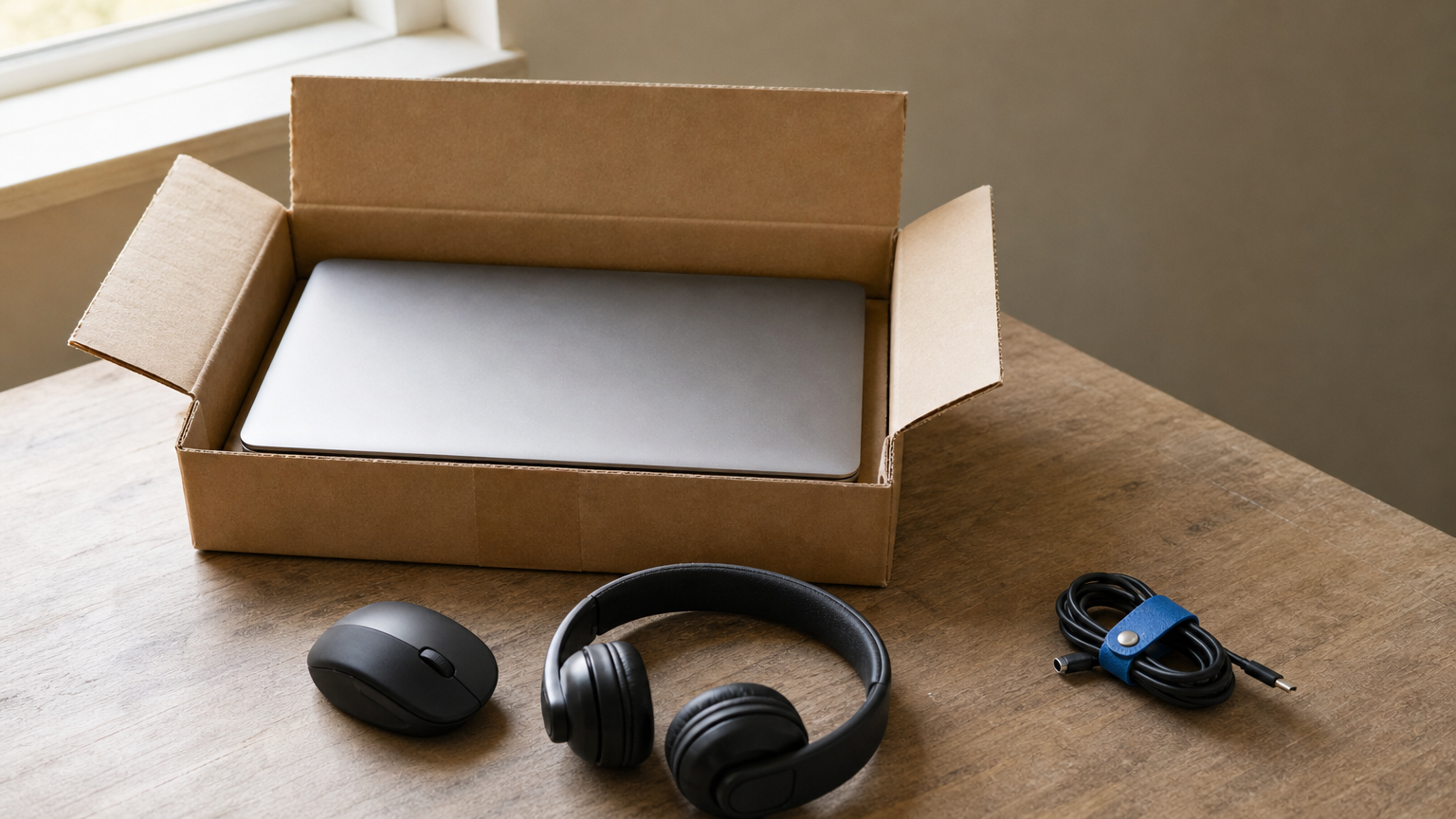
- Ship the laptop and peripherals at least a week ahead, and confirm the shipping address and a phone number.
- Create email, chat, video, and LMS accounts before the start date.
- Share logins through a password manager, not a spreadsheet.
- Book a setup call with IT. Allow up to two hours, because first-time setup often runs long.
- Send a short day-one schedule with meeting links.
- Send a welcome note from the manager and name the hire’s buddy.
Mistake to avoid
Piling on tools. Every extra app is one more login and one more place to look. Give new hires only the systems they need in the first two weeks, and add others when the work calls for them.
If a hire can’t log in on the first morning, no training plan can save the day.
3. Give every hire a 30/60/90 plan
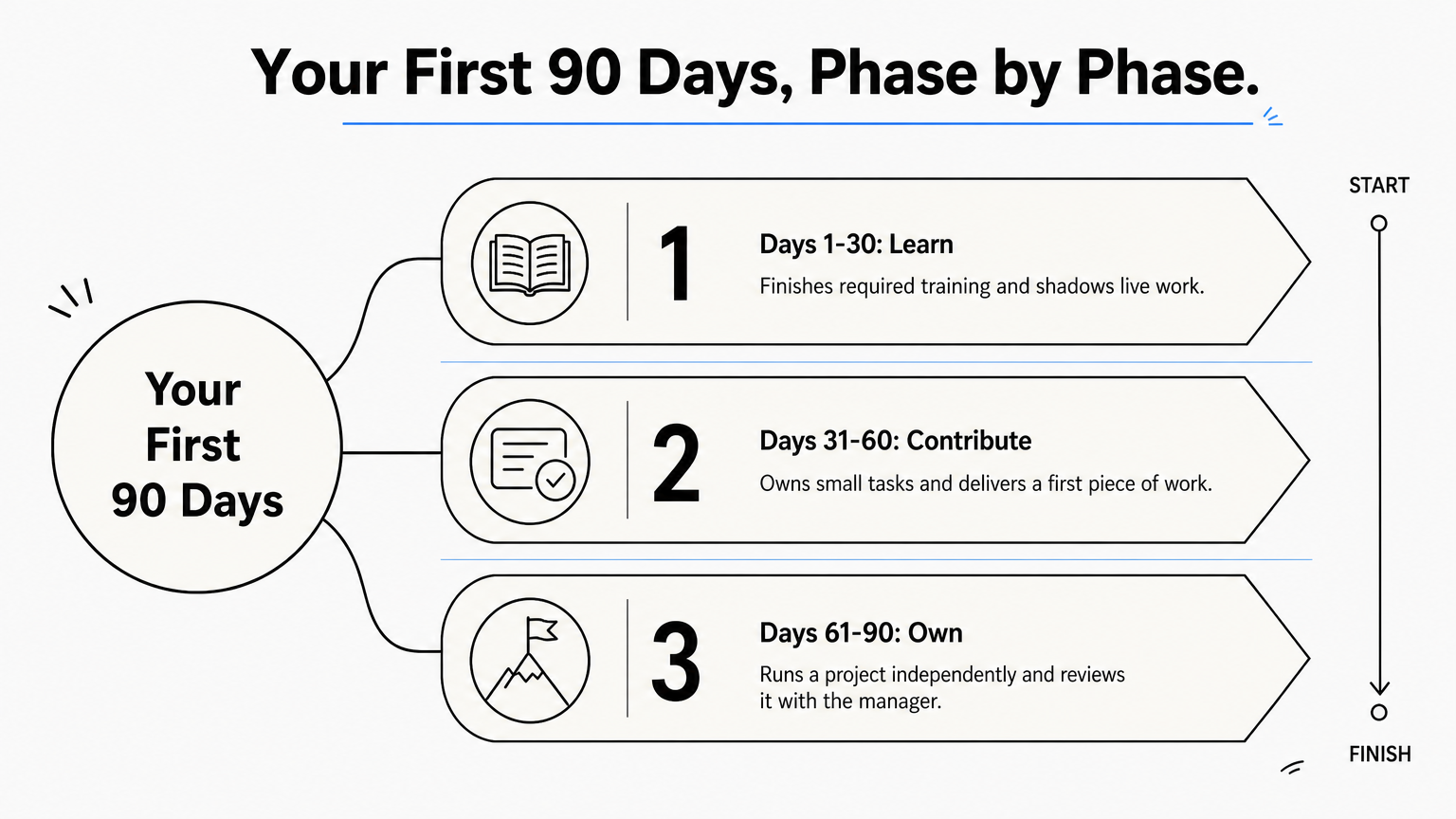
A 30/60/90 plan splits the first three months into three phases: learn, contribute, and own. It answers how long training takes and what "trained" means. Plan on 90 days of structured support, with the first week devoted to orientation and setup.
What it involves
You write down what the hire should know and deliver by day 30, 60, and 90. Remote hires can’t pick up expectations by watching the room, so the plan has to say them out loud. Role complexity changes the details, but the three-phase shape works for most jobs.
| Phase | Focus | Example outcome |
|---|---|---|
| Days 1-30 | Learn tools, product, team, required courses | Finishes required training and shadows live work |
| Days 31-60 | Contribute with feedback | Owns small tasks and delivers a first piece of work |
| Days 61-90 | Own a defined area | Runs a project independently and reviews it with the manager |
How to put it into practice
Make every goal specific and measurable. "Understand the product" is vague. "Deliver a product demo that scores 4 out of 5 on your rubric by day 30" is clear. Review the plan with the hire in week one so you both agree on it.
In the first week, schedule short learning blocks with solo time between them. People need room to review materials, finish HR tasks, and think.
Mistake to avoid
Cramming week one. Overloaded hires retain less, and many stay quiet about it because they don’t want to look slow. Hold back anything non-essential until the second or third week.
A plan with dated, measurable goals tells a remote hire where they stand without asking.
4. Pair training with people: a buddy and regular check-ins
Courses teach tasks, but people teach how work actually gets done. Pair every remote hire with a peer buddy and a predictable manager rhythm, and treat both as part of remote new hire training, not extras.

What it involves
The buddy is a peer, not the manager, and ideally someone who has been on the team for a while. The hire can ask the small questions there that feel too minor for a boss. The manager handles direction, feedback, and goals.
How to put it into practice
Set the rhythm before the hire starts:
- Week one: a short daily check-in with the manager, plus a buddy chat on day one.
- Weeks two to twelve: a weekly one-on-one, with a buddy touchpoint every few days.
- Introductions: schedule meetings with the people the hire will work with most, including colleagues from other departments.
- Communication rules: tell them which channel is for urgent issues, which is for routine ones, and what hours they should be reachable.
For role-specific skills, have experienced colleagues run short training sessions and follow up with the hire afterward to answer questions.
Mistake to avoid
Contacting the hire constantly. Frequent pings feel like surveillance and break concentration. A predictable schedule works better than ad hoc interruptions. Also check your buddy’s workload, because a buddy with no spare time is a buddy in name only.
Courses teach tasks, but a buddy teaches how the team really works.
5. Measure results and refine the program
Measuring remote new hire training means tracking whether hires finish the work, reach their goals, and feel supported, then changing the program based on what you learn. Without measurement you repeat the same gaps with every new cohort.
What it involves
You use a small set of numbers and a few honest questions. Completion rates alone aren’t enough. A hire can finish every module and still be lost.
How to put it into practice
Track these items for every cohort:
- Required course completion by day 7, 30, and 90.
- Whether the hire met each goal in the 30/60/90 plan.
- Time until the hire completes their first real task.
- A short survey after week one and again at day 30: What was unclear? What would you change?
An LMS does the first part for you. In Axis LMS you can run on-demand reports or schedule automated ones, and you can use automated communications to remind hires of overdue items. Add a short feedback question at the end of each module, so you catch a confusing lesson early.
Mistake to avoid
Collecting feedback and doing nothing with it. Review the answers after each cohort and fix the top two or three issues before the next hire starts. Tell the hires what you changed, since it shows their input counts.
Every cohort should start with a better program than the one before it.
Where to start with your remote hires
Good remote new hire training is a short list of habits: prepare access early, put content in one place, set goals for 30, 60, and 90 days, pair hires with real people, and measure what happens. You don’t need all five at once. Fix pre-boarding first, then add the plan and the rhythm of check-ins.
If you are weighing an LMS to hold the training together, the LMS readiness quiz shows where you are in the buying process and what to settle next.
