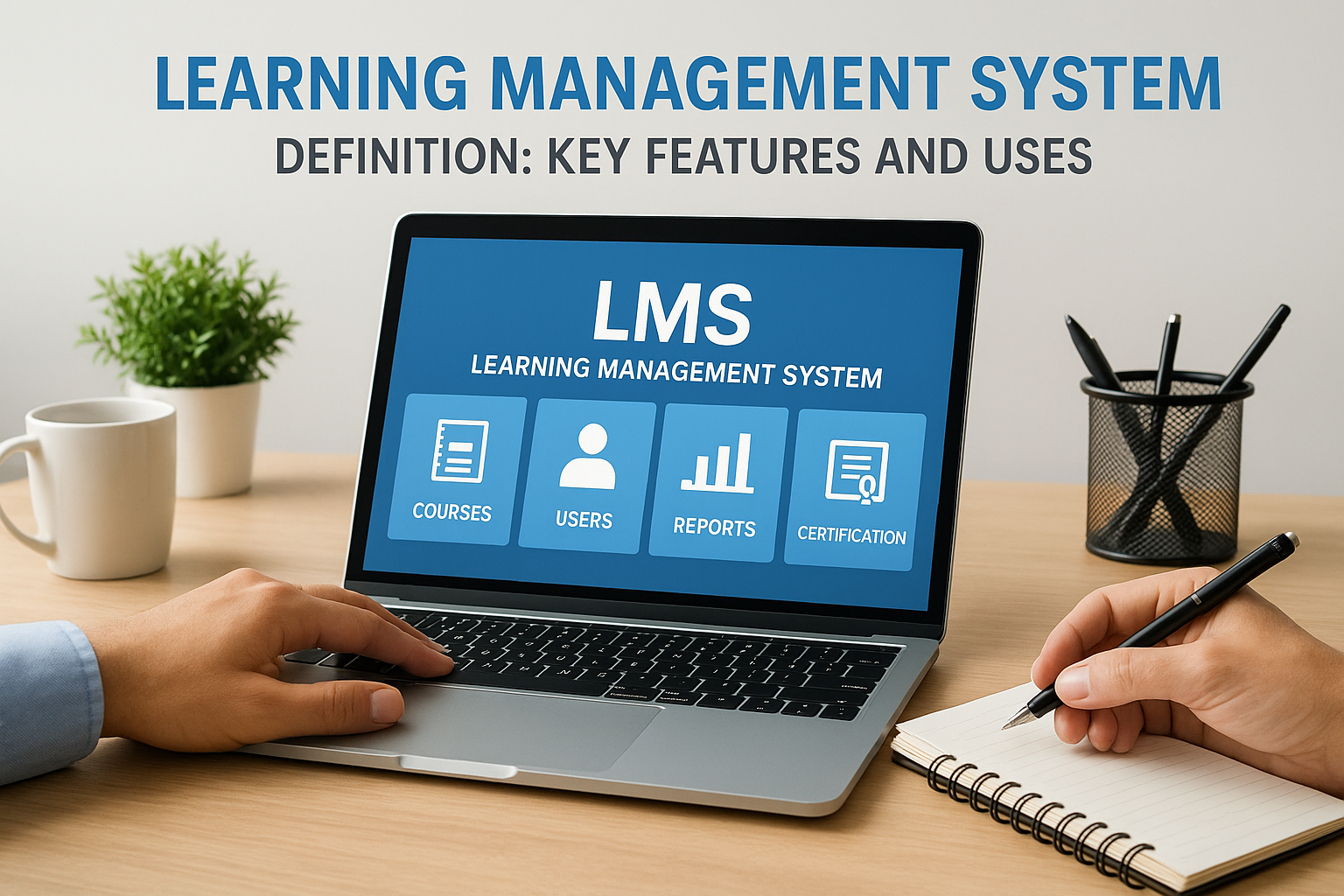
A learning management system can become the operating center for onboarding, compliance training, certifications, and skills development. The research pack describes an LMS as software that helps learning and development teams deliver online courses, e-learning materials, webinars, and other training. It can also support course-content creation and user management.
The hard part is not finding a list of platforms. It is finding the platform that matches your learners, training goals, integrations, budget, and technical capabilities. The research pack makes this clear: LMS selection is an intentional process, and the best LMS is not necessarily the best-known product. You have to understand your team, set clear goals, and decide which features matter most.
This buyer’s walkthrough gives you a practical order for that work. Start with people and outcomes, define your LMS type, build a features checklist, check integrations and responsiveness, score vendors, and test before you commit.
Begin With the People and the Training Problem
Before you open a demo, describe the learners. Are they employees, students, partners, or a mix? What devices do they use? How much time can they spend on training? What support will they need? The research pack notes that LMS platforms serve organizations of different sizes, industries, and modes of operation, so a generic learner profile is not enough.
Next, write down the training goals. The research pack names onboarding, certifications, compliance training, and skills development as common uses. Add any other outcomes your organization needs, but keep the list short enough to guide decisions. If you cannot explain what success looks like, every demo will feel impressive and none will be easy to compare.
Match the LMS Type to Your Operating Model
LMS categories exist because buyers do not all need the same operating model. The research pack points to a diverse set of LMS types and frames the choice around business needs, including education and corporate training. A corporate team may care most about onboarding, compliance, and certification workflows. An education buyer may place more weight on course delivery and grading. Your own context should decide the shortlist.
Do not choose a category because it sounds advanced. Choose the model that fits your learners, your administrators, your content workflow, and the technical skills on your team. If a platform demands more administration than you can support, its feature list will not save the rollout.
Build a Features Checklist Tied to Business Impact
The research pack recommends evaluating platforms with weighted scoring criteria and separating features that matter for business impact from features that only lengthen a comparison chart. Build the checklist from your goals, not from a vendor’s brochure. Useful categories include:
- Course delivery and content creation: Can the system host online courses, e-learning materials, webinars, and create course content?
- User management and communication: Can administrators manage users and communicate with learners in one place?
- Grading and feedback: Does the platform include tools to grade work and provide feedback to attendees?
- Certification and compliance support: Can it handle the certification and compliance training workflows you identified?
- Responsive access: Will learners be able to use the system on the devices they actually carry?
- Integration with existing systems: Can it connect to the tools your organization already uses?
Label each item as a must-have, a strong preference, or a nice-to-have. A must-have is something that would stop the rollout if it were missing. This step keeps the scorecard honest when a vendor shows a polished but less relevant feature.

Test Responsiveness, Usability, and Accessibility
The research pack includes “make it responsive” as an early selection step, and that advice still holds. Learners may start a course on a laptop and finish it on a phone. Ask to see the learner experience on the devices your audience uses, not just on a large desktop monitor. Check the administrator view as well. A system that looks simple for learners can still be slow or confusing for the team managing users and content.
Accessibility belongs in the same conversation. Ask the vendor how the platform supports accessible learning, request documentation, and have your procurement or compliance team review the answers. Do not assume that a modern interface is accessible by default. Verify the details against your own requirements.
Check Integrations Before the Demo
Integration with existing systems is one of the selection steps named in the research pack, and it deserves attention early. List the systems the LMS must connect to before you take demos. Ask whether each connection is native, requires middleware, or needs custom work. Then ask who maintains the integration after launch.
An integration that looks simple on a slide can become a project of its own. Request documentation, ask about setup effort, and test critical connections in a pilot. If your training program depends on a particular data flow, confirm that flow with a real test rather than a verbal promise. This is also the point to confirm pricing details with the vendor, since custom integration work can change the total cost.
Look at Grading, Feedback, and Certification Workflows
A good LMS includes features to grade and provide feedback to attendees. That matters for education programs, corporate assessments, and any training where completion is not the same as competence. In the demo, ask how an instructor or administrator grades work, how learners receive feedback, and how the system stores and organizes course content.
If you manage certifications or compliance training, map those workflows in detail. Ask how administrators manage users, how learners move through required training, and where course content is stored. The research pack links LMS use to onboarding, certifications, compliance training, and skills development, so these workflows should be tested, not assumed.
Weigh Budget and Technical Capabilities Together
Budget is a real constraint, but the research pack places it alongside learners, training goals, integrations, and technical capabilities. That framing matters. A platform that looks cheaper at the license stage can create extra work if it lacks needed features, demands custom integration, or requires skills your team does not have.
Ask vendors to break down cost categories such as implementation, content migration, administrator training, support, and ongoing administration. Confirm every price with the vendor. Then compare those categories with your internal capacity. If your team is small, a platform that is easy to administer may be worth more than a platform with extra features you cannot operate.
Use Weighted Scoring Instead of Gut Feeling
The research pack recommends weighted scoring criteria for LMS evaluation. Start with the requirements you wrote earlier, assign a weight to each one, and score every vendor against the same standard. The weights below are an example. Adjust them to your goals.
| Criterion | Question to ask | Example weight |
|---|---|---|
| Learning fit | Does the platform match our learners and training goals? | High |
| Core features | Does it cover course delivery, content creation, user management, and communication? | High |
| Grading and feedback | Can instructors or administrators grade work and give feedback? | Medium to high |
| Responsive access | Does it work on the devices our learners use? | High |
| Integrations | Can it connect to existing systems, and how much work is required? | High |
| Technical fit | Can our team administer the platform without unsustainable effort? | High |
| Budget | Are all cost categories clear and confirmed? | High |
| Support and implementation | What help is available during launch and after? | Medium |
Score each vendor from 1 to 5, multiply by the weight, and compare the totals. Do not let a single impressive demo override a low score on a must-have. When two vendors finish close together, examine the outliers, then ask follow-up questions before you decide.
Run a Structured Demo and a Small Pilot
A demo should follow your workflows, not the vendor’s favorite screen. Send the vendor a short script based on your learner and administrator tasks. Ask to see how a learner finds training, completes a lesson, and receives feedback. Ask how an administrator manages users and content. If certification or compliance is important, ask for that workflow too.
After the demo, run a small pilot if possible. Include learners and administrators, and gather feedback on both experiences. Test the critical integrations and check responsive access on the devices your learners use. A pilot will not answer every question, but it can reveal whether the platform fits your daily work or only your evaluation spreadsheet.
Review the Vendor Beyond the Product
The product is only part of the decision. Ask about implementation support, administrator training, documentation, and the help available after launch. Confirm how the vendor handles questions and changes. If your team will need handholding during rollout, say so before you sign and ask what support is included.
Review contract terms with the right internal stakeholders, including procurement, legal, or compliance. Get clear answers on cost categories and integration responsibilities. Do not accept vague answers on support or implementation. The research pack treats LMS selection as an intentional process, and the vendor review is part of that process, not a formality after the decision.
Common Mistakes to Avoid
Most LMS buying problems start before the shortlist. Keep these mistakes on your radar:
- Starting with vendors instead of learners and goals.
- Letting a long feature list replace a weighted scorecard.
- Skipping integration checks until after the contract.
- Ignoring responsive access for learners on mobile devices.
- Assuming the best-known platform is the best fit for your organization.
- Forgetting grading and feedback when the program includes assessments.
- Treating the license price as the full budget.
Each mistake is avoidable with a little structure. Write the requirements, score the vendors, test the workflows, and confirm the costs. That sequence will not make the decision effortless, but it will make the decision defensible.
Frequently Asked Questions
These answers address the follow-up questions buyers often ask after building an LMS shortlist.
What should I define before comparing LMS vendors?
Define your learners, training goals, must-have features, integrations, budget range, and technical capabilities. The research pack describes LMS selection as an intentional process that starts with understanding your team and setting clear goals. Write these requirements down and use them to build a weighted scorecard, so demos are judged against your needs rather than a vendor’s feature list.
Which LMS features matter most?
The features that matter most are the ones tied to your outcomes. Commonly relevant capabilities include course delivery, content creation, user management, communication, grading and feedback, responsive design, and integration with existing systems. A good LMS should also support your certification or compliance workflows if those are part of your training program. Weight each feature according to its impact on learners and business goals.
How do I evaluate LMS integrations?
List the systems the LMS must connect to, then ask whether each integration is native, requires middleware, or needs custom work. Request documentation and confirm who maintains the connection after launch. If an integration is critical, test it during a pilot before signing. Integration effort can affect both budget and timeline, so make it part of your weighted scoring rather than a final check.
Should I choose an LMS based on price alone?
No. Price matters, but the right LMS should match your learners, training goals, integrations, budget, and technical capabilities. A lower-cost platform can create extra work if it lacks needed features or requires custom integration. Compare cost categories such as implementation, content migration, training, support, and ongoing administration, and confirm all pricing with the vendor before you decide.
How can I test an LMS before buying?
Run a structured demo using your own workflows, then pilot the platform with a small group of learners and administrators if possible. Ask the vendor to show course delivery, user management, grading and feedback, and responsive access on the devices your learners use. Check integrations in the pilot and gather feedback from both learners and admins. Use the pilot results to adjust your weighted scores before signing.
