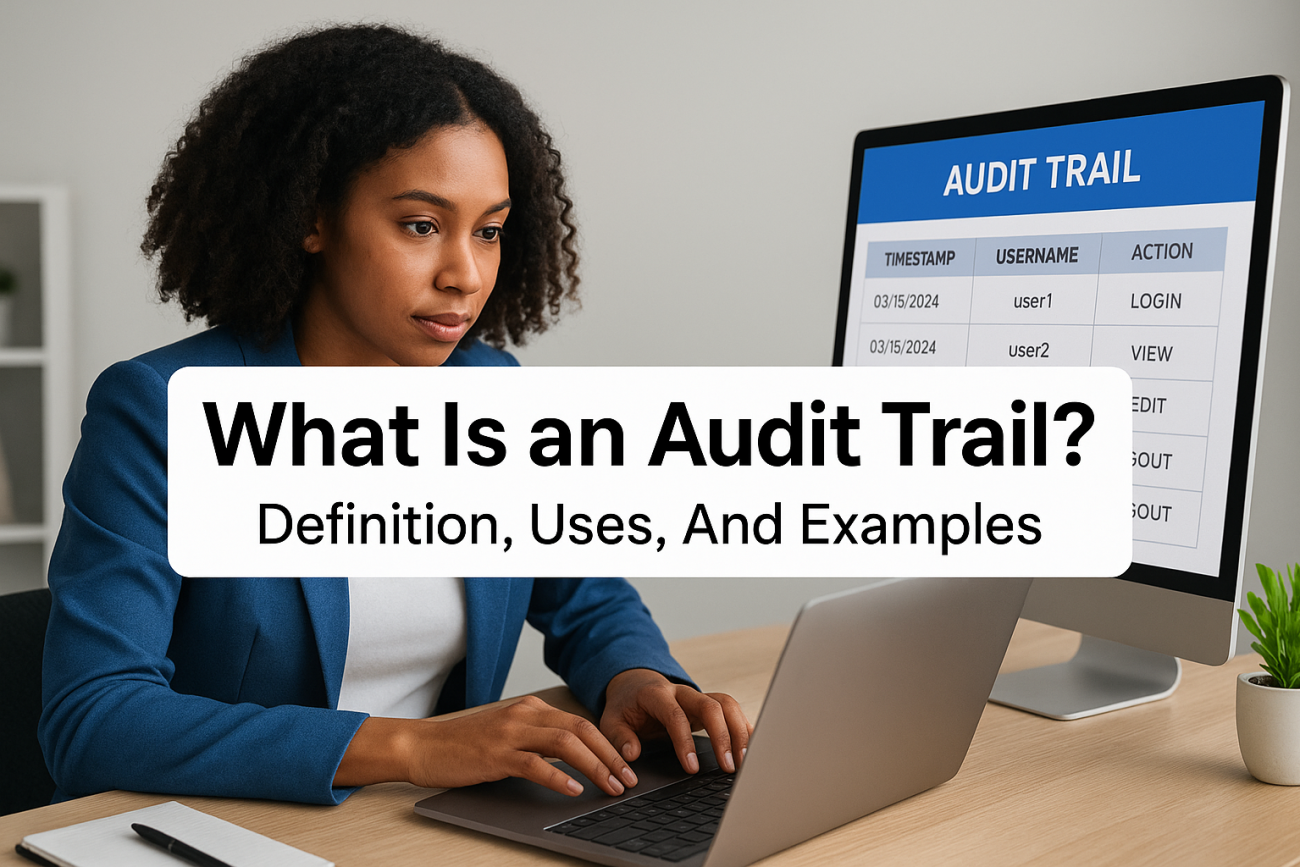
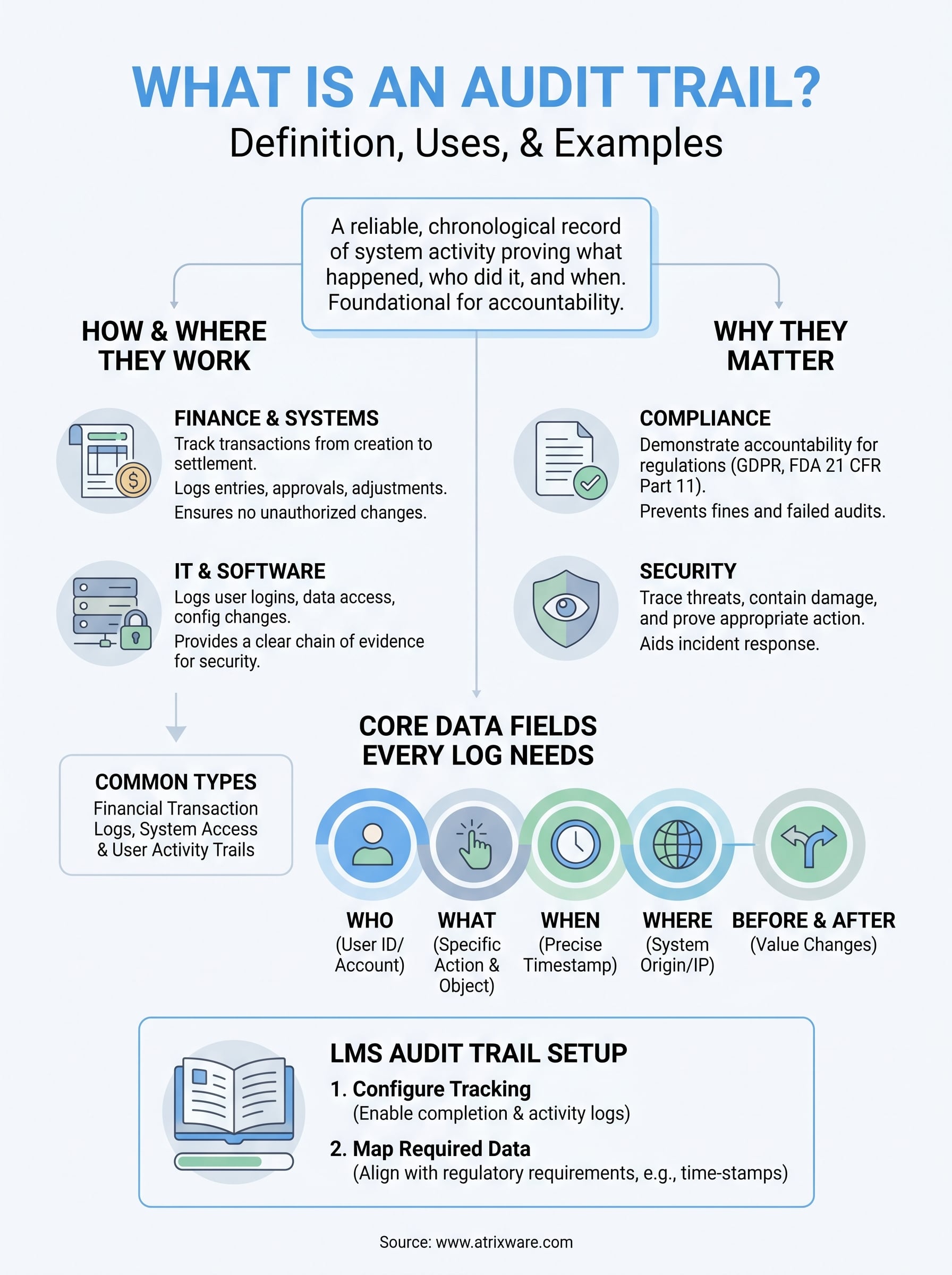
Every action taken inside a system, every login, every change, every approval, either gets recorded or it doesn’t. If it doesn’t, you have a problem. That’s exactly what an audit trail solves: it creates a reliable, chronological record of activity that proves what happened, who did it, and when. For any organization handling sensitive data, financial transactions, or regulated training programs, this isn’t optional. It’s foundational.
At Atrixware, we build Axis LMS with compliance and accountability baked in. Our platform helps organizations deliver and track training across employees, customers, and partners, and in industries governed by standards like GDPR or FDA 21 CFR Part 11, having a clear record of every learner interaction matters. Audit trails sit at the core of that capability.
This article breaks down what audit trails are, how they work across finance, IT, and compliance contexts, and why they’re critical for protecting your organization. You’ll also find real-world examples that show what a proper audit trail looks like in practice, and what happens when one is missing.
How audit trails work in finance and systems
An audit trail captures every significant action in sequence, building a log that you can trace from start to finish. In practice, the system records who performed an action, what they changed, when it happened, and sometimes where the request originated from. This applies whether you’re running a bank ledger, a healthcare platform, or a corporate training program.
In financial systems
Finance teams rely on audit trails to track transactions from creation to settlement. Every journal entry, approval, adjustment, and reversal gets logged automatically, so you can see exactly how a number moved through your books. When auditors come in, they pull these records to confirm that no unauthorized changes occurred and that each transaction has a clear authorization chain. Without this, even a minor discrepancy becomes nearly impossible to explain.

A missing or incomplete financial audit trail is not just an inconvenience: it’s a liability that can trigger regulatory penalties and erode stakeholder trust.
In IT and software systems
On the technology side, understanding what is an audit trail means looking at system logs that track user logins, data access events, configuration changes, and permission updates. For example, if a user accesses a restricted file, that event gets timestamped and stored. If an administrator changes a security setting, both the old value and the new value get recorded. This gives your IT team a clear chain of evidence whenever something goes wrong or a breach investigation begins.
Software systems often automate this logging at the infrastructure level. Access control systems, databases, and cloud platforms all generate logs continuously, so the record exists whether or not anyone is actively watching. The value comes from storing those logs reliably and making them searchable and retrievable when you need them most, particularly during an incident response or a compliance review.
Why audit trails matter for compliance and security
Understanding what is an audit trail becomes especially critical when your organization operates under regulatory frameworks like GDPR, HIPAA, or FDA 21 CFR Part 11. Regulators don’t just want your word that you followed the rules. They want documented proof, and an audit trail provides exactly that.
Meeting regulatory requirements
Most compliance standards require organizations to demonstrate accountability through complete, tamper-evident records. For example, FDA 21 CFR Part 11 mandates that electronic records in life sciences include time-stamped audit logs that cannot be altered without detection. If your records have gaps or inconsistencies, you face fines, failed audits, or operational shutdowns. An audit trail closes those gaps by making every action visible and verifiable.
Regulators treat missing records the same way they treat violations: both represent a failure to maintain accountability.
Protecting against security threats
On the security side, audit trails give your team the evidence needed to respond to incidents quickly. When a breach occurs, investigators need to know which accounts were accessed, what data was viewed, and when the unauthorized activity began. Without a reliable log, you’re guessing. Detailed activity records let you trace the exact path of a threat, contain the damage faster, and demonstrate to affected parties that you took appropriate action.
What an audit trail should include
Not every log qualifies as a proper audit trail. When you ask what is an audit trail in practical terms, the answer depends heavily on what data the trail captures. A log that only records some events, or omits key details like user identity or timestamps, won’t hold up during a compliance review or investigation.
An incomplete audit trail can be just as damaging as no audit trail at all.
Core data fields every log needs
Your audit trail needs to capture specific, structured information for each recorded event. Without these required fields, even a complete log becomes difficult to interpret or defend during an audit.
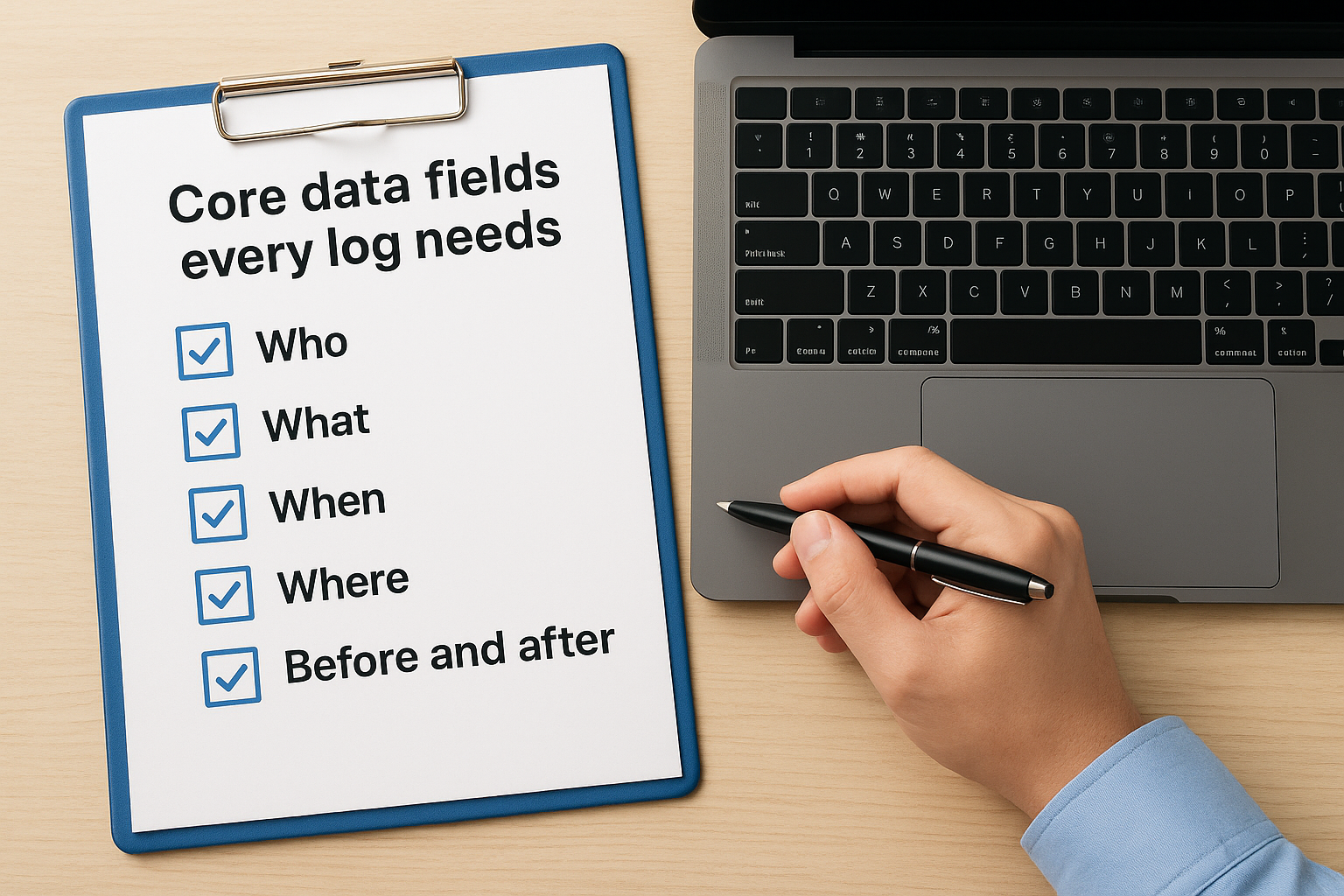
Every entry in your audit trail should include:
- Who: The user ID or account that performed the action
- What: The specific action taken and which record or object it affected
- When: A precise, tamper-evident timestamp for each event
- Where: The system, module, or IP address where the action originated
- Before and after: The previous value and the new value for any changed field
Storing these data points consistently across every event type gives your records the depth and structure they need to hold up under scrutiny.
Common types of audit trails and reports
When you understand what is an audit trail, recognizing the different forms it takes helps you apply the right approach to each situation. Audit trails vary significantly by context, and the reports you generate from them serve different purposes depending on your industry and the regulatory obligations your organization carries.
Financial and transaction audit trails
Financial audit trails document every transaction event, from initial entry through final approval and settlement. Auditors pull reports from these trails to verify authorization chains and transaction histories, checking that no unauthorized modifications occurred after posting.
Common financial audit trail reports include:
- Transaction logs: Full record of each entry with user, date, and amount
- Approval chains: Confirmation of who authorized each transaction
- Adjustment histories: Changes made to records after initial posting
System access and user activity trails
System-level trails record login events, permission changes, and data access requests across your platforms. These logs help your security team spot unusual activity patterns quickly, like a user accessing sensitive records outside their normal working hours.
A scheduled access report run weekly gives you an early warning system before a small anomaly turns into a serious breach.
Your IT team typically configures these reports to flag specific thresholds, such as failed login attempts or bulk data exports, so you receive proactive alerts rather than waiting to discover problems during a manual review.
How to set up an audit trail in an LMS
Setting up an audit trail in a Learning Management System starts with understanding what is an audit trail specific to training environments. Your LMS needs to log every learner interaction automatically, including course completions, quiz attempts, login events, and certificate issuances. Without this baseline, you can’t prove compliance when regulators ask.
Configure your tracking settings
Most LMS platforms let you enable detailed logging at the system level through your administrative settings. In Axis LMS, you control which events get tracked, how long records are retained, and who has access to pull reports. Start by enabling completion tracking and user activity logs across all active courses before you onboard a single learner.
If your LMS doesn’t log events automatically by default, treat that as a red flag before committing to the platform.
Map your required data points
Before you activate logging, identify which data points your compliance framework requires. FDA 21 CFR Part 11, for example, demands time-stamped records with user identification for every training interaction. Build your tracking configuration around those specific regulatory requirements so your logs are complete from day one, not retrofitted later when gaps have already created a problem during an audit.
Next steps for keeping records audit-ready
Now that you understand what is an audit trail and how it functions across finance, IT, and training environments, the practical next step is making your records consistently ready before an audit ever happens. Waiting until a regulator asks is the wrong approach. Instead, schedule quarterly reviews of your log settings, retention policies, and access permissions so gaps don’t quietly accumulate over time.
Your LMS plays a central role in this effort, especially when you run compliance-driven training programs. Axis LMS logs learner activity automatically and gives administrators on-demand reporting tools to pull complete records at any time. Building a habit of reviewing those reports regularly, rather than only when an audit is imminent, keeps your organization in a strong, defensible compliance position throughout the year, not just during audit season.
Ready to see how Axis LMS handles audit trails in practice? Start your free admin demo and explore the reporting and tracking tools firsthand.
