If you’re comparing access control management software, you already know the stakes: one bad badge system or unmonitored door can turn into a compliance nightmare or a costly breach. Physical security decisions rarely happen in a vacuum. They tie directly into how you track employee credentials, log incidents, and prove compliance during an audit, which is exactly why so many HR and compliance teams end up researching security tools and training systems in the same breath.
This guide answers the question directly: which access control platforms actually deliver in 2026, and what separates a top-rated solution from a system that looks good in a demo but falls apart at scale. We break down real-world features, integration options, and pricing structures so you can match a tool to your building size, staff count, and regulatory requirements instead of guessing.
We put together this list from the perspective of teams who already manage compliance-heavy training programs, the kind of work we do daily at Atrixware with Axis LMS. That background shapes what we look for: audit-ready reporting, solid integrations with HR and identity systems, and software that your staff will actually use correctly. Read on for nine tools worth your shortlist this year.
1. Kisi
Kisi built its reputation on cloud-based access control that ditches the old server closet entirely. Kisi runs entirely through the cloud, which means you manage doors, elevators, and turnstiles from a browser or mobile app instead of driving to each site to reprogram a panel. Security teams like it because unlock events, denied attempts, and door-forced alarms show up in real time, and IT teams like it because there’s no on-premise server to patch or babysit.
Key features
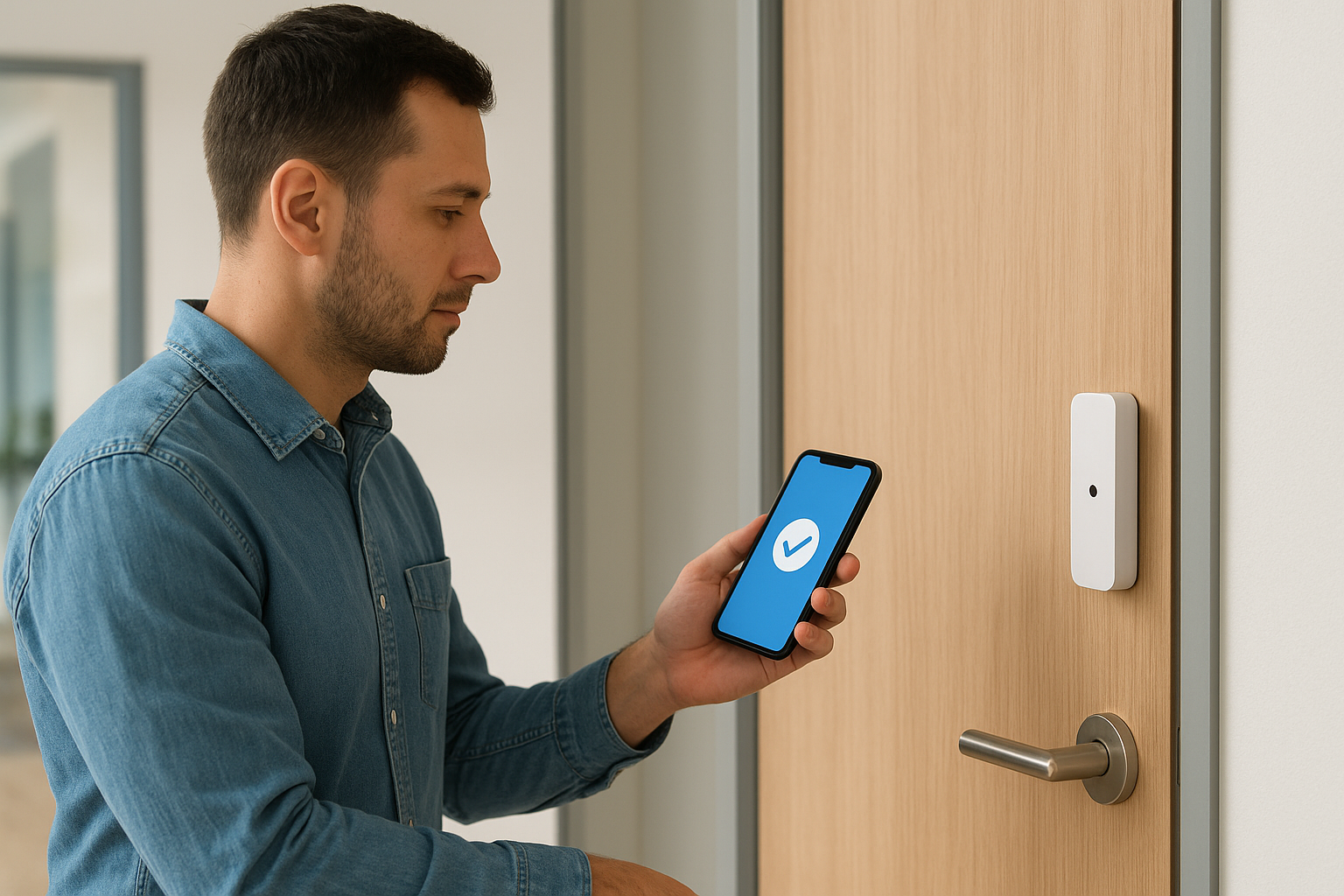
Kisi’s strength is how much it automates once you connect it to your existing systems. Its mobile credentials replace key fobs with a phone-based unlock, which cuts down on lost badges and the admin time spent reissuing them. The platform also offers:
- Real-time dashboards showing every door event, entry attempt, and system alert
- Video-based access control through native camera integrations that pair footage with unlock logs
- Directory sync with Okta, Azure AD, and Google Workspace so new hires and terminated employees update automatically
- Elevator and turnstile control, not just standard doors, for multi-tenant buildings
- Open API for teams that want to build custom workflows on top of the core system
That directory sync matters more than it sounds. If someone leaves the company and their access badge doesn’t get deactivated the same day, you’ve got a security gap that no auditor wants to find.
A cloud-based access system is only as strong as how fast it deactivates people who shouldn’t have access anymore.
Best for
Kisi suits mid-sized companies with multiple office locations who want centralized control without hiring a dedicated security IT person at each site. It’s a strong fit if you already run identity management through Okta or Azure AD, since the sync does most of the manual work for you. Coworking spaces and multi-tenant office buildings also gravitate toward Kisi because of its flexible, mobile-first credential model, which cuts down on physical hardware costs per tenant.
Companies still running fully on-premise, air-gapped networks for compliance reasons may find the cloud-only architecture harder to justify. If your industry restricts internet-connected security systems, you’ll want to check that against your specific regulatory framework before committing.
Pricing
Kisi doesn’t publish flat rate cards publicly. Instead, pricing depends on door count, hardware needs, and whether you want managed installation. Expect a mix of one-time hardware costs and a recurring software subscription billed per door or per user.
| Cost Component | Typical Range |
|---|---|
| Hardware (per door) | $500–$1,200 one-time |
| Software subscription | Custom quote, billed monthly or annually |
| Installation | Self-install or professional, varies by site |
Get a formal quote before budgeting, since multi-site rollouts change the math quickly once you factor in reader hardware and controller counts.
2. Brivo
Brivo has been in the cloud access control game longer than most competitors, and that maturity shows in how deeply it integrates with other business systems. Brivo positions itself as an enterprise-friendly platform, built for organizations that need access control to talk to video surveillance, visitor management, and even smart building systems under one roof. If you’ve outgrown a basic keycard system and need something that scales across dozens of locations, Brivo tends to show up on every shortlist.
Key features
Brivo’s platform centers on a unified dashboard that pulls data from every connected building into one view. Notable capabilities include:
- Unified access and video through Brivo’s own camera line or third-party integrations
- Mobile Pass credentials that let employees unlock doors with a phone instead of a badge
- Visitor management with pre-registration and automatic host notifications
- Open API and prebuilt integrations with major HR and identity platforms
- Health and occupancy monitoring tools added post-pandemic for space management
Organizations that need to correlate a door event with camera footage without switching software find this pairing especially useful during incident investigations.
The real value of unified access and video isn’t convenience, it’s cutting investigation time from hours to minutes.
Best for
Multi-location businesses with facilities teams managing dozens of buildings tend to get the most value from Brivo, since the platform was built for portfolio-level management rather than single-site setups. Property management companies and enterprises with distributed offices also use it heavily, since one admin can manage access across every site from a single login.
Smaller businesses with one or two doors may find Brivo more platform than they need, both in cost and setup complexity.
Pricing
Brivo doesn’t list public pricing either, following the industry norm of custom quotes based on door count and feature tier. Expect subscription pricing structured around your number of doors and users, with hardware sold separately through Brivo-certified installers. Ask specifically about API access and integration fees, since some advanced connectors carry additional licensing costs beyond the base subscription.
3. Verkada
Verkada started as a camera company and expanded into access control, and that history still shapes the product today. Verkada sells hardware and software as one package, which means you’re buying access control alongside video security, alarms, and environmental sensors from a single vendor instead of stitching together separate systems. For teams tired of managing multiple vendor relationships for one security stack, that single-source approach is the main draw.
Key features
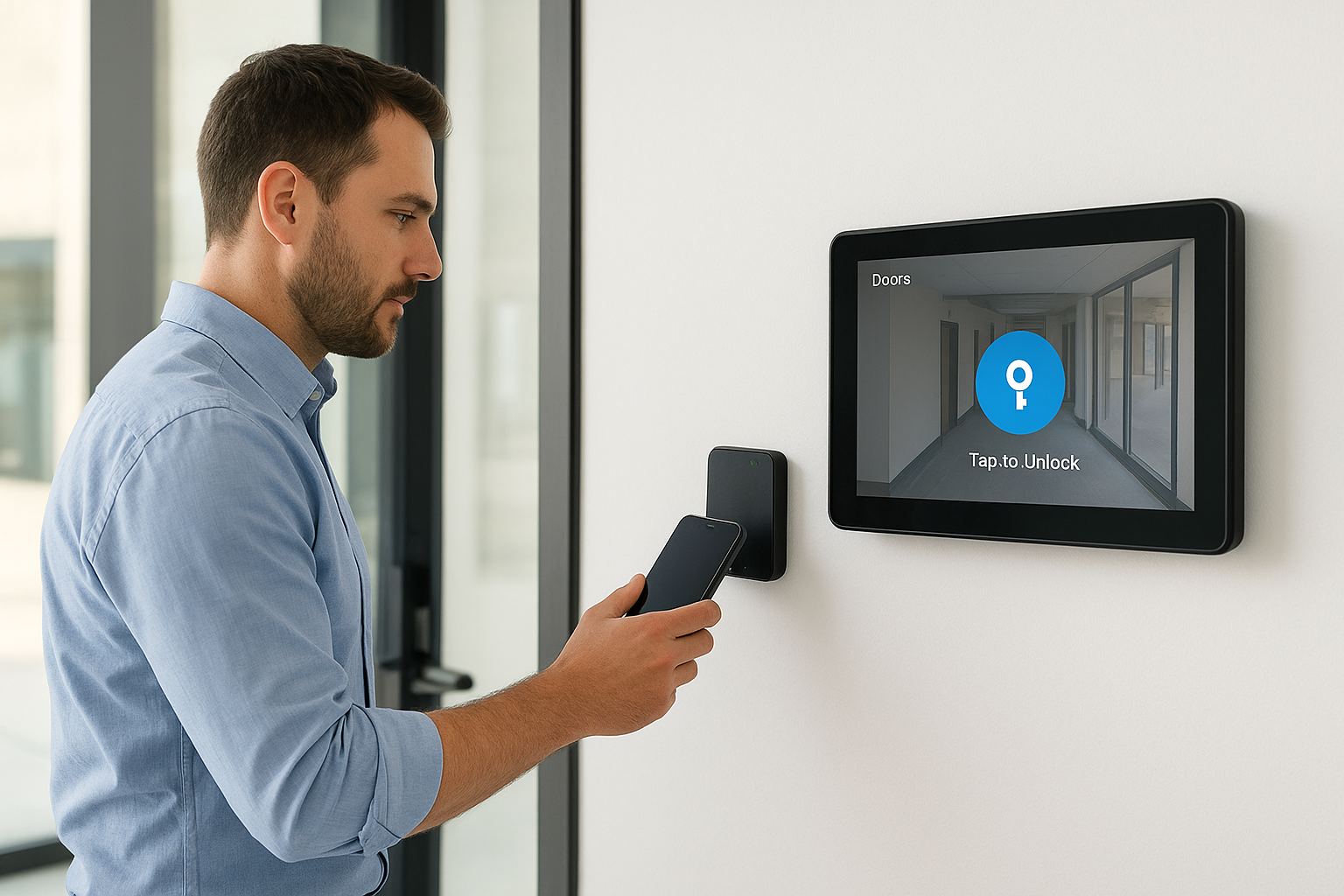
Verkada’s access control module ties directly into its camera and alarm lines, so a door event automatically pulls up the matching video clip without any manual syncing. Core features include:
- Native video integration that links every badge swipe to camera footage in the same dashboard
- Cloud management console covering access, video, alarms, and sensors from one login
- Mobile credentials with tap-to-unlock support on most modern smartphones
- Site plans and maps that show door status and camera coverage visually across a building
- Automatic firmware updates pushed to hardware without on-site IT visits
That single dashboard cuts down on the tab-switching that slows down security teams during an active incident.
Buying access control and video from the same vendor removes the integration guesswork entirely.
Best for
Verkada suits growing companies that want to standardize their entire physical security stack, not just doors, under one vendor and one contract. Retail chains, schools, and multi-site businesses that already use or plan to use Verkada cameras get the most value, since the access control module was designed to sit on top of that existing hardware relationship.
Organizations committed to a different camera vendor may find less reason to switch, since Verkada’s biggest advantage disappears if you’re not buying its video hardware too.
Pricing
Verkada sells through a subscription model tied to hardware purchases, with per-device licensing fees billed annually alongside the physical door controllers and readers. Exact costs depend on site count and camera bundling, so request a quote through Verkada’s sales team rather than expecting a published rate card.
4. Avigilon Alta Access
Avigilon Alta Access, formerly known as Openpath before Motorola Solutions folded it into the Avigilon brand, built its name on frictionless entry. Avigilon Alta Access leans hard into touchless unlocking, letting people walk up to a door and get in without tapping a badge or pulling out a phone. That focus on speed at the door, combined with Motorola’s backing, makes it a serious contender for organizations that want enterprise reliability without sacrificing a smooth user experience.
Key features
Alta Access is built around a wireless-first hardware design, which cuts down on the cabling headaches that slow down traditional installs. Standout capabilities include:
- Triple unlock method covering mobile app, wave-to-unlock, and remote unlock from the admin dashboard
- Video integration with Avigilon cameras for synced footage and access logs
- Cloud-managed hardware that updates and reconfigures remotely without a technician on site
- Occupancy and space analytics for teams tracking building usage patterns
- Bluetooth and NFC credentials that work even when a phone’s screen is locked
That wireless architecture matters most during renovations, since you avoid tearing into walls to run new access control wiring.
Touchless entry only earns its keep when it’s paired with hardware reliable enough that nobody misses the old badge readers.
Best for
Alta Access fits fast-growing companies opening new offices on a tight timeline, since wireless hardware installs faster than wired panel systems. Corporate campuses and tech companies that already run Motorola or Avigilon video security also benefit, since the ecosystem ties together access, video, and alarms under shared branding and support.
Budget-conscious small businesses may balk at the premium pricing that comes with Motorola’s enterprise positioning.
Pricing
Avigilon doesn’t publish rate cards, and pricing runs through certified reseller partners who quote based on door count, hardware tier, and video bundling. Expect a subscription model layered on top of hardware costs, with enterprise support contracts pushing total cost higher than budget competitors.
5. Johnson Controls Tyco Cloud
Johnson Controls built Tyco Cloud on decades of physical security hardware experience, and that legacy shows in how the platform handles large, complex properties. Tyco Cloud started life under the Tyco brand before Johnson Controls absorbed it, and today it serves as the cloud management layer for the company’s C-CURE and other legacy access control lines. If your facility already runs Johnson Controls hardware, this is likely the path of least resistance for modernizing it.
Key features
Tyco Cloud focuses on giving facilities teams remote oversight of hardware that used to require on-site management. Core capabilities include:
- Remote door and credential management across multiple buildings from one browser-based console
- Video verification through Johnson Controls camera integrations, syncing footage to access events
- Building automation ties, connecting access control to HVAC and fire systems already common in JCI-managed properties
- Legacy hardware support, letting you migrate existing panels to cloud management without a full rip-and-replace
- Role-based permissions for facilities staff who need different access levels across a large property portfolio
That legacy hardware support saves real money for campuses that already invested heavily in Johnson Controls infrastructure.
The biggest advantage of Tyco Cloud is protecting the hardware investment you already made, not reinventing it.
Best for
Tyco Cloud suits large institutional properties like universities, hospitals, and government buildings that already run Johnson Controls building systems and want tighter integration between access control, HVAC, and fire safety. Facilities managers juggling multiple legacy systems benefit most, since Tyco Cloud gives them one place to check status instead of switching between platforms.
Smaller businesses starting from scratch with no existing Johnson Controls hardware probably won’t see the same value, since the platform’s biggest strength is tying into equipment you already own.
Pricing
Johnson Controls sells through regional dealers and system integrators, so pricing varies widely by region and installer. Expect custom quotes based on hardware migration needs, door count, and whether you’re bundling building automation services alongside access control.
6. ADT Commercial Access Control
ADT built its name on alarm monitoring long before cloud access control existed, and that history still drives how it sells today. ADT Commercial wraps door access into a broader security bundle that typically includes intrusion alarms, video monitoring, and 24/7 professional monitoring staff. Businesses that want one vendor answering the phone at 2 a.m. when a door alarm trips, rather than juggling separate contracts for monitoring and access, tend to land here first.
Key features
ADT’s access control platform leans on its nationwide network of technicians and monitoring centers, which is hard for smaller cloud-only vendors to match. Core capabilities include:
- 24/7 professional monitoring tied directly to access control alarms and forced-door events
- Mobile app management for unlocking doors, viewing logs, and managing credentials remotely
- Integration with ADT video and intrusion systems for a single unified security contract
- Scheduled lock and unlock automation for business hours, holidays, and off-site staff
- Nationwide installer network covering most metro areas without relying on third-party contractors
Businesses that already trust ADT for alarm response often expand into access control simply to consolidate vendor relationships and invoices.
A single monitored contract beats juggling three vendors when something actually goes wrong at 2 a.m.
Best for
ADT fits small to mid-sized businesses that want bundled security services and don’t have an internal team dedicated to managing access control software day to day. Retail locations, restaurants, and multi-location franchises benefit most, since ADT’s technician network handles installs and repairs without requiring specialized IT staff on payroll.
Organizations wanting deep API access or heavy customization may find ADT’s platform less flexible than cloud-native competitors built specifically for developer integrations.
Pricing
ADT sells through long-term monitoring contracts rather than simple software subscriptions, so pricing bundles hardware, installation, and monthly monitoring fees together. Expect a sales consultation before getting real numbers, since contract length and equipment bundling both swing the final cost significantly.
7. Genetec Synergis
Genetec built its reputation on Security Center, a unified platform that already dominates large-scale video surveillance deployments, and Synergis is the access control module that plugs into that same ecosystem. Genetec Synergis stands out because it doesn’t lock you into one hardware brand. It supports controllers from dozens of manufacturers, so organizations with existing door hardware can often layer Synergis on top instead of ripping everything out. That hardware-agnostic approach is rare in this space and a major reason integrators keep recommending it for complex sites.
Key features
Synergis focuses on unifying access control with the video and analytics tools that Genetec already sells to large enterprises. Notable capabilities include:
- Open architecture supporting third-party door controllers, so you’re not stuck buying one vendor’s hardware
- Unified video and access through Genetec Security Center, syncing badge events with camera footage automatically
- Cardholder management with detailed audit trails built for regulated industries
- Threat level management, letting security teams lock down zones instantly during an incident
- Health monitoring dashboards that flag failing readers or controllers before they cause a lockout
That open architecture matters most to organizations that have already invested in door hardware and don’t want to start over just to get better software.
Open architecture wins when you value hardware flexibility over the convenience of a single-vendor bundle.
Best for
Synergis suits large enterprises and government agencies that already run Genetec Security Center for video and want access control unified under the same platform. Airports, campuses, and organizations with mixed hardware from different eras also benefit, since Synergis was built specifically to bridge legacy readers with modern cloud management.
Smaller businesses without an existing Genetec investment or a dedicated security integrator may find the setup more complex than they need.
Pricing
Genetec sells exclusively through certified integrators, so pricing depends heavily on hardware compatibility, site complexity, and licensing tier. Expect a detailed site assessment before any quote, since mixed hardware environments require custom configuration work that standard cloud platforms don’t need.
8. Salto KS
Salto built its name on wire-free electronic locks, and Salto KS (Keys as a Service) is the cloud platform that manages them without running cables to every door. Salto KS stands out because most of its locks run on battery power and communicate over Bluetooth or Wi-Fi, so you can secure a door without an electrician pulling wire through walls. That makes it a favorite for buildings where retrofitting is expensive or impractical, like historic properties or leased office space where landlords restrict construction.
Key features
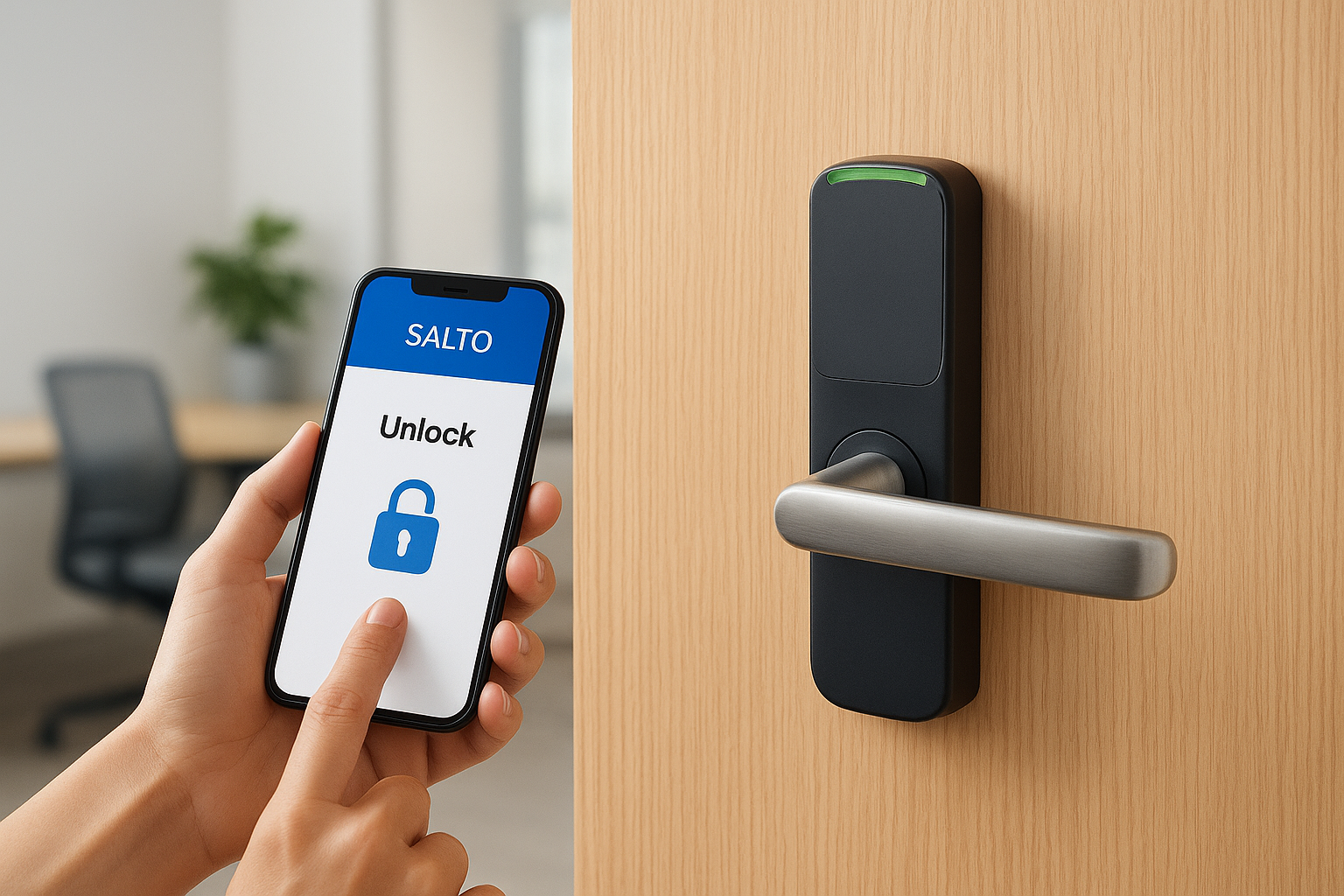
Salto KS focuses on making battery-powered locks feel as capable as hardwired systems, without sacrificing remote management. Core capabilities include:
- Wire-free locks that install in minutes and run on standard batteries for a year or more
- Mobile and card credentials, letting you mix key cards with phone-based unlock depending on the user
- Remote lock and unlock from any browser, useful for granting one-time access to contractors or vendors
- Offline access logs that sync automatically once a lock reconnects to the network
- Multi-site management for organizations juggling several small locations under one account
That offline logging matters for buildings with spotty connectivity, since access events still record locally and upload later instead of disappearing.
Battery-powered locks only work as a long-term security strategy if your team actually tracks battery levels before they fail.
Best for
Salto KS suits property managers and small businesses dealing with older buildings, leased spaces, or locations where running new wiring isn’t realistic. Boutique hotels, coworking spaces, and multi-tenant residential buildings also gravitate toward Salto because of the fast install and flexible credential mix.
Organizations needing tight, real-time video correlation with door events may find Salto’s ecosystem thinner than camera-first competitors like Verkada or Avigilon.
Pricing
Salto sells through regional distributors, so pricing varies by hardware model and lock count rather than a flat subscription fee. Expect a mix of one-time lock hardware costs plus a recurring cloud service fee, with final numbers depending heavily on door count and credential type.
9. Acre Security
Acre Security operates as a parent company behind several respected access control brands, including Vanderbilt, Feenics, ACT, and RS2, rather than selling one single unified product. Acre Security gives you a portfolio to choose from depending on your building size and hardware preferences, which makes it less of a single tool and more of a family of options under shared ownership. That structure suits organizations that want flexibility to pick a brand that matches their specific hardware legacy instead of forcing every site onto identical software.
Key features
Because Acre owns multiple platforms, feature sets vary by brand, but common strengths run across the portfolio. Expect to find:
- Cloud and on-premise options, letting you choose deployment based on IT policy and compliance needs
- Open hardware support across several brands, avoiding lock-in to a single reader manufacturer
- Video integration through partnerships and native tools depending on which Acre brand you select
- Mobile credentials available on newer platforms like Feenics, with legacy card support still common on ACT and RS2
- Dealer-driven customization, since most Acre brands sell through regional integrators who tailor setups per site
That brand flexibility means you’re really evaluating multiple products before landing on the right fit.
Buying into Acre means picking a brand within the family, not just signing up for one standardized platform.
Best for
Acre suits mid-sized to large organizations working with a trusted regional integrator who already recommends a specific Acre brand for their industry. Government buildings, healthcare campuses, and commercial properties with existing Vanderbilt or RS2 hardware get the most value, since they can modernize without starting from zero.
Businesses wanting one simple, direct-to-consumer product with a single pricing page will find Acre’s dealer-driven, brand-fragmented approach harder to navigate than more unified competitors.
Pricing
Acre sells exclusively through certified dealers and integrators, so pricing depends on which brand you choose, hardware compatibility, and regional labor rates. Expect a custom quote after a site walkthrough, since mixed legacy hardware and deployment type both shift the final cost significantly.
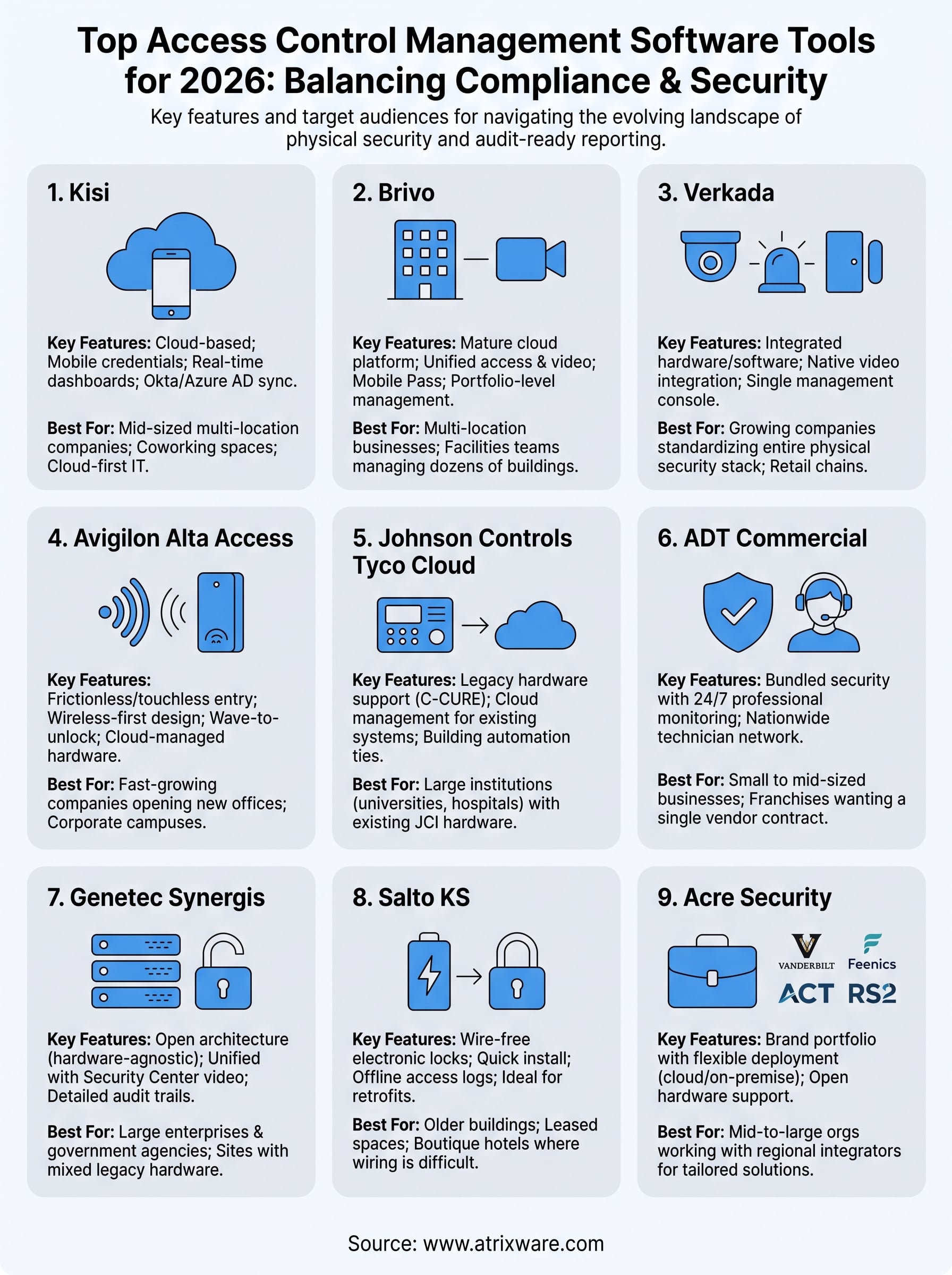
Finding the right system for your business
No single vendor on this list wins for every building. Access control management software choices come down to your door count, your existing hardware, and how much you value cloud flexibility over legacy integration. Kisi and Verkada suit teams starting fresh with cloud-first infrastructure, while Genetec and Johnson Controls make more sense if you already have hardware investments to protect.
Whatever you choose, remember that physical security and workforce training rarely stay separate for long. The same audit that checks your door logs will likely check your compliance training records too, and disconnected systems make that review painful. If you’re already thinking about how to tie training completion, certifications, and access permissions together under one reporting structure, it’s worth seeing how a purpose-built LMS handles that side of the equation. Book a free Axis LMS demo and see how much simpler audit season gets when your systems actually talk to each other.
