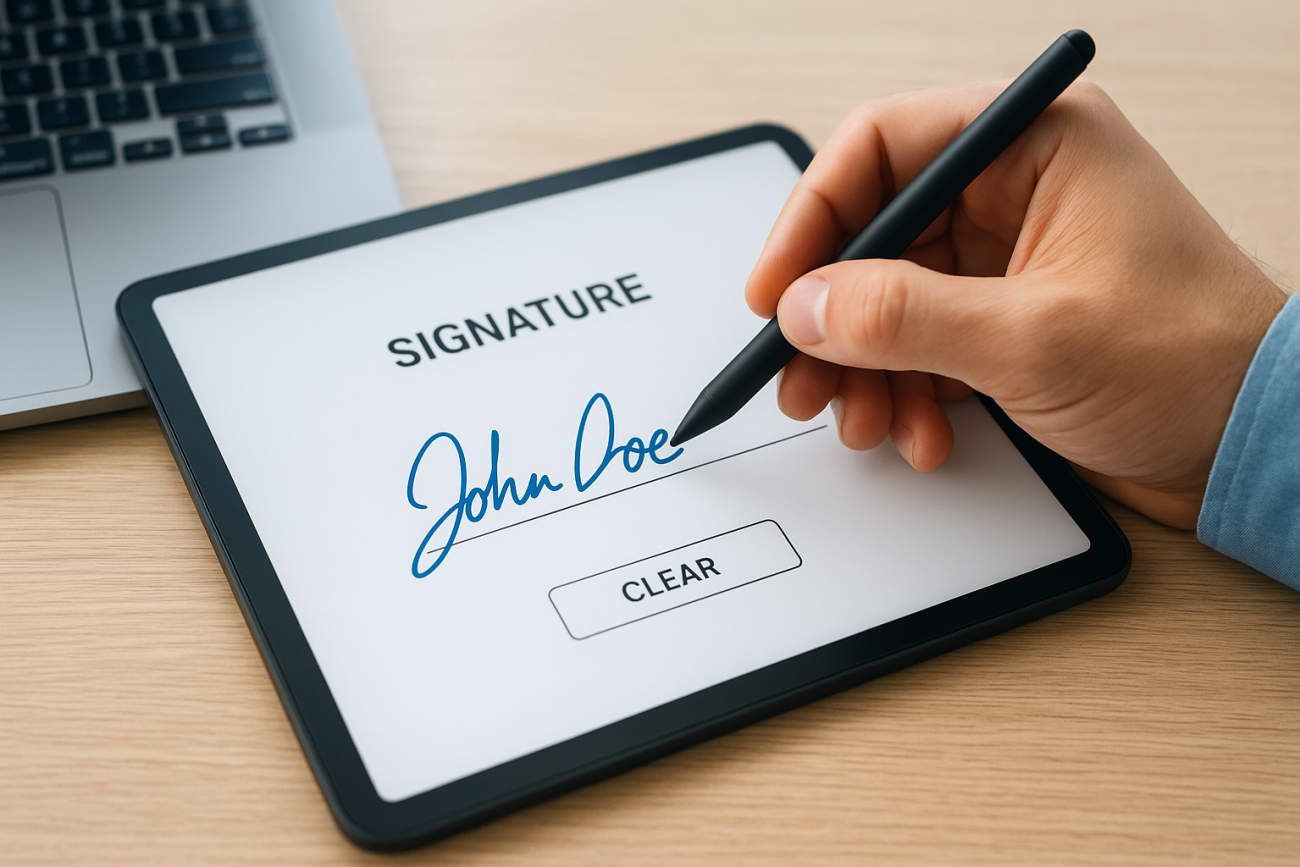
An electronic signature is any electronic indication of intent to agree to or approve the contents of a document or record. It can be as simple as typing your name into a form field, clicking an "I Accept" button, or drawing your signature on a touchscreen. Unlike what many people assume, it doesn’t require fancy cryptographic technology, though some forms of electronic signatures do use it. The concept is broad by design, and its legal standing has been firmly established in the United States and most countries worldwide.
Understanding how electronic signatures work matters well beyond contract signing. In corporate training environments, for example, organizations use them to capture learner acknowledgments, confirm policy reviews, and document compliance completions. At Atrixware, our Axis LMS helps businesses manage and track training programs where these kinds of verified sign-offs are critical, especially in industries governed by regulations like GDPR or FDA 21 CFR Part 11.
This article breaks down what qualifies as an electronic signature, walks through real-world examples, explains how it differs from a digital signature, and covers the legal frameworks that give it enforceability.
What an electronic signature is
When people ask what is an electronic signature, the answer is simpler than most expect. The U.S. ESIGN Act defines it as "an electronic sound, symbol, or process attached to or logically associated with a contract or other record and executed or adopted by a person with the intent to sign." In plain terms, your intent is the key ingredient. The technology used to capture that intent can vary widely, but the intent itself is what transforms an action into a legally recognized signature.
Your signature’s legal weight doesn’t come from how it looks. It comes from the deliberate intent behind it.
The definition is intentionally broad because lawmakers recognized that locking the law to a single technology would make it obsolete quickly. Any electronic method that captures a person’s agreement can qualify, from a typed name in a form field to a biometric fingerprint scan on a mobile device.
The role of intent and attribution
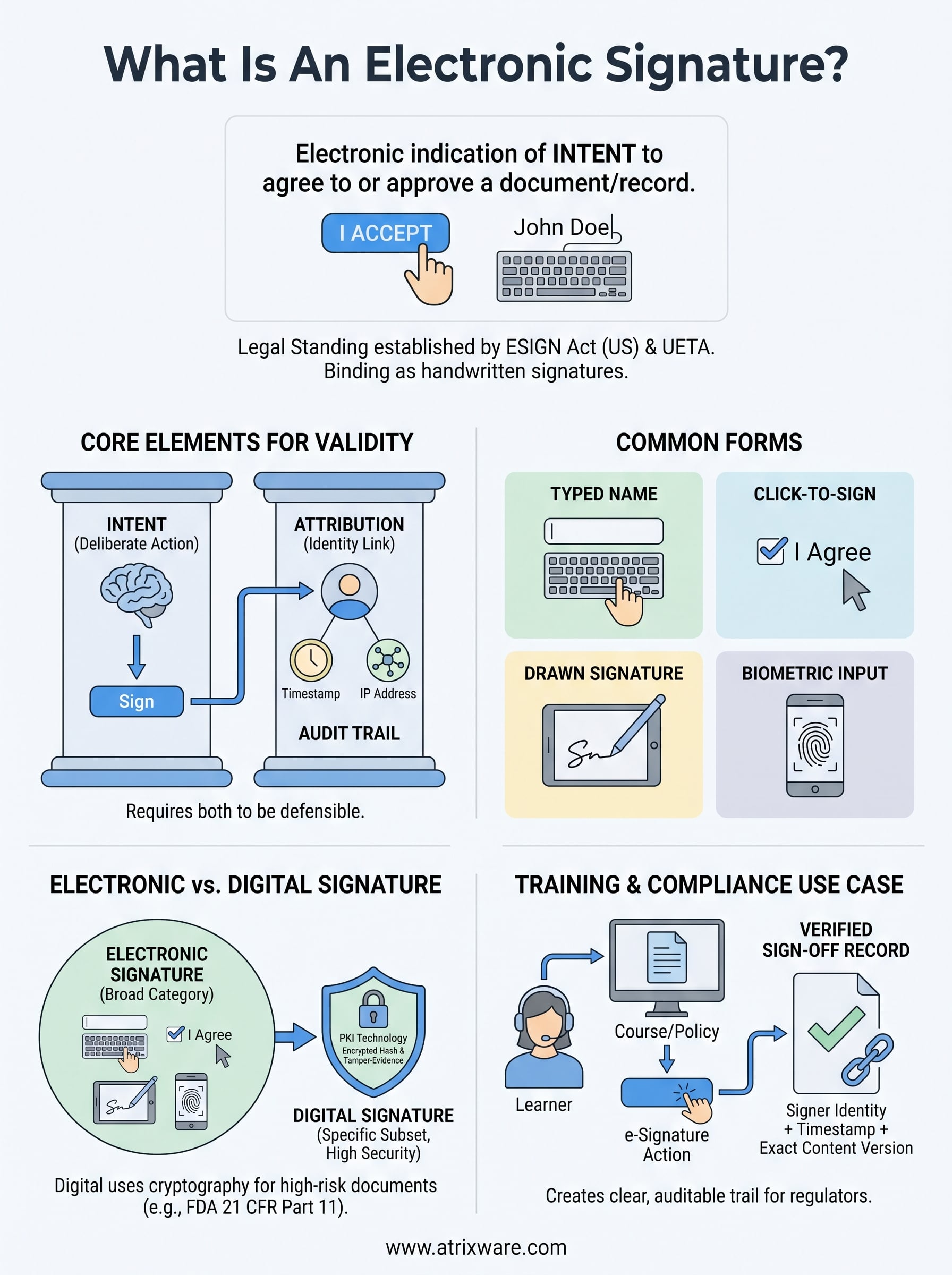
Two concepts define whether an e-signature actually holds up: intent and attribution. Intent means the signer deliberately performed an action to indicate agreement. Attribution means you can tie that action back to a specific, identifiable individual. Without both elements, the signature loses its legal foundation.
Most e-signature processes address attribution by capturing contextual data at the moment of signing. This includes IP addresses, timestamps, email verification steps, or one-time access codes sent to a registered phone number. That data creates an audit trail connecting the signature to a real person, which is what makes it defensible in a dispute or legal proceeding.
Why this matters in compliance-heavy environments
In a training and compliance context, the stakes are higher than in a standard contract scenario. When a learner completes a course and electronically acknowledges a policy, your organization must prove who signed, on what date, and under what conditions. Regulators reviewing FDA 21 CFR Part 11 or GDPR compliance don’t accept vague records. They expect a clear, traceable connection between a specific person and a specific acknowledgment, which is exactly what a properly implemented e-signature workflow delivers.
What counts as an electronic signature
When you ask what is an electronic signature in practice, the answer spans a surprisingly wide range of actions. Courts and regulators don’t require a specific format, so the bar for qualification stays intentionally low. What matters is that you performed a deliberate action and that action is connected to a specific record or document.
The format of your signature matters far less than the intent behind it when you created it.
Common forms of e-signatures
Several everyday actions already qualify as electronic signatures, and you have likely used some of them without thinking of it that way. Typing your full name into a signature field on a PDF, clicking a button that says "I Agree," or drawing your name on a touchscreen all meet the legal standard. Even a unique PIN or password submitted alongside a document can function as an e-signature when used with clear intent to approve it.
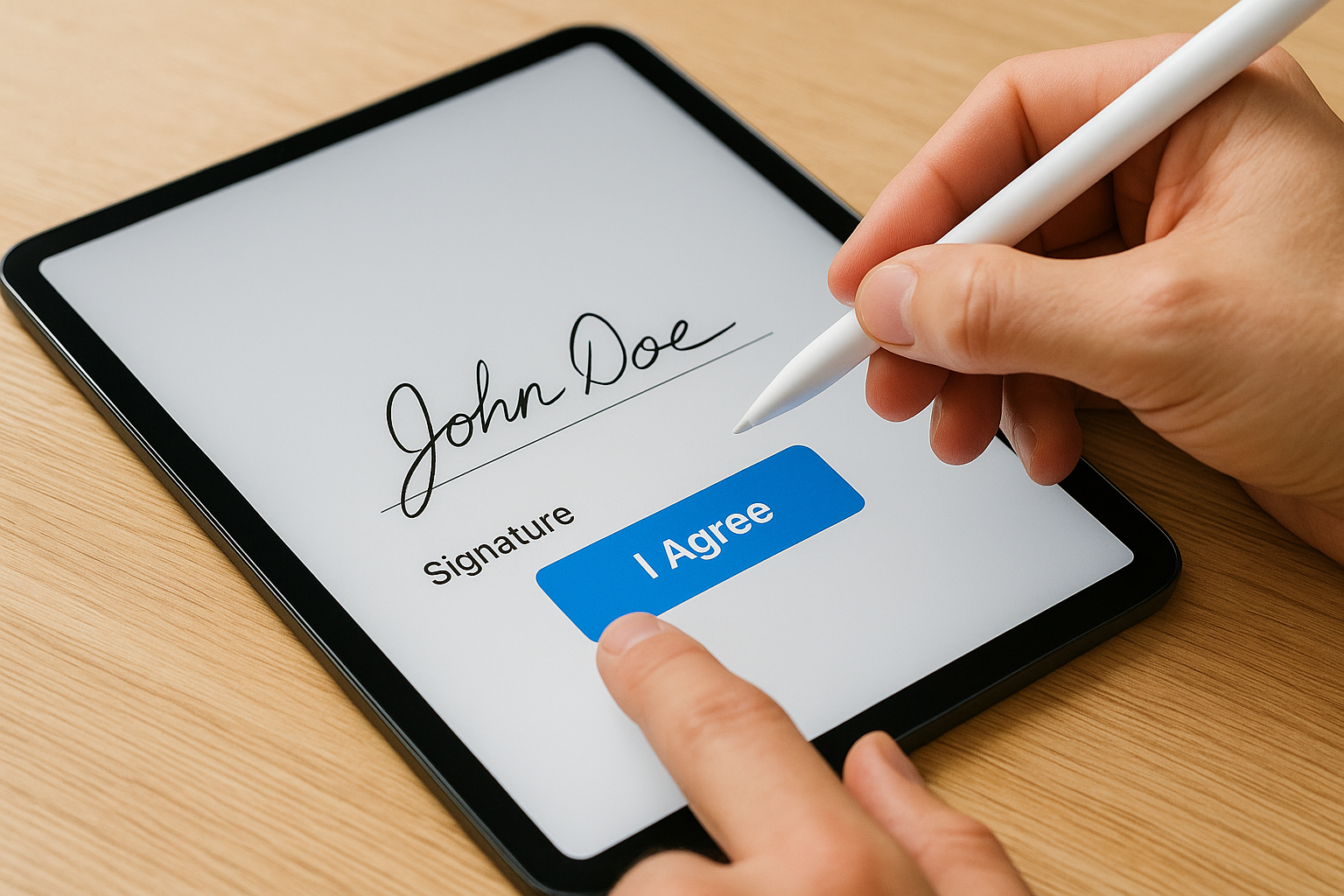
Here are the most common types you will encounter:
- Typed name signatures: A name entered into a designated field with signing intent
- Click-to-sign: A button or checkbox that records user approval
- Drawn signatures: A stylus or finger trace that mimics a handwritten signature
- Biometric inputs: A fingerprint or face scan linked to an approval action
In compliance-focused settings like corporate training, the most common forms are click-to-acknowledge checkboxes and typed name confirmations tied to a learner’s account. These capture intent cleanly and generate the audit trail your organization needs to demonstrate that a specific person accepted a specific policy on a specific date.
Are electronic signatures legally binding
Yes, electronic signatures are legally binding in the United States when used correctly. Two laws form the backbone of this enforceability: the ESIGN Act of 2000 at the federal level, and the Uniform Electronic Transactions Act (UETA) at the state level. Together, they establish that you cannot deny a signature legal effect solely because it is in electronic form, which is a significant protection for businesses that rely on digital processes.
An electronic signature carries the same legal weight as a handwritten one under U.S. federal law.
Key laws that govern e-signatures
The ESIGN Act establishes that electronic records and signatures are valid for most commercial and consumer transactions across the country. UETA, adopted by 49 U.S. states, reinforces the same standard at the state level and fills any gaps the federal law leaves. Between the two, they cover the vast majority of agreements your organization will encounter in daily operations.
Not every document qualifies, though. Wills, certain real estate deed transfers, and family law documents fall outside ESIGN’s scope by explicit exclusion. For everything else, including employment agreements, training acknowledgments, and vendor contracts, a properly captured e-signature holds up in court the same way a handwritten one would. Understanding what is an electronic signature and how your organization captures it is the first step to making sure yours meets the legal standard when it counts.
Electronic signature vs digital signature
These two terms get used interchangeably, but they describe different things. An electronic signature is the broad category. Understanding what is an electronic signature helps clarify why a digital signature is actually a specific subset of it, one that uses cryptographic technology to verify identity and protect document integrity.
A digital signature is a type of electronic signature, but not all electronic signatures are digital signatures.
What makes a digital signature different
A digital signature relies on public key infrastructure (PKI), a system where a signer receives a unique cryptographic key pair. When you sign a document digitally, an algorithm generates a unique encrypted hash tied to both the document content and your private key. If anyone alters the document after signing, the hash changes and the signature fails verification automatically. This level of technical assurance goes well beyond what a typed name or a click-to-sign button provides.
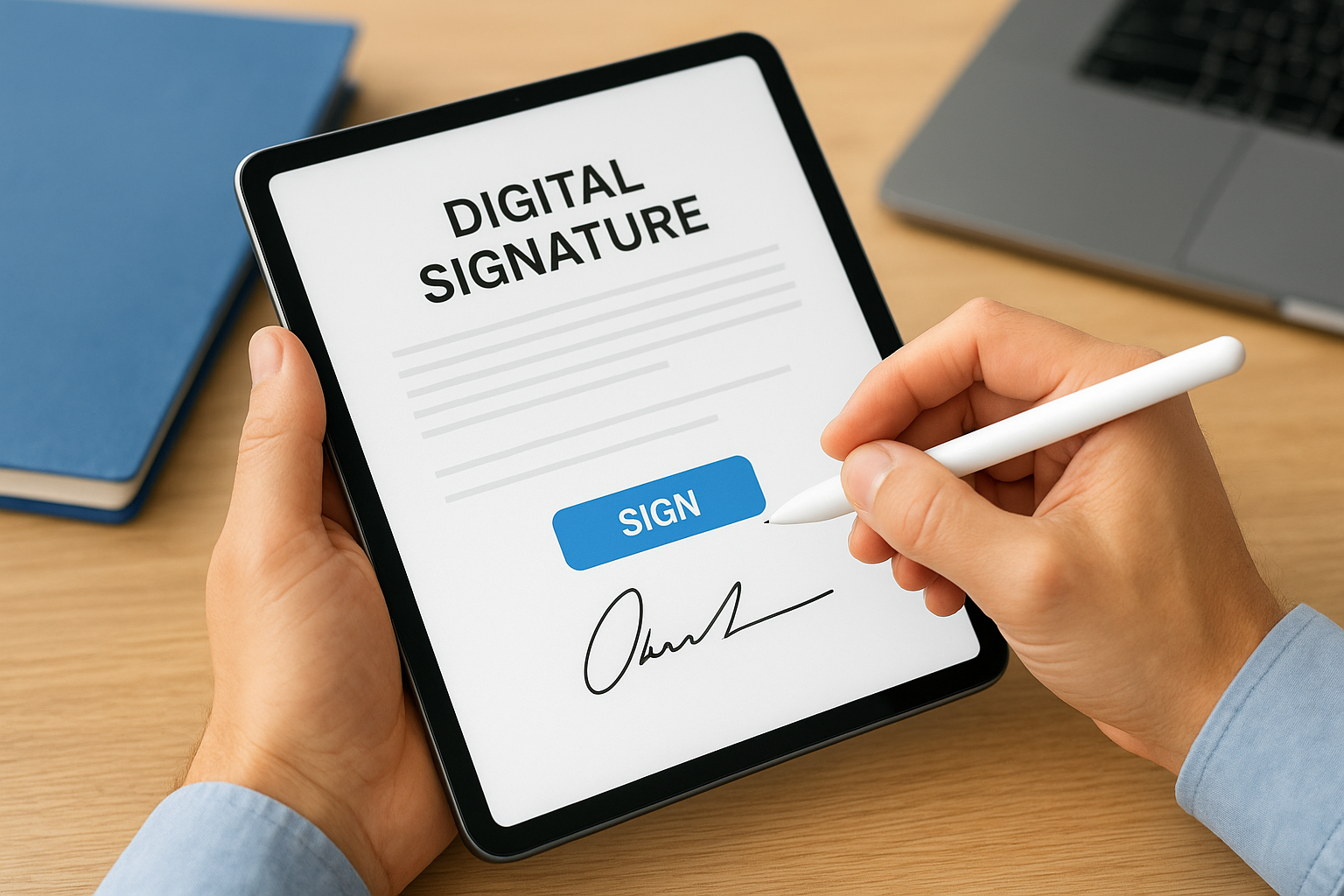
Digital signatures are the standard in industries where document tampering is a serious risk, such as government contracting, financial services, and pharmaceutical manufacturing. In regulated training environments, FDA 21 CFR Part 11 specifically calls for controls that align closely with what digital signatures provide, including unique user credentials and audit logs that detect unauthorized changes. Knowing the difference between the two helps you choose the right level of assurance for each document type your organization handles.
How to create and use e-signatures
Creating an e-signature starts with choosing a method that matches your use case. For most business transactions, a typed name or click-to-sign button captures intent well and generates the audit trail you need for recordkeeping. For higher-risk documents, you may want a platform that applies PKI-based digital signatures. Either way, the process is straightforward once you know what an electronic signature requires: a clear indication of intent tied to a specific record.
The simpler your signing process, the higher your completion rate will be.
Setting up an e-signature workflow
Your workflow should capture three core elements every time: signer identity, a timestamp, and a copy of what they agreed to. Most platforms log IP addresses, send confirmation emails, and store the signed document automatically. Verify your system retains these records in a format you can retrieve quickly during an audit.
- Signer identity: verified through login credentials or email confirmation
- Timestamp: exact date and time of the signing action
- Document copy: the exact version the signer reviewed and approved
Using e-signatures in training and compliance
In a training context, your learners sign off on course completions, policy acknowledgments, and certification records through the LMS itself. Each sign-off should link to the specific content version the learner reviewed, not just the course title. This creates a defensible compliance record that regulators and auditors can follow without ambiguity.
Your team can also configure automated reminders to prompt unsigned learners and track completion rates in real time, which keeps your compliance records current without manual follow-up.
Next steps
Understanding what is an electronic signature gives you a practical foundation for implementing e-signature workflows that hold up to scrutiny. You now know the legal frameworks behind them, the difference between electronic and digital signatures, and how to capture the three core elements every valid signature needs: identity, timestamp, and a copy of the signed document.
If your organization runs compliance training, the next move is making sure your LMS captures those sign-offs correctly every time. Axis LMS handles course completions, policy acknowledgments, and certification records in a way that gives you a clear, auditable trail for every learner interaction. Before you commit to a platform, it helps to know where you stand in your decision process. Take the LMS readiness quiz to find out which stage you are at and what your next step should be.
