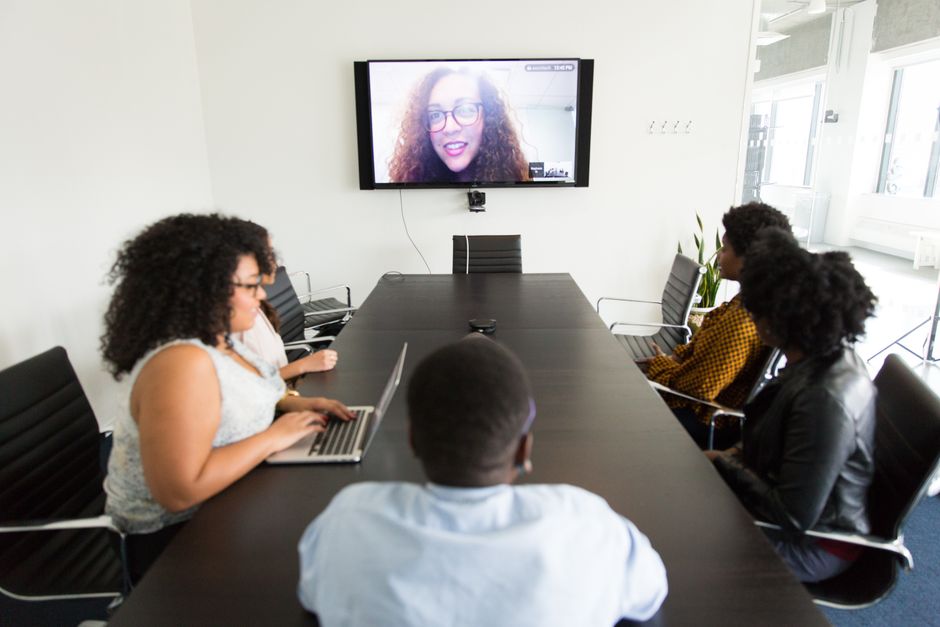
Virtual instructor-led training looks simple on paper. An instructor, a group of learners, a video platform, and a scheduled hour together. The reality is that you are competing with an inbox, a second monitor, and a household full of distractions, and you cannot see most of it from behind your own camera.
The definitions in circulation are consistent enough. VILT refers to training delivered in a virtual or simulated environment, or whenever the instructor and the learner are in separate locations. It is live, real-time online training led by an instructor, and the fuller descriptions call it a live, interactive online environment that mimics a traditional classroom, with face-to-face learning over online video. That last word carries the weight. A session that copies the layout of a room but not its interaction is a webcast with an attendance record.
What separates VILT from a webinar with a sign-in sheet
Most working definitions agree on three things: the instructor is live, the delivery is real time, and the people involved are not in the same place. The classroom comparison is useful because it sets the standard you are trying to reach rather than the format you are technically using.
| Element | Traditional classroom | Virtual instructor-led training |
|---|---|---|
| Location | Instructor and learners share a room | Instructor and learners are in separate locations |
| Delivery | In person | Live and real time, typically over online video |
| What it aims to feel like | A working classroom | A live, interactive environment that mimics a traditional classroom |
One snippet in the source material mentions instructor-led training and virtual instructor-led training courses together, describing both as designed to deliver practical, hands-on learning, without explaining how they differ. Treat that line as a blurry boundary rather than a definition. If you need to draw a firm distinction for a policy or a procurement decision, confirm it with the provider or the relevant official source rather than relying on a glossary summary.
Why attention drops, and why “pay attention” never fixed it
In a physical room, the instructor reads the group constantly. Shifted posture, a glance at a phone, two people whispering in the back. Those signals arrive without effort and the instructor adjusts in real time, often without noticing the adjustment.
Online, that feedback loop collapses. Silence in the chat can mean engagement, confusion, or somebody making coffee. The instructor keeps talking because nothing has interrupted, and the session drifts into a one-way broadcast where the learner’s only job is to stay connected.
The fix is not motivational. It is structural. If a learner has to produce something visible at regular intervals, drifting away becomes harder because drifting away has a cost. Your design job is to make participation the path of least resistance rather than an act of goodwill.

Build the session so participation is the default
Engagement techniques work best when they are baked into the run sheet rather than sprinkled in when the energy sags. Four habits do most of the work.
Open with something the learner has to produce
Skip the long introduction to yourself and your credentials. Start with a question tied to the work the learner already does, and ask for an answer in the chat or a single-word poll response. Something like naming the task they most want to handle better by the end of the session gives you material for the rest of the hour and gives each person a reason to have typed something before minute one.
Give every segment a visible output
A segment that ends with nothing to show is a segment learners can leave mentally. Attach a small deliverable to each block: a one-line definition written in the chat, a ranked list from a breakout pair, a corrected example pasted into a shared document. The output does not need to be graded. It needs to exist, and it needs to be visible to someone other than the person who made it.
Put the chat to work with a specific job
An open chat box invites side conversation. A chat box with an instruction invites work. Ask for the first thing that comes to mind, the biggest objection, or a question you will answer at a named point later in the session. Assign a second person to monitor the chat if your platform allows it, so questions do not vanish while you are talking.
Use polls as checkpoints, not decoration
A poll that arrives with no follow-up is a small interruption. A poll you actually respond to is a checkpoint. If most answers land on one option, ask someone who chose it to explain why. If the answers split, you have found the part of the topic worth slowing down for. Either way, the room has just told you something you could not have read from faces.
Make breakouts short and accountable
Breakout rooms go quiet when the task is vague. Give each group a specific question, a specific output, and a clear signal for when to return. Ask one person to report back, and name the format: one sentence, one example, one disagreement. Groups that know they will be asked to speak produce something to speak about.
Structure beats charisma
A charming instructor can hold a room for a while. Structure holds it longer. Show the agenda at the start and mark where the interaction points fall, so learners know a break from passive listening is coming.
Change the mode of activity more often than feels comfortable. Talk, then ask, then let people work, then bring the group back and summarise what you heard. Each switch resets attention, and each switch is a chance for someone who drifted to rejoin without having to admit they drifted.
Build in pauses that have a purpose. A quiet minute to write an answer to a question is not dead air if everyone knows what they are writing and what happens next. It is usually the most productive minute in the session.
Delivery habits that keep eyes up
The technology gets blamed for attention problems that belong to delivery. A few habits help.
- Speak to the camera rather than the notes, and keep the slide count low enough that you can do it.
- Use names. A question addressed to a person gets answered more often than a question addressed to the group.
- Tolerate silence after asking something. Counting to yourself before rescuing the room gives people time to type.
- Repeat the useful chat answers out loud so the people not reading the sidebar still get the value.
- Ask for questions explicitly and then wait, rather than inviting questions and moving on immediately.

What to do when energy drops mid-session
It will drop. The recovery matters more than the prevention. Stop and ask for a one-line summary of the last ten minutes from someone who has not spoken. Move into pairs and give them a two-minute task with a share-back. Ask the chat for the strongest objection to what you just said and answer it properly.
Handing the session over briefly is the strongest reset available. Ask a learner to walk through their screen, describe a case, or correct a deliberately flawed example. The room changes shape, and the change pulls attention back without anyone being told to pay attention.
Choosing the platform without getting lost
The provider landscape is wider than most buyers expect. ReadyTech appears in search results as a VILT software provider, and there are list-style results such as a round-up of ten virtual instructor-led training software solutions. None of that tells you which tool fits your sessions.
Work from your run sheet instead. List the interactions you actually plan to use, such as polls, chat, breakouts, shared documents, recording, and attendance reporting, then test each one in a live dry run with a colleague. Questions about pricing, participant limits, completion rates, and feature comparisons are not answered consistently in public summaries, so take them directly to vendors and ask for specifics in writing.

Review the recording, not your memory
Record a session if your platform and your learners’ consent arrangements allow it. Watch it back with the sound off for two minutes at a time. Where do you talk for long stretches without asking anything? Where does the chat go quiet? Where did the poll result suggest confusion you talked over?
Your memory of a session is shaped by how it felt to deliver it. The recording shows what the learners experienced, and that is the version worth fixing.
Frequently Asked Questions
What is virtual instructor-led training?
It is training delivered in a virtual or simulated environment, or whenever the instructor and learners are in separate locations. The common thread across definitions is that a live instructor teaches remote learners in real time, usually over online video, in an interactive environment designed to mimic a traditional classroom.
Is VILT the same as a webinar?
They overlap but the intent differs. A webinar typically pushes information to an audience, while virtual instructor-led training is described as a live, interactive environment that mimics a traditional classroom. The distinction lives in the interaction design. If learners never produce anything or speak, the session behaves like a webinar regardless of what you call it.
How do you keep remote learners engaged during a long session?
Build interaction into the run sheet rather than adding it when energy sags. Open with a task, attach a visible output to every segment, give the chat a specific job, use polls as checkpoints you respond to, and keep breakout tasks short and accountable. Change the mode of activity often and show the agenda up front.
Do learners need their cameras on?
The research material for this article does not set camera rules, and policies vary by organisation and by learner circumstances. Decide your default with your own policy owners, explain it before the session, and offer alternatives such as chat contributions or spoken answers so that a learner without a camera can still participate visibly.
Keeping a remote room awake is less about charisma than about refusing to let anyone sit passive for long. Design the session so that speaking, typing, choosing, or producing something is the normal state, and the learner who drifts has an easy, unembarrassing way back in.
