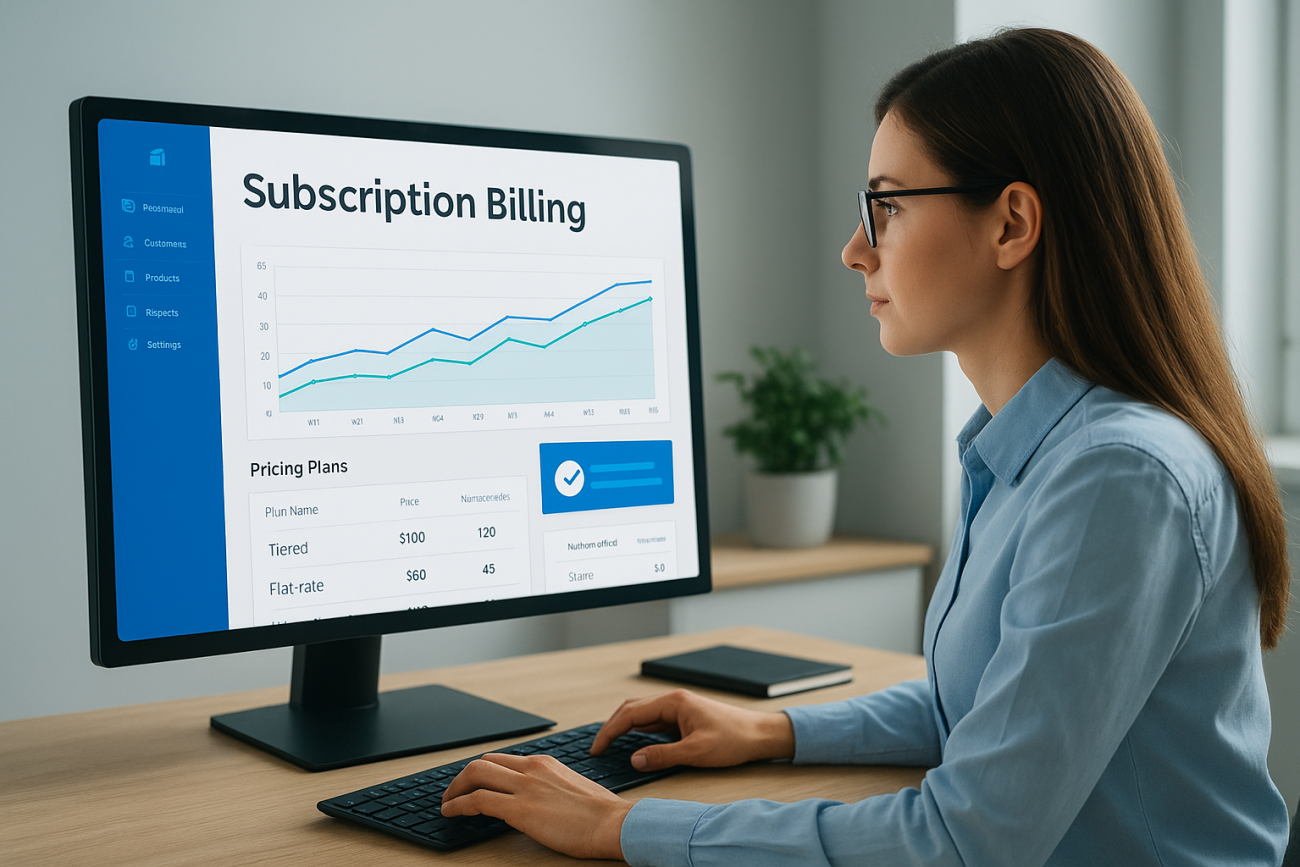
Managing recurring revenue gets complicated fast, especially when you’re juggling multiple pricing models, contract renewals, and revenue recognition rules. Sage Intacct subscription billing is built to handle exactly that, giving finance teams a way to automate the entire lifecycle of recurring contracts without stitching together spreadsheets or workarounds.
For organizations that sell training, something we know well at Atrixware, where our Axis LMS powers e-commerce course sales and seat-based licensing, accurate subscription billing isn’t optional. It’s the backbone of predictable revenue. Whether you’re billing per user, per tier, or based on usage, the system you choose determines how much time your team spends chasing invoices versus growing the business.
This article breaks down what Sage Intacct’s subscription billing module actually does, how its features work in practice, and where it fits across common use cases like SaaS, media, and professional services.
Why subscription billing matters in finance operations
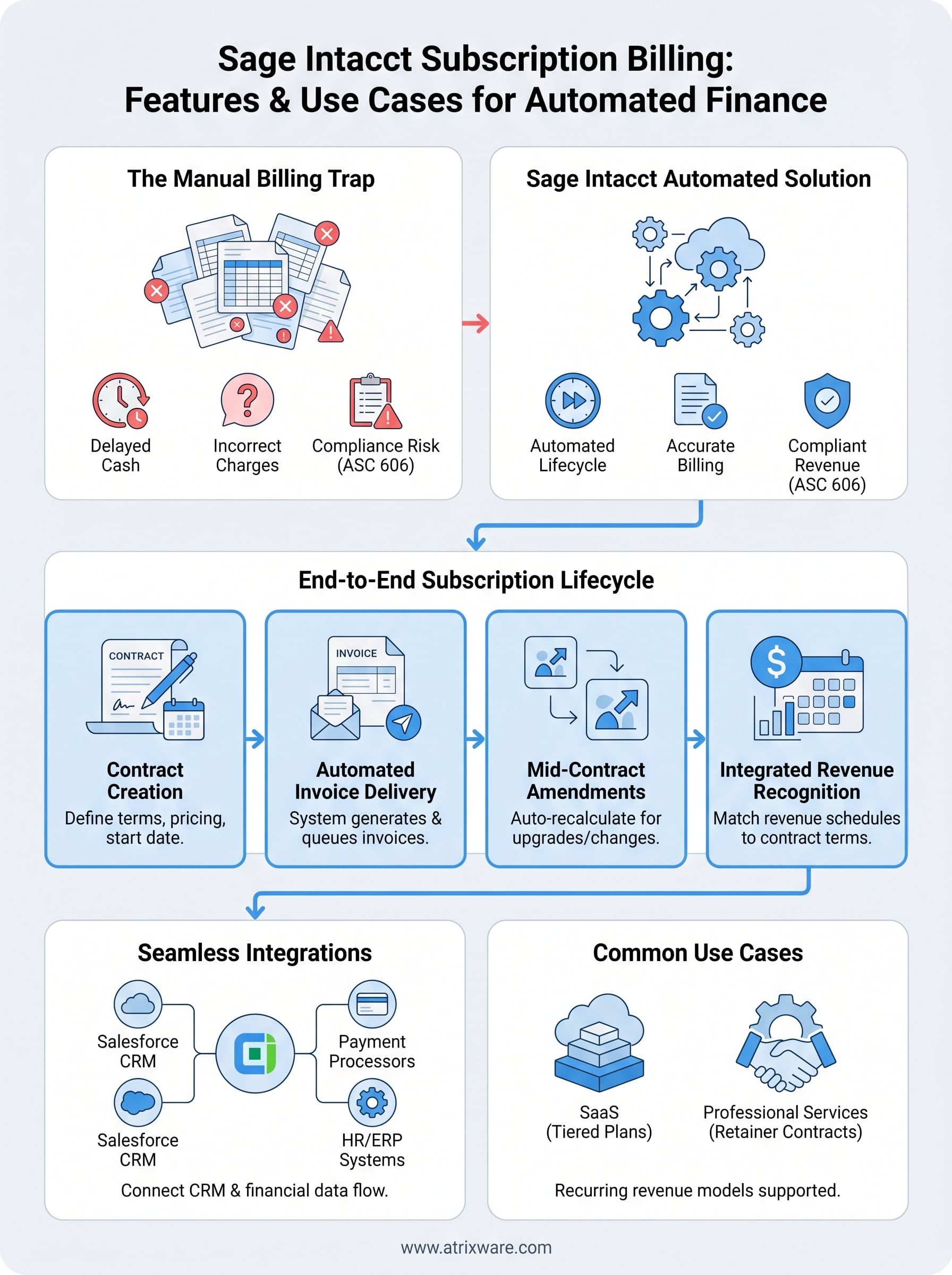
Subscription revenue sounds simple until you’re managing hundreds of contracts with different renewal dates, pricing tiers, and usage thresholds. Manual billing processes create real risk: missed invoices, incorrect charges, and delayed revenue recognition that distort your financial picture. Finance teams that rely on spreadsheets or disconnected tools spend hours reconciling data instead of analyzing it.
The cost of billing errors
Every invoicing mistake has a downstream effect. A single billing error can delay cash collection, trigger customer disputes, and force your team into a correction cycle that takes days to resolve. When you multiply that across a growing customer base, the cumulative cost in time and revenue leakage becomes significant. Systems like sage intacct subscription billing exist specifically to remove the manual touchpoints where errors enter the process.
The more contracts you manage, the more a single billing error compounds into larger cash flow and reporting problems.
Revenue recognition and compliance pressure
Billing and revenue recognition are not the same thing, and confusing the two is one of the most common mistakes finance teams make. When a customer pays annually upfront, that cash doesn’t all belong to the current period. You have to defer and recognize it according to ASC 606 or IFRS 15 standards, which govern how and when revenue hits your income statement.
Getting this wrong creates compliance risk and can misrepresent your company’s financial health to investors or auditors. A system built for subscription billing handles this automatically, applying the right recognition schedules based on contract terms rather than requiring manual journal entries each period.
Core Sage Intacct subscription billing features
Sage Intacct subscription billing centers on giving finance teams control over the full contract lifecycle without requiring manual intervention at every step. The platform handles pricing configuration, invoice generation, and revenue scheduling from a single interface, reducing the number of systems your team has to touch.
Flexible pricing model support
Sage Intacct lets you configure flat-rate, tiered, volume, and usage-based pricing within the same system. You can define pricing at the contract level, apply overrides for specific customers, and set up automatic price escalations tied to renewal dates. This matters when your business sells multiple products or packages with different billing structures.
If your pricing changes frequently, having that logic embedded in the billing system is far more reliable than managing it in a separate spreadsheet.
Contract and billing schedule management
The platform generates invoices automatically based on the billing frequency and start date you set on each contract. You can bill monthly, quarterly, annually, or on a custom schedule. When a contract is amended mid-term, Sage Intacct recalculates the billing schedule and adjusts the revenue recognition timeline to match, keeping your books accurate without manual correction.
How Sage Intacct subscription billing works end to end
Understanding the flow helps you see where sage intacct subscription billing saves the most time. The process starts when you create a contract, define the billing terms, and assign a revenue recognition template. From that point, the system drives the rest automatically.
From contract creation to invoice delivery
When you set up a new contract, you specify the start date, billing frequency, and pricing structure. Sage Intacct then builds the full invoice schedule and queues invoices for delivery based on those parameters. Your team reviews and approves before anything goes to the customer, but the heavy lifting is already done by the time it lands in your queue.

Automating invoice generation means your billing cycle runs on time even when your team is stretched thin.
Handling amendments mid-contract
Mid-term contract changes are handled automatically. The system recalculates the remaining billing schedule and adjusts deferred revenue when a customer upgrades or modifies their terms. You don’t have to manually track what changed or issue a separate correction. Both the billing and revenue recognition update in the same action, keeping your records clean.
Integrations and data flow with Salesforce and more
Billing data rarely lives in one place, and sage intacct subscription billing connects to the tools your team already uses to close and manage deals. The platform pulls data from your CRM and pushes financial records downstream without requiring manual exports or duplicate entry.
Salesforce and the CRM-to-billing handoff
When your sales team closes a deal in Salesforce, that contract data flows directly into Sage Intacct through the native Salesforce integration. This eliminates duplicate data entry and ensures your billing terms match what sales actually sold. Your finance team sees the same contract details, pricing, and renewal dates that were agreed on during the deal stage.
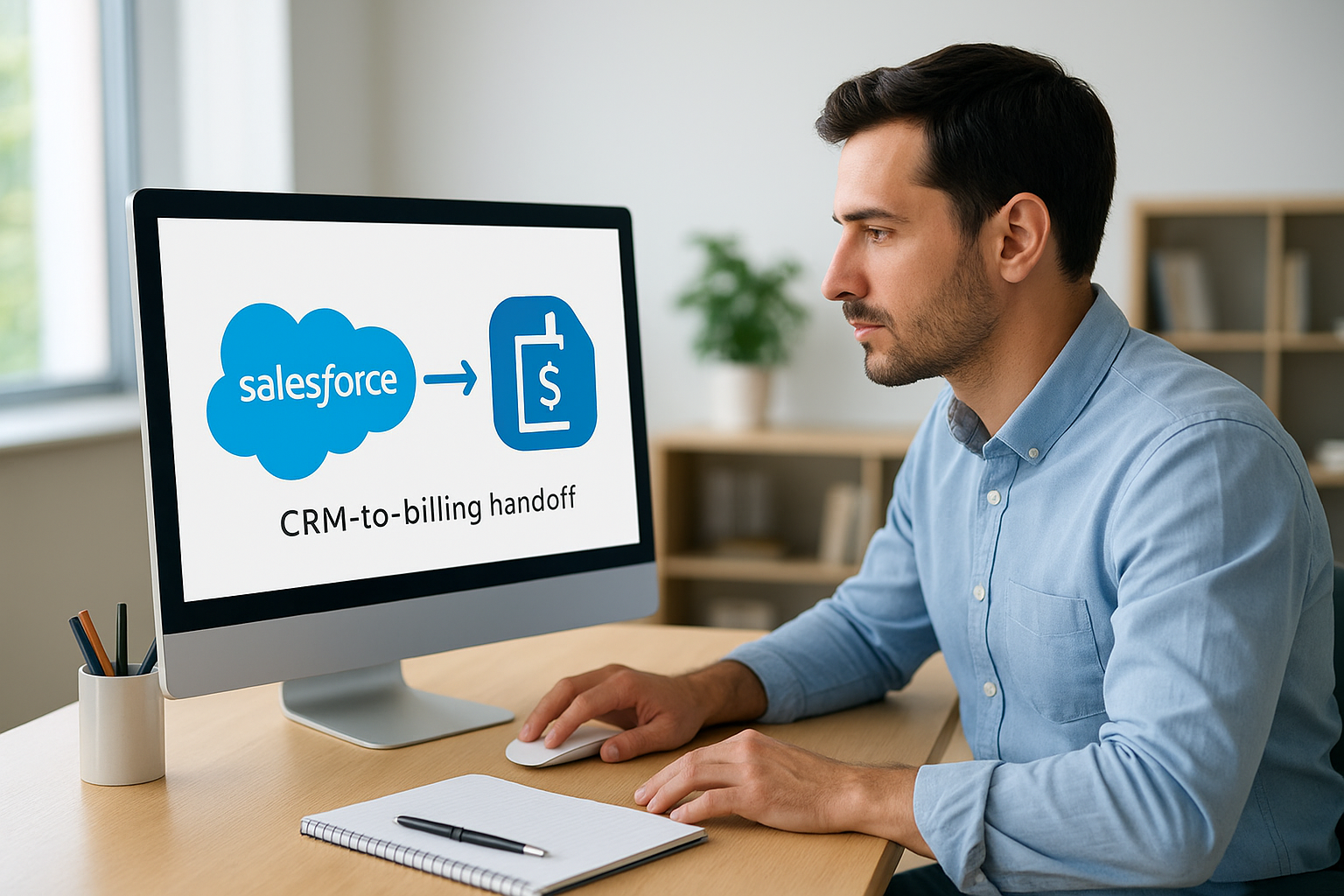
Connecting your CRM and billing system removes the version-control problem that comes with passing contract data through email or shared documents.
Connections beyond Salesforce
Sage Intacct also integrates with other systems through its open API and pre-built connectors. Common connections include:
- Payment processors for automated charge collection
- HR systems like ADP for seat-based billing tied to headcount
- ERP tools for consolidated financial reporting
These integrations reduce the manual reconciliation steps your team handles at period close and keep data consistent across every platform your organization relies on.
Common use cases for SaaS and services businesses
Sage Intacct subscription billing fits naturally into businesses where recurring contracts are the core revenue model. SaaS companies, managed service providers, and professional services firms all deal with similar billing complexity: different contract lengths, variable usage, and customers who upgrade or churn mid-term. Each of these models benefits from a system that tracks contract details and generates invoices without manual intervention.
SaaS companies managing tiered plans
SaaS businesses typically sell multiple pricing tiers with different feature sets and user limits. Sage Intacct handles tier-based billing automatically, applying the correct rate for each customer’s plan and flagging contracts that are due for renewal. When a customer upgrades from one tier to another mid-contract, the system recalculates the prorated billing amount and adjusts the recognition schedule without requiring manual correction.
Automating tier-based billing removes the risk of charging the wrong rate when customers switch plans.
Professional services firms with retainer contracts
Professional services firms often bill clients on a monthly retainer structure with scope changes that happen throughout the engagement. The platform tracks amendments to retainer contracts and updates invoices accordingly, so your billing always reflects the actual agreed terms. Common retainer billing scenarios include:
- Monthly fixed-fee engagements
- Hourly billing converted to monthly estimates
- Project-based billing with milestone invoicing
Next steps
Sage Intacct subscription billing gives finance teams the tools to manage recurring revenue without relying on manual processes that slow down your close cycle and introduce errors. The features covered in this article, from flexible pricing configuration to automated contract amendments and Salesforce integration, work together to keep your billing accurate and your revenue recognition compliant with ASC 606 requirements.
If your organization sells training, software, or services on a recurring basis, the right billing system directly affects how cleanly your books close each period and how confidently you can report on revenue. Understanding what your team actually needs from a recurring revenue platform before you commit saves time and prevents costly migrations down the road. Mapping your billing complexity to the right toolset is the step most teams skip, and it usually costs them later.
To see how a learning platform fits into your training billing strategy, take the LMS readiness quiz and find out where you are in the process.
