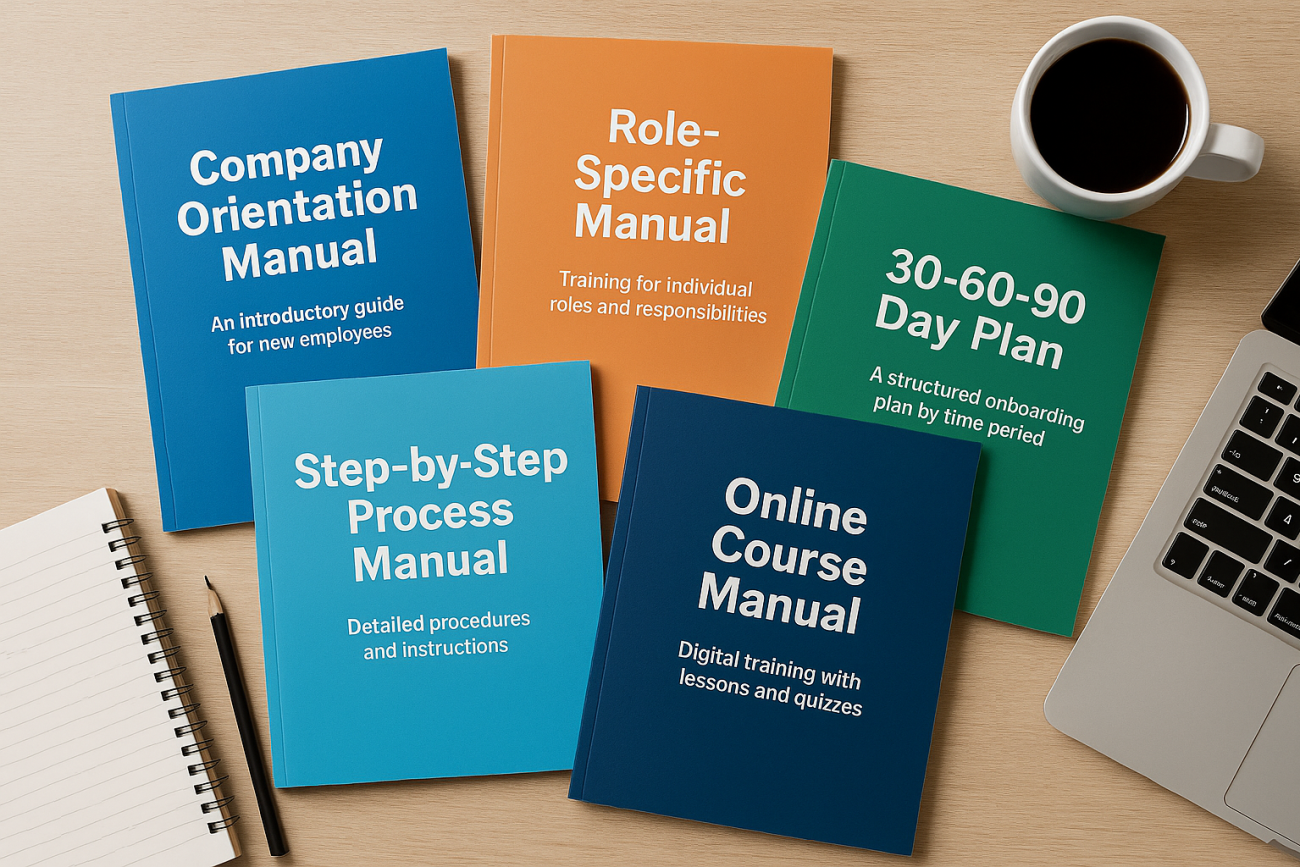
The best new hire training manual is one that a new employee can finish and a manager can update in under an hour. For most companies, that means starting with a company orientation manual and adding a role-specific manual for the job itself. Choose a 30-60-90 day plan if you hire managers or salespeople. Choose a step-by-step process manual if accuracy matters more than speed. Move to an online version once you hire more than a few people a quarter.
Most manuals fail for the same reason: they dump every policy on a person who is still learning where the break room is. A good manual answers three questions. What do I need to know now? What do I do this week? Who do I ask? The five types below solve those questions in different ways. Each has an outline you can paste into Word or Google Docs and edit.
At Atrixware we build Axis LMS, a learning management system, so we see what happens after the document is written. We see whether people finish it and whether anyone can prove they did. The last type covers that step. Start with the one that matches how you hire, not with all five.
1. Company orientation manual
A company orientation manual covers what every hire needs regardless of role: who you are, the rules, and how work gets done. Build it around the five C’s of onboarding: compliance, clarification, culture, connection and check-back. Onboarding researcher Talya Bauer defined the first four, and many HR teams add check-back as the fifth. It suits small and midsize companies that want one shared document for every new hire. Ten to twenty pages is plenty.
Orient everyone with one manual, then train for the job with another.
Sample outline
Copy this structure into a blank document. Each line is a chapter.
1. Welcome and mission
2. Compliance: policies, paperwork, safety, security
3. Clarification: your role, expectations, how performance is measured
4. Culture: values, communication norms, working hours
5. Connection: team directory, assigned buddy, key contacts
6. Check-back: 30, 60 and 90 day conversations
Customization tips
Build it in Word with Heading styles so the table of contents updates itself, then export to PDF for a fixed copy. Use Google Docs if several people edit it.
- Link to the live policy instead of pasting policy text, so nothing goes stale.
- Cut any page a new hire does not need in week one.
- Put a one-page first-day schedule at the very front.
2. Role-specific training manual
A role-specific manual teaches the job itself: the tools, tasks and standards for one position. It suits roles where mistakes cost money, such as customer support, warehouse work or accounts payable. It also suits any position with high turnover, because you write it once and reuse it every time you hire. The test of a good one is simple. A new hire should be able to complete the first real task alone.
A role manual succeeds when the new hire can do the first task without asking.
Sample outline
1. Purpose of the role and who it reports to
2. Tools and system access (with login steps)
3. Daily, weekly and monthly tasks
4. Quality standards, with good and bad examples
5. Common mistakes and how to fix them
6. Escalation: who to ask, and when
7. Skills sign-off list
Customization tips
Ask your best performer to walk through a normal week while you record each step. Write what they actually do, not what the job description says.
- Add screenshots for every system a new hire must use.
- Include two or three real examples of finished work.
- Have someone hired in the last six months test the draft and mark every confusing step.
3. 30-60-90 day plan manual
A 30-60-90 day manual is organized by time instead of topic. Each period has learning goals, work goals and a scheduled review. It suits managers, salespeople and any role where ramp-up speed matters, because the new hire and the supervisor see the same targets from day one. It works well as a second layer on top of an orientation manual.
Time-boxed goals tell a new hire what good looks like at each stage.
Sample outline
Days 1-30: Learn
- Training sessions and people to meet
- Two or three learning goals
- Review meeting on day 30

Days 31-60: Contribute
- First independent projects
- Two or three performance goals
- Review meeting on day 60

Days 61-90: Own
- Full responsibility for core tasks
- Goals for the next quarter
- Review meeting on day 90
Customization tips
Limit each period to three goals and make every one measurable. "Handle 15 tickets a day" beats "get comfortable with the queue." Put all three review meetings on the calendar on the first day, so they do not slip.
4. Step-by-step process manual
A process manual, often called an SOP manual, documents one procedure per page in numbered steps. It suits regulated or detail-heavy work such as lab procedures, manufacturing, IT support and compliance tasks. In those jobs, doing it the same way every time matters more than doing it creatively. It also doubles as a reference after training ends.
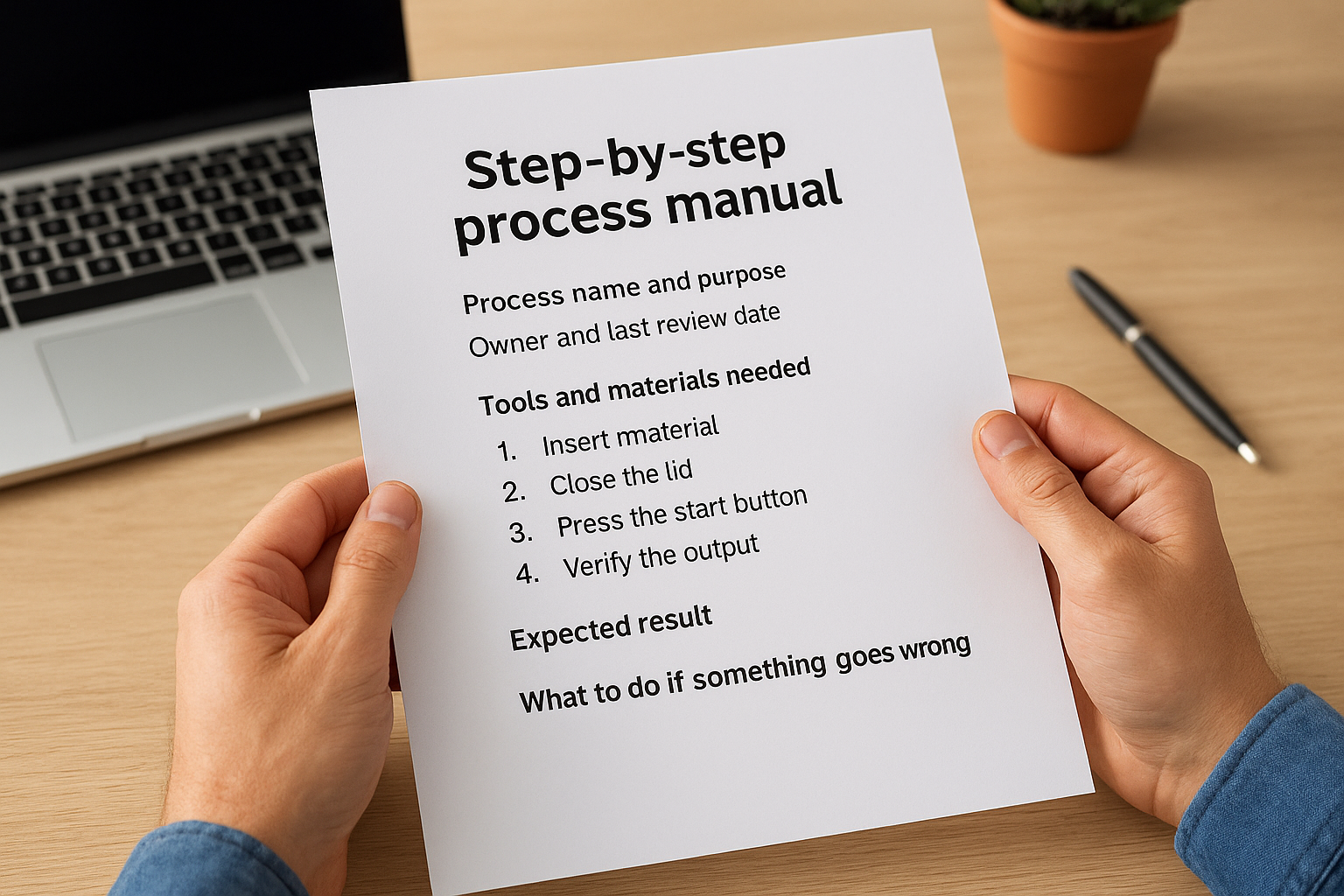
One procedure per page keeps a process manual usable after training ends.
Sample outline
Repeat this template for every procedure.
Process name and purpose
Owner and last review date
Tools and materials needed
Numbered steps (one action per step)
Expected result after each step
What to do if something goes wrong
Customization tips
Write one action per step, starting with a verb. Add a version number and review date to every page so readers know it is current. Keep file names consistent, such as "SOP-Refund-Request-v2," so people can find the right page in seconds.
5. Online course version of your manual
An online course version takes any of the manuals above and delivers it as short lessons with quizzes and completion tracking. It suits companies that hire regularly, work across locations, or must prove training happened. A PDF cannot show who read it. A course can record who finished each lesson and who passed the quiz. The format works best after you have a manual that already works on paper.
If you must prove training happened, a PDF is not enough.
Sample outline
Module 1: Welcome and mission (short read)
Module 2: Policies, with an acknowledgment step
Module 3: Role tasks (screenshots or a short video)
Module 4: Knowledge check with a pass mark
Module 5: Manager sign-off
Customization tips
Split content into lessons of five to ten minutes and end each module with two or three quiz questions. Automate enrollment so a new hire is assigned the course the day they appear in your HR system. Axis LMS can sync user data with HR systems such as ADP and BambooHR. Axis LMS Lite suits organizations of 25 to 100 employees, and its 25-user package for online training is listed at $209.
Start with one manual
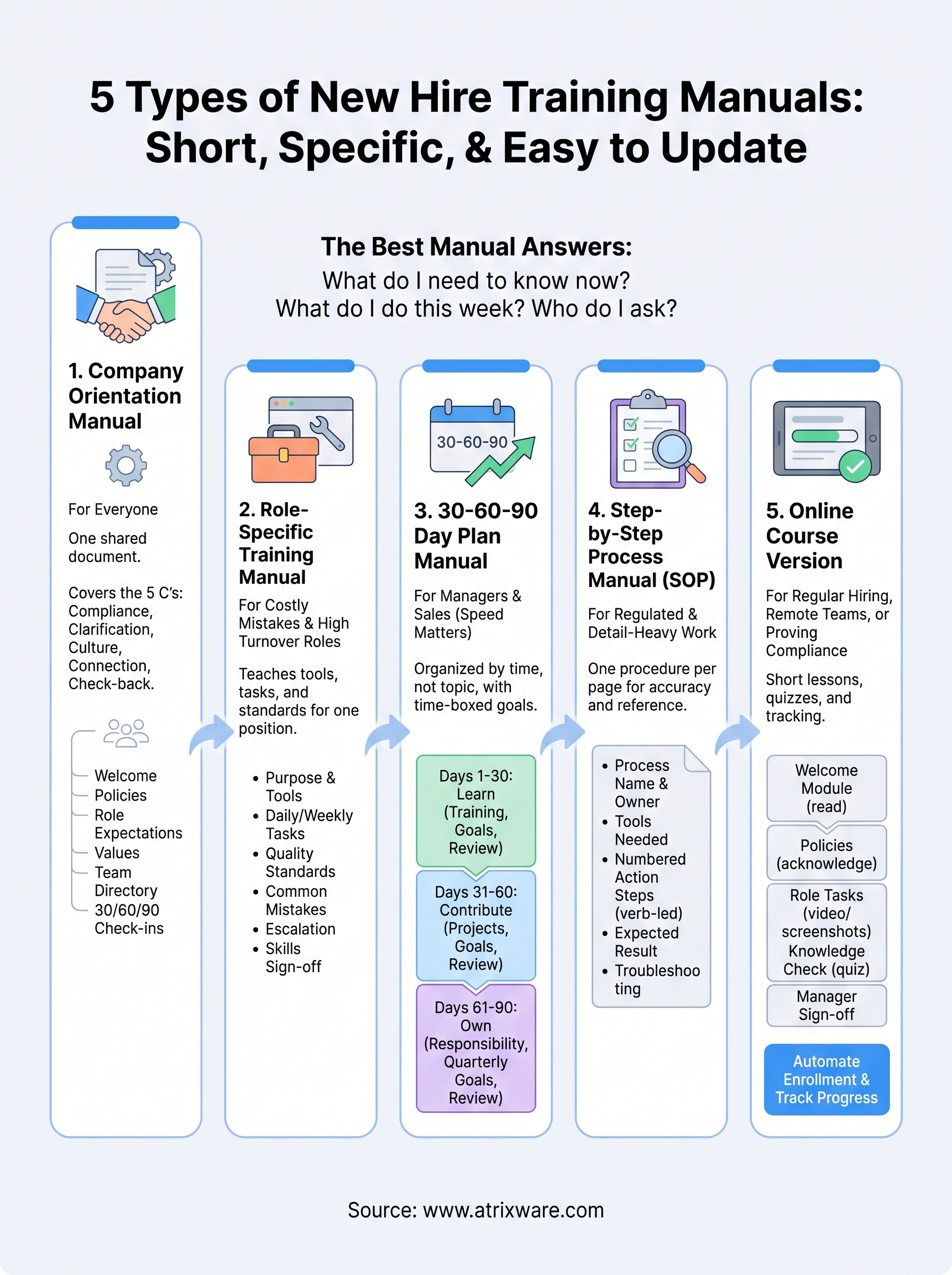
A strong new hire training manual is short, specific and easy to update. Orientation manuals cover what everyone needs, role manuals cover the job, 30-60-90 plans set the pace, process manuals protect accuracy, and an online course proves the training happened. Pick the one that matches your next hire, copy the outline, and fill it with your own examples before you build anything else.
You do not need to buy software to begin. If you are weighing whether to move your manual online, the LMS readiness quiz shows where you stand in the buying process and what to settle first.
