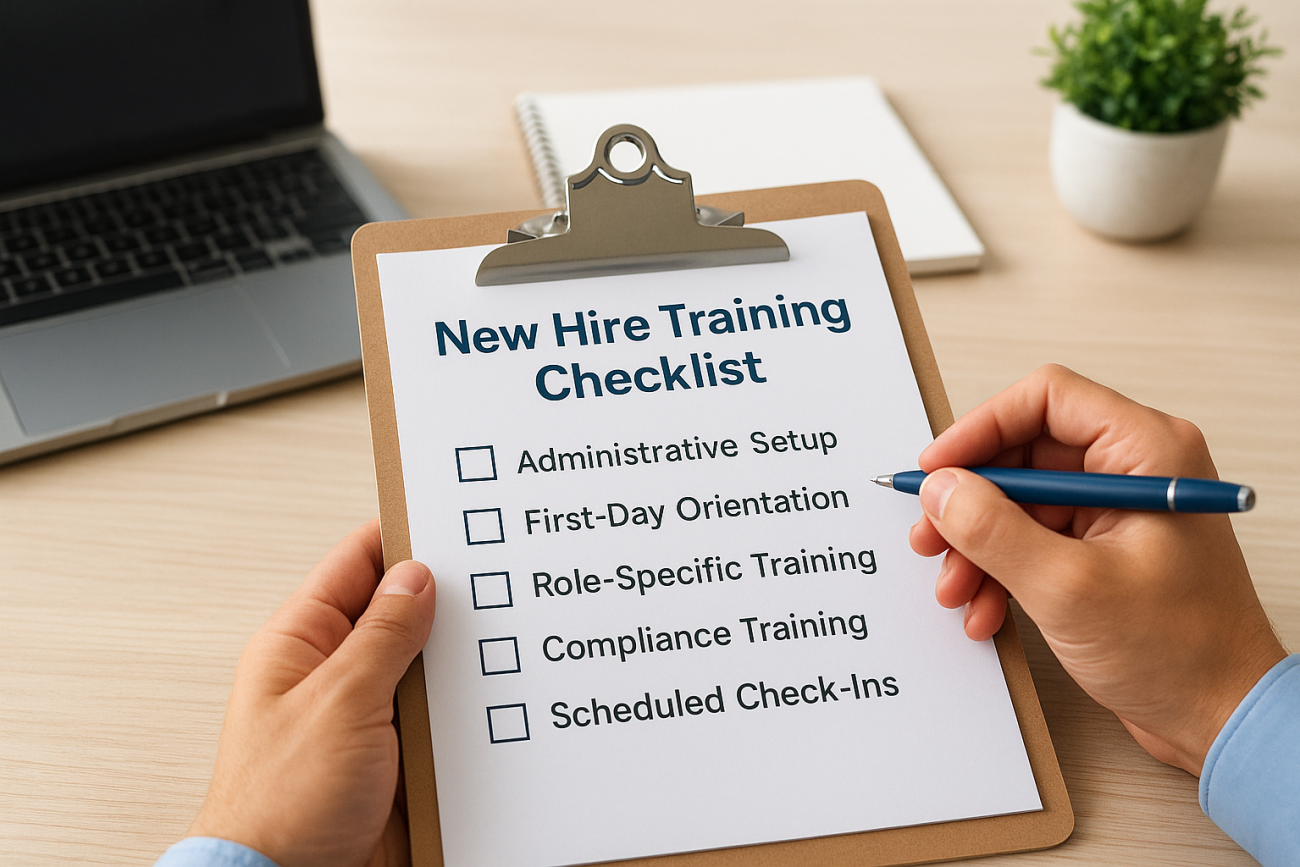
Bring on a new employee without a plan, and you’ll spend the next three months answering the same questions and fixing the same mistakes. A solid new hire training checklist turns onboarding from a scramble into a repeatable process, one that gets new hires job-ready faster and cuts down on the frustrated Slack messages during week two.
This guide gives you exactly that: a step-by-step onboarding structure you can copy, adjust, and hand to any manager on your team. You’ll see what to cover before day one, during the first week, and across the first ninety days, plus how to track whether training actually stuck instead of just checking a box on a form.
We’ll also show you how to build a repeatable onboarding workflow rather than a one-off document that gets forgotten after the first hire. If you’re managing training across multiple departments or locations, you’ll want a system that automates reminders, tracks completion, and reports on progress without manual follow-up. That’s where a learning management system like Axis LMS fits in, and we’ll point out where automation saves you the most time along the way.
What your new hire training checklist should cover
Before you build anything, get clear on what a complete onboarding checklist actually needs to include. Most companies stop at paperwork and a facility tour, then wonder why new hires still feel lost at the 30-day mark. A real onboarding checklist for new employees covers five distinct categories, and skipping any one of them creates a gap someone else has to fill later, usually the hire’s direct manager, informally, during a busy week.
The five categories every checklist needs
Here’s the breakdown we recommend building your checklist around:

| Category | What it includes | When it happens |
|---|---|---|
| Administrative setup | Paperwork, IT accounts, equipment, system access | Before day one |
| Orientation | Company culture, policies, team introductions | Day one |
| Role-specific training | Job duties, tools, workflows, shadowing | Week one to four |
| Compliance training | Safety, legal, industry-specific certifications | Week one, ongoing |
| Check-ins and feedback | Progress reviews, goal setting, course correction | 30, 60, 90 days |
Treat these as five separate tracks running on their own timelines, not one long list in chronological order. That distinction matters because compliance training, for instance, often has hard deadlines set by regulators, while role-specific training can flex around a new hire’s actual pace.
A checklist that only covers day one isn’t an onboarding plan, it’s a welcome packet.
Why timing matters as much as content
Organizations that map each item to a specific day or milestone see far less confusion than those relying on a single static document. Plotting tasks against a timeline also makes it obvious who owns each step, whether that’s HR, IT, or the hiring manager, which is exactly the kind of accountability a new employee training plan needs to actually work in practice.
Step 1. Prepare before the new hire’s first day
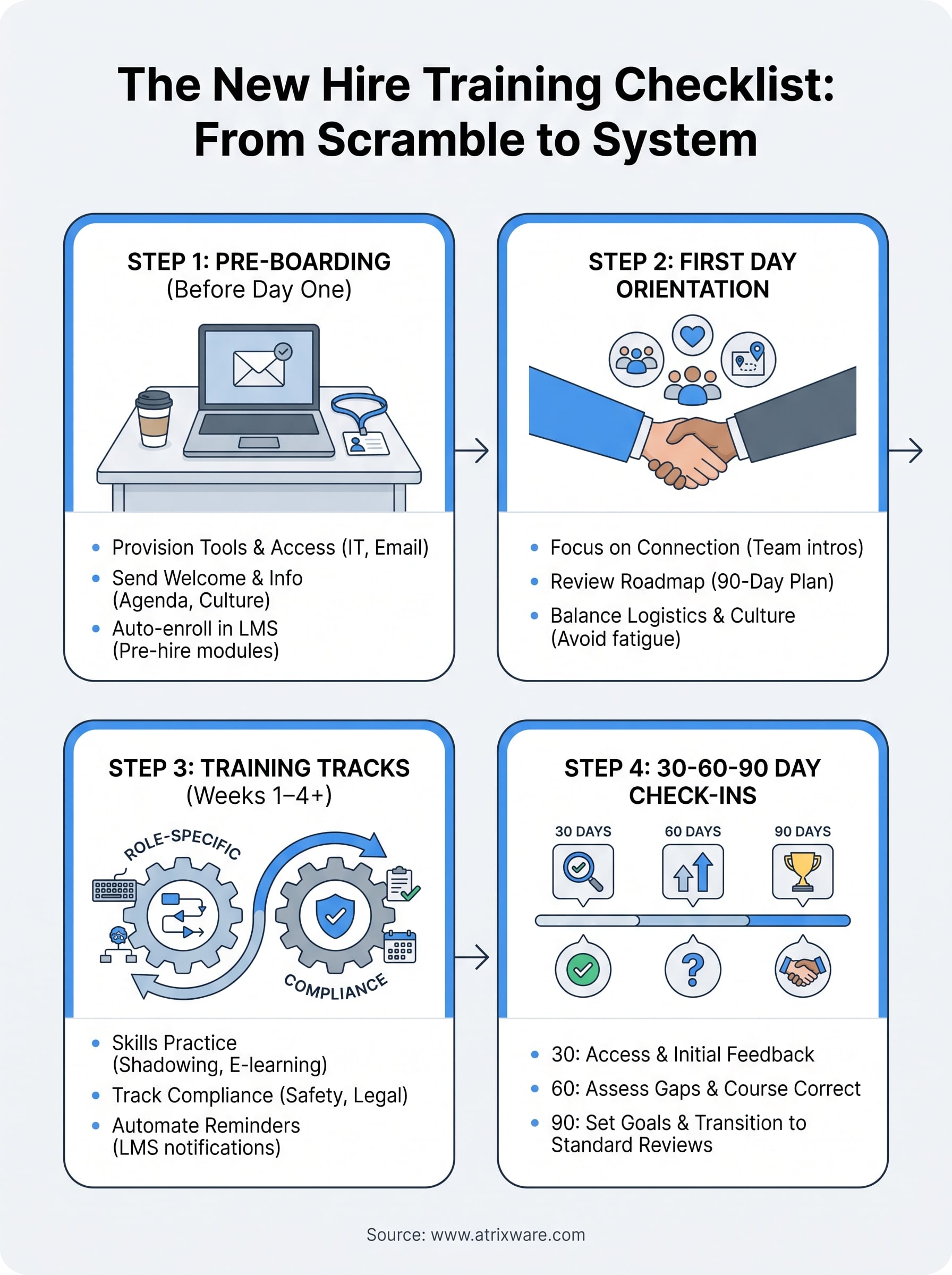
Most onboarding problems trace back to this step getting skipped. If a new hire shows up to a laptop that isn’t provisioned or a login that doesn’t work, you’ve already lost the momentum you needed for their first impression. Pre-boarding preparation should wrap up at least three business days before the start date, not the morning of, and structuring pre-boarding for immediate operational clearance is what makes that deadline realistic.
The first day should feel planned, not improvised.
Running a fixed pre-first-day checklist for every hire keeps this from depending on any one person’s memory:
- Send the offer letter, forms, and handbook for e-signature
- Provision IT accounts, email, and required software licenses
- Order equipment and confirm delivery or desk setup
- Assign a workspace, badge, or building access
- Enroll the hire in your onboarding course inside your LMS
- Notify the team and schedule first-week meetings
- Send a welcome email with start time, parking, and dress code
That fifth item matters more than it looks. When you build pre-hire onboarding steps directly into a learning management system, the assignments, deadlines, and reminders fire automatically the moment HR adds the employee record. Nobody has to remember to email a syllabus, and you get a timestamp proving the material went out before day one, which helps later if compliance ever asks.
Step 2. Run a strong first-day orientation
Day one sets the tone for everything that follows, so don’t let it turn into a paperwork marathon with a building tour bolted on. A good first-day orientation balances logistics with connection: the new hire should leave knowing where to sit, who to ask for help, and why the company does what it does. Cramming every policy explanation into eight hours guarantees none of it sticks, because cognitive fatigue on day one wipes out most of what you covered.
People remember how their first day felt long after they forget what the slides said.
Structure the day around a few clear blocks instead of a single long agenda:
- Welcome and team introductions (30-45 minutes)
- Workspace and systems walkthrough, confirm logins work
- Culture and values overview, not just the employee handbook
- Lunch or coffee with the manager or a peer buddy
- Short intro to the new hire training checklist itself, so they see the roadmap ahead
That last point matters. Showing new hires the plan for their first 90 days reduces the anxiety of not knowing what’s coming, and it gives them a reference point instead of a vague promise that "training will continue." If you’re tracking this inside an LMS, assign the orientation module as a discrete course so completion shows up in reporting, separate from role-specific training that starts the following week.
Step 3. Deliver role-specific and compliance training
Once orientation wraps, the real work starts: teaching someone how to actually do their job. Role-specific training should break down the position into discrete skills rather than one giant manual to read through, which is exactly what role-based learning paths are built to do. Pair shadowing sessions with short e-learning modules so the hire sees the task done, then practices it, then gets tested on it before moving forward.

Skills stick when they’re practiced, not just read about.
Compliance training runs on a different clock. Items like safety certifications, GDPR training, or industry-specific rules often carry legal deadlines, and missing one creates real liability, not just a training gap. Build a compliance training checklist that’s separate from job-skills content:
- Assign required certifications with a firm due date
- Auto-enroll based on role, location, or department
- Track completion status in real time, not at audit time
- Set automatic reminders before deadlines lapse
- Store completion records for audit purposes
This is where a learning management system built for compliance training earns its keep. Axis LMS lets you build compliance management rules once, then apply them automatically to every new hire in a given role, so nobody’s certification quietly expires because a manager forgot to follow up.
Step 4. Check in at 30, 60, and 90 days
Onboarding doesn’t end when the training modules get marked complete. A 30-60-90 day check-in catches problems while they’re still small, before a confused new hire quietly starts job hunting because nobody asked how things were going. Skipping this step is the single most common reason companies see high turnover in the first six months, even when the earlier training was solid, since new hire retention is built on small, visible milestones.
If nobody checks in, you won’t find out something’s wrong until the resignation letter shows up.
Each milestone needs its own focus, not a repeat of the same generic questions:
- 30 days: Confirm access and tools work, answer lingering questions, review early performance against role expectations
- 60 days: Assess skill gaps, assign additional training modules where needed, gather feedback on the onboarding process itself
- 90 days: Set formal performance goals, confirm all compliance items are complete, transition fully into standard performance reviews
Running these new hire check-ins as scheduled meetings tied to calendar reminders works, but pairing them with tracking employee training progress in an LMS works better. You can pull a learner’s completion history, quiz scores, and time-to-competency data straight into the conversation, so the check-in is grounded in evidence instead of a vague "how’s it going" chat.
Turning your checklist into a lasting process
A new hire training checklist only pays off if it survives past your first attempt at using it. Write it down, assign owners to each step, and revisit it every time a hire’s feedback reveals a gap nobody caught. Static documents drift out of date fast, especially once you’re onboarding across multiple roles or locations at the same time.
Building this workflow inside a learning management system turns the checklist from a memory exercise into something that runs itself: automatic enrollment, deadline reminders, and completion reports without a manager chasing anyone down. That’s the difference between onboarding that depends on who happens to be paying attention that week and onboarding that works the same way every time, whether you’re hiring one person or fifty.
If you’re not sure whether your current process needs this kind of structure, see how ready your organization is for an LMS and find out where you actually stand.
