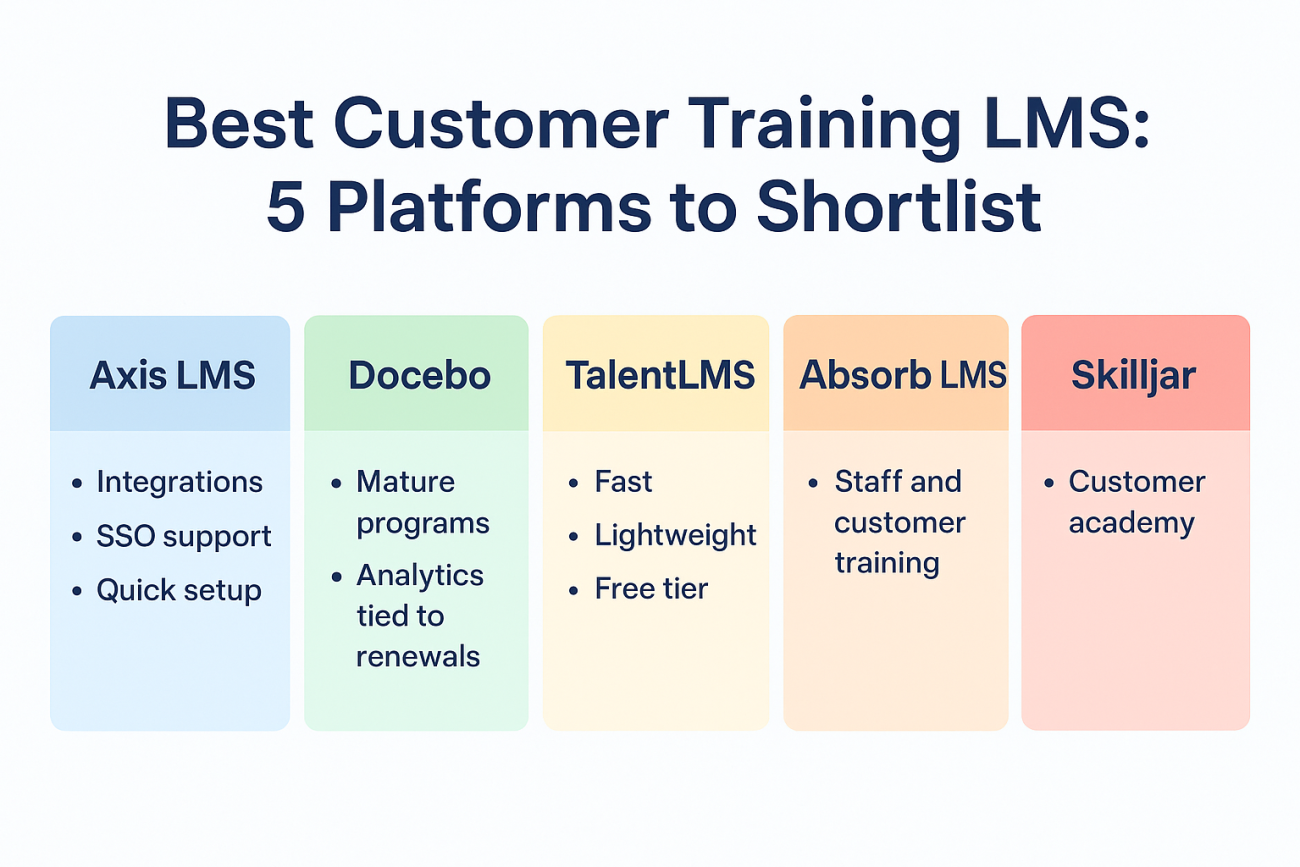
The best customer training LMS is the one that treats outside learners as first-class users: branded portals, single sign-on, self-registration, the option to sell courses, and reports that tie training to product use. Axis LMS suits teams that want to train and sell to customers while connecting to a CRM. Docebo suits mature customer education programs that must prove impact. TalentLMS suits teams that need a portal fast. Absorb LMS suits companies training staff and customers on one platform. Skilljar suits companies whose only goal is a customer academy.
Most LMS tools were built for employees. Customers have no HR record, log in from anywhere, and never have to finish anything. A platform that works well for internal onboarding can stall when you point it at an external audience, and vendor pricing rarely makes the comparison easier.
Atrixware makes Axis LMS, so it appears first, and we hold it to the same four checks as every other pick. Those checks are external-user features (branding, SSO, selling), integrations, reporting, and how clearly the vendor handles cost. Always confirm current features and pricing in a demo before you commit.
1. Axis LMS
Axis LMS is a flexible platform from Atrixware that trains employees, customers, or both from one system. It is the only pick here where we can give you exact tiers and prices.
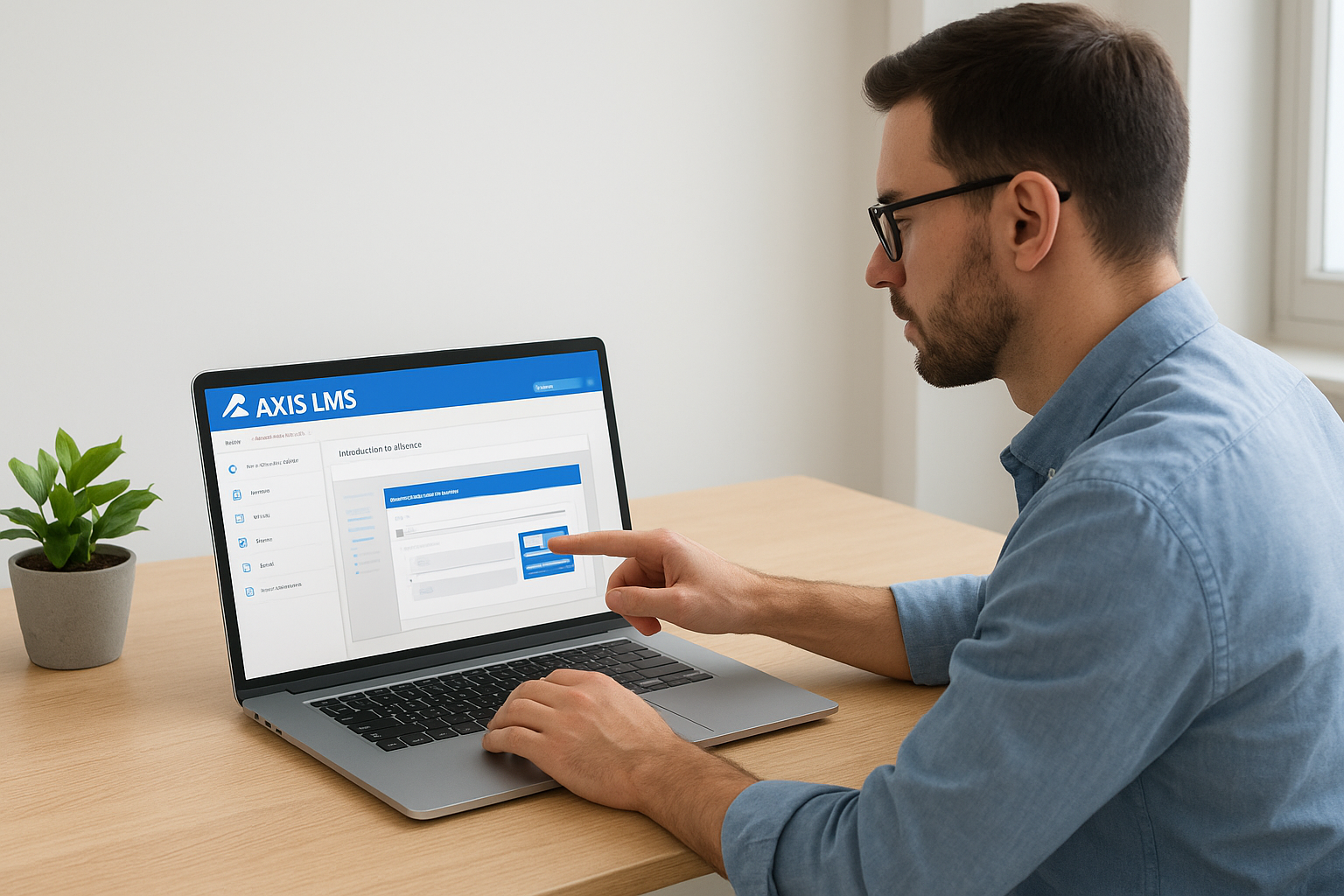
How it handles customer training
Axis LMS delivers online courses and virtual classroom sessions, with a drag-and-drop course builder. Extensive branding controls let customers see your look instead of a generic LMS screen. It also supports selling training, both to individuals and as seat licenses for B2B buyers, which matters if your academy is a revenue line.
Integration depth is a strength. The Integration Builder offers 5,000+ system integrations across CRM, HR, email, and e-commerce, plus a REST API and webhooks. SAML SSO works with Okta, Azure, Ping Identity, and Salesforce. Atrixware usually sets up a system within 1 to 3 business days and includes unlimited support incidents.
One system covers branding, selling, SSO, and reporting, which is what external learners actually need.
Who it suits and what it costs
Axis LMS Lite fits 25 to 100 employees and customers. The larger Core, Pro, and Enterprise tiers fit 150 to 100,000 users. Contracts run 1 to 3 years, and monthly or annual billing is available by Visa or Mastercard.
| Plan | Included users | Price | Portals | Workflows |
|---|---|---|---|---|
| Lite, 25 users | 25 | $299 | 10 | 25 |
| Lite, 50 users | 50 | $369 | 10 | 25 |
| Lite, 75 users | 75 | $429 | 10 | 25 |
| LMS Core | 150-3,000 | – | 10 | 100 |
| LMS Pro | 250-4,000 | – | 50 | 250 |
| Enterprise | 500-100,000 | – | 100 | 1,000 |
A worked example: a software company onboarding 60 customers would pick the 75-user Lite plan at $429. That leaves room for 15 more trainees before an upgrade.
2. Docebo
Docebo is the pick for teams that treat customer education as a measurable growth program. Its customer education page leads with onboarding speed, support deflection, and renewal impact.

How it handles customer training
Docebo advertises AI-powered personalization and recommendations to keep customers engaged from day one. It also automates workflows and localizes content for different customer segments. The goal is self-service learning that reduces support requests before they reach your inbox.
It connects to CRM, support, and community tools, and it integrates with e-commerce and payment gateways such as Shopify, Stripe, and PayPal. Its analytics aim to link learning data to product usage, satisfaction, and renewal.
Choose Docebo when you must show that customer learning moves renewal and adoption numbers.
Who it suits and what it costs
Docebo fits customer education teams with several audiences or regions and a mandate to report on business outcomes. A small team with one course and one audience will likely use only a fraction of it.
Docebo sends buyers to a demo instead of listing prices on its customer education page, so plan for a sales conversation. Ask which analytics, integrations, and personalization features sit in the base package and which cost extra.
3. TalentLMS
TalentLMS is the quick-start option. It is a lightweight, cloud-based LMS, so you need no on-premise servers and can stand up a training portal quickly.
How it handles customer training
TalentLMS is known for fast setup and a free tier, which lets you test with real customers before paying anything. That makes it a low-risk way to launch a first customer academy.
The trade-off is that lightweight tools can run thin in places. Before launch, check how deep the reporting goes, whether it syncs with your CRM, and whether you can brand separate experiences for different customer groups.
A free tier is a test drive, so use it to run a real customer through the whole flow.
Who it suits and what it costs
It suits small teams building their first customer training portal who value speed over customization. If you expect to sell training, enforce SSO, or report to executives within a year, test those scenarios now.
Use the free tier to validate your content and customer response. Then read the current paid plan limits on the vendor’s pricing page and ask what happens to cost when your customer count doubles.
4. Absorb LMS
Absorb LMS is a general-purpose corporate LMS that also appears on customer training shortlists. That dual presence is its selling point.
How it handles customer training
Because it serves corporate training and customer training use cases, Absorb can work as one platform for staff and customers. Whether it fits you depends on how it behaves with outside learners, not on its feature list.
Test an external scenario in the demo. Ask to see self-registration, a branded customer portal, and course purchase from the learner’s side. Then check how admin permissions keep customer data separate from employee data.
A corporate LMS earns a customer training slot only if it passes an external-learner test.
Who it suits and what it costs
It suits organizations that already train employees and want a single vendor for both audiences. If customers are your only audience, a purpose-built tool may be simpler.
Do not assume pricing. Request a quote and ask how the vendor counts a user, whether extra portals cost more, and whether integrations or API access carry separate fees.
5. Skilljar
Skilljar belongs on the list because it is built around customer education rather than adapted to it. It is among the platforms regularly named in customer education comparisons.
How it handles customer training
A purpose-built tool means the customer academy experience is its core job, not an add-on to employee training. For a company whose only goal is a polished external academy, that focus can save setup effort.
Narrow focus has a cost, so confirm the edges. Ask whether it also handles employee or partner training, sells seat licenses, and tracks compliance or certifications if you ever need them.
A specialist tool shines when your needs stay inside its specialty, so check where that boundary sits.
Who it suits and what it costs
It suits product-led companies that want a customer academy and nothing else from their LMS. If you also train channel partners or employees, ask how that works before you sign.
Get a written quote, and ask the same pricing questions as with every vendor. Cover the user definition, the portal count, integration fees, and what renewal looks like after year one.
Choosing your shortlist
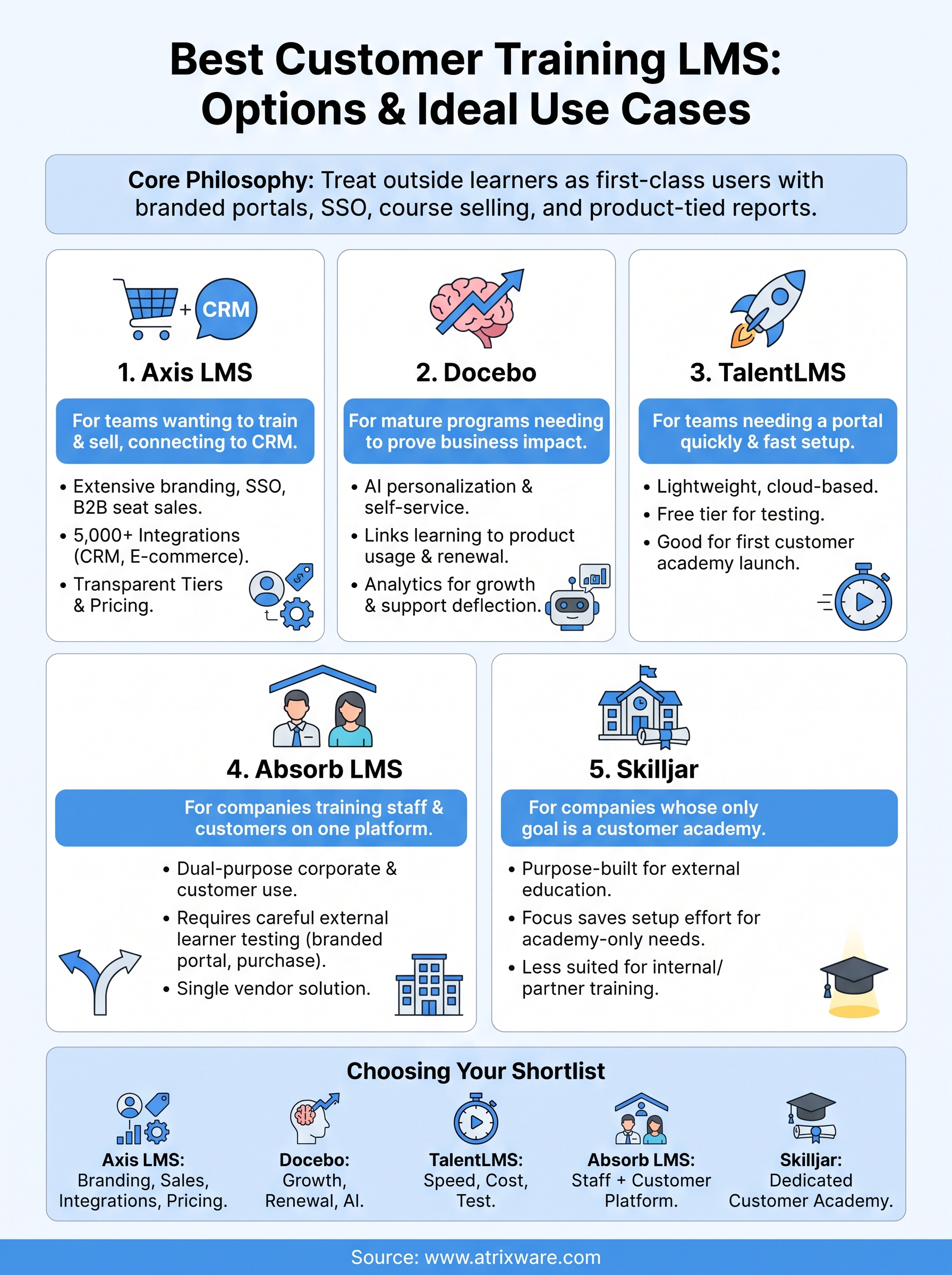
Pick by audience and ambition. Choose Docebo or Skilljar when customer education is a dedicated growth program. Choose TalentLMS to launch quickly and cheaply. Choose Absorb LMS when staff and customers share a platform. Choose Axis LMS when you want branded training, B2B seat sales, deep integrations, and published entry pricing in one place.
Whatever you shortlist, run the same test with each vendor. Put a real customer through registration, a course, and a report, then ask for the full cost in writing. If Axis LMS is on your list, you can see Axis LMS in an admin demo and judge it against the others on your own content.
