The best new hire safety training videos cover PPE, hazard recognition, injury reporting, and emergency procedures in one short sequence. They fit a first-day session, and they leave you with a record that each person finished. If budget is tight, start with OSHA’s free video library. If you want a packaged one-session orientation with a quiz and certificate, SafetyVideos.com suits small employers. J. J. Keller sells streaming programs by topic, and the MCAA miniseries works for construction crews on their phones. To track completions across any of these, you need a learning management system such as Axis LMS.
Finding footage is easy. Proving that every new hire watched it, understood it, and signed off is the hard part. A video played once in a conference room records nothing. After an incident or an inspection, "we showed them a video" is a weak answer without a name, a date, and a score.
This article walks through five options in the same order: what each one covers, its format and price where the price is public, and which kind of employer it fits. Prices come from each vendor’s public listing, so confirm them before you buy.
1. Axis LMS course library and tracking
Axis LMS is not a video producer. It is where safety videos become a tracked course that reaches every new hire on their first day.
What it covers
You can pick titles from a library of 25,000 course titles through the Pick-25, Pick-100, or 25,000+ bundles. Review the library for the safety titles you need before you commit. You can also build your own short course with the drag-and-drop builder. Either way, the platform handles the part a video cannot:
- Automated assignment through workflows, so the course goes out when someone is hired
- On-demand and scheduled reports that show who has finished
- Re-certification and CEU tracking for refreshers
- HR system sync with tools like ADP and BambooHR, so new hires appear without manual entry
A video teaches the new hire, but the learning system is what proves it.
Format, price, and who it suits
Atrixware usually sets up an Axis LMS system within 1 to 3 business days after purchase. Axis LMS Lite is built for organizations of 25 to 100 employees, and the 25-user online training package is listed at $209. The full Axis LMS covers 150 to 100,000 employees.
This option fits employers who hire steadily and need records for compliance. If you only train three people a year, a single video is enough.
2. OSHA’s free video library
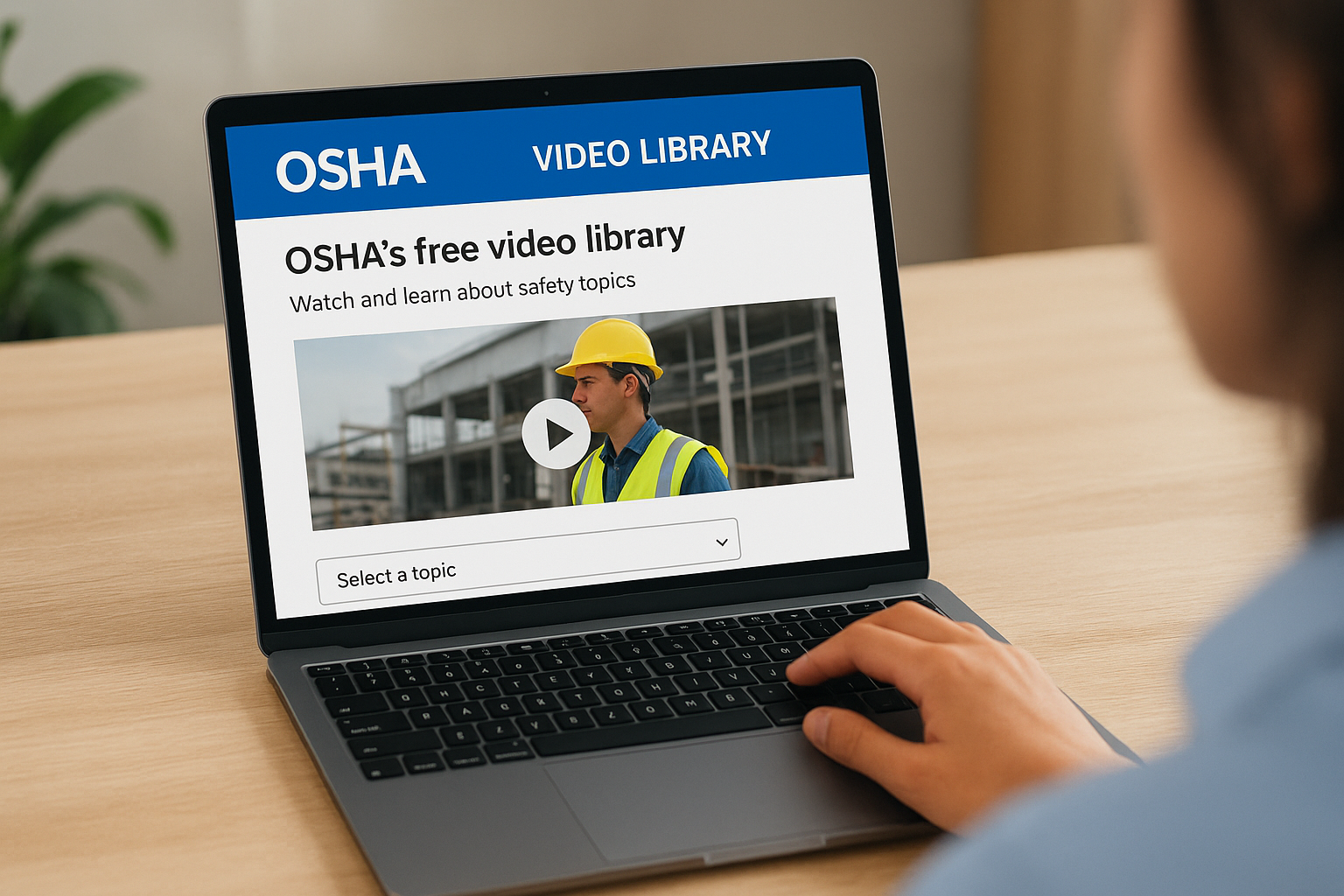
OSHA’s video page is the best no-cost starting point. It gives you government-produced material, sorted by topic, at no charge.
What it covers
The library at osha.gov/video is organized by topic. You choose a subject from a drop-down menu or browse all videos. That makes it useful for building a short playlist around the hazards your workplace has:
- Pick the topics that match your actual work, such as falls, machine guarding, or electrical hazards
- Add a PPE video if your site requires protective gear
- Keep the whole playlist to what fits your first-day schedule
OSHA gives you good raw material, but you have to assemble the orientation yourself.
Format, price, and who it suits
The videos are free to stream. There is no quiz, no certificate, and no completion record. You supply those yourself, with a sign-in sheet or a short written test.
This suits small teams on a tight budget and employers who want to supplement a paid program with topic-specific clips. Pair it with a tracking system if you need proof.
3. J. J. Keller Workplace Safety Basics
J. J. Keller sells the most flexible pricing of the five, with the same Workplace Safety Basics content in several formats.
What it covers
The program is split into four online courses: Work Practices, Work Environment, Safe Use of Equipment, and In Case of an Emergency. A separate Construction Safety Orientation covers construction sites. You can buy it in these formats:
- Online courses: $25 each, listed
- Streaming video program: $75
- USB and digital download: $415.00 to $749.99
- Video training book: $310.58
Buying the four online courses separately costs $100, which is more than the $75 streaming program.
Format, price, and who it suits
Do the math before you choose. Four courses at $25 total $100 at list price, while the streaming program costs $75 for the same Workplace Safety Basics topic family. Check what each format includes, because online courses and streaming programs may differ in tracking and reporting.
This option suits mid-size employers who want a polished, general-purpose orientation and a choice between one-time streaming and course-by-course assignment.
4. SafetyVideos.com employee orientation package
SafetyVideos.com sells a complete kit, so you do not have to build the surrounding materials yourself.
What it covers
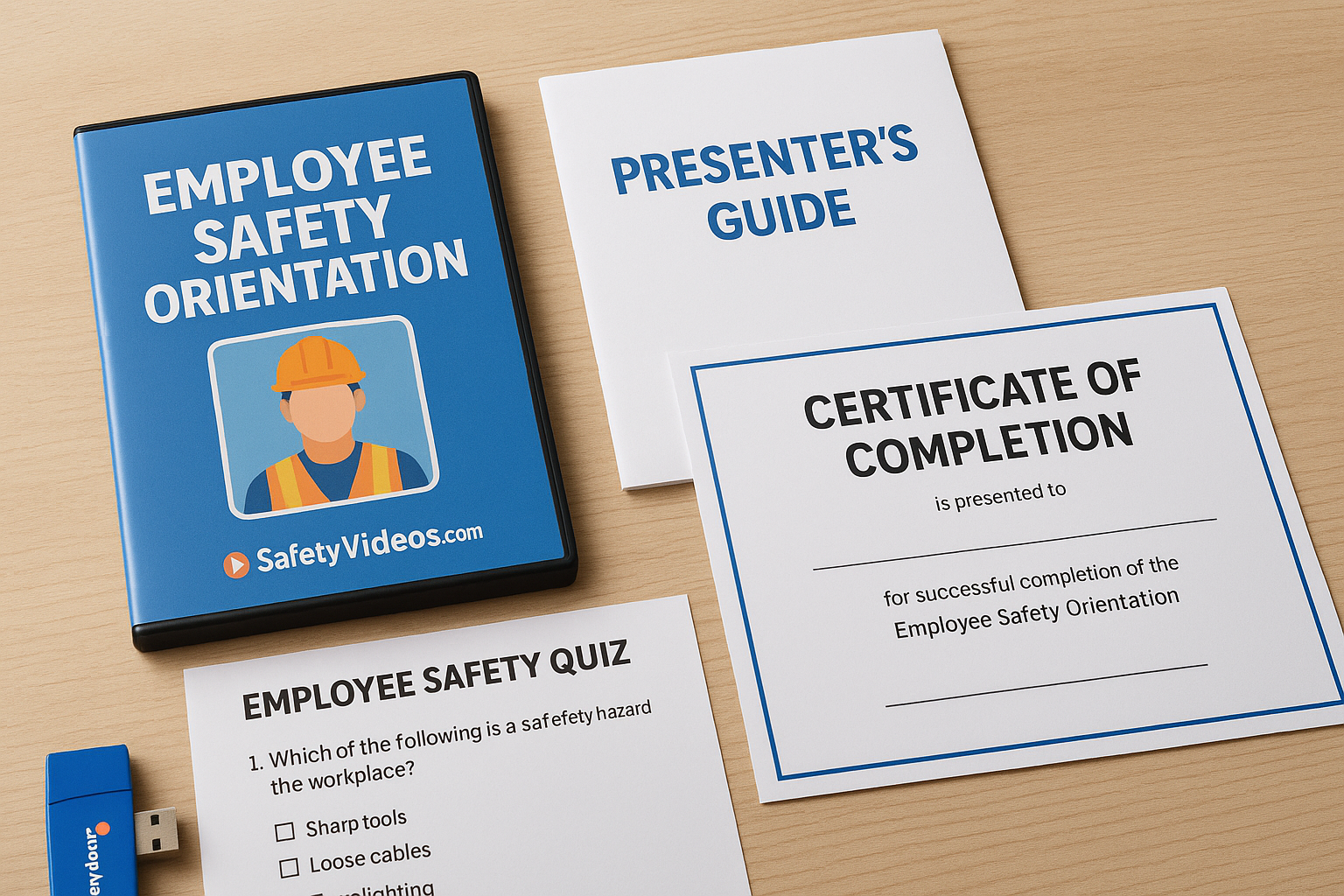
The Employee Safety Orientation Video Package is aimed at onboarding. The kit includes the video, a quiz, a presenter’s guide, and a printable certificate. That gives you a full session plan:
- Show the video as the core of the session
- Use the presenter’s guide to lead discussion afterward
- Give the quiz to check understanding
- Print the certificate as the completion record for each file
A quiz and certificate turn a video into a training record you can file.
Format, price, and who it suits
The package comes on DVD, USB, or online. The public listing does not show a price in the information I reviewed, so check the product page for current pricing.
This fits small and mid-size employers who run in-person orientation sessions and want one box with everything. It is less suited to remote hires, where a certificate printed on paper creates extra filing.
5. MCAA New Worker Safety Orientation
The Mechanical Contractors Association of America offers the shortest format here, built for people who watch on their phones.
What it covers
The New Worker Safety Orientation is a four-part miniseries. It gives specific safety awareness and best practices in short videos. Short episodes help on job sites in three ways:
- Workers can watch between tasks instead of sitting through one long session
- You can assign one episode per day across the first week
- Each part can be followed by a quick verbal check from a foreman
Four short videos over a week often stick better than one long video on day one.
Format, price, and who it suits
The videos are designed to be watched on a smartphone. Check the MCAA resource page for access terms, since some association material is limited to members.
This suits construction and mechanical trades, especially crews that spread across several sites. It is a weaker fit for office-based or lab employers, who need content on office hazards and lab practices.
Pick the option that gives you proof
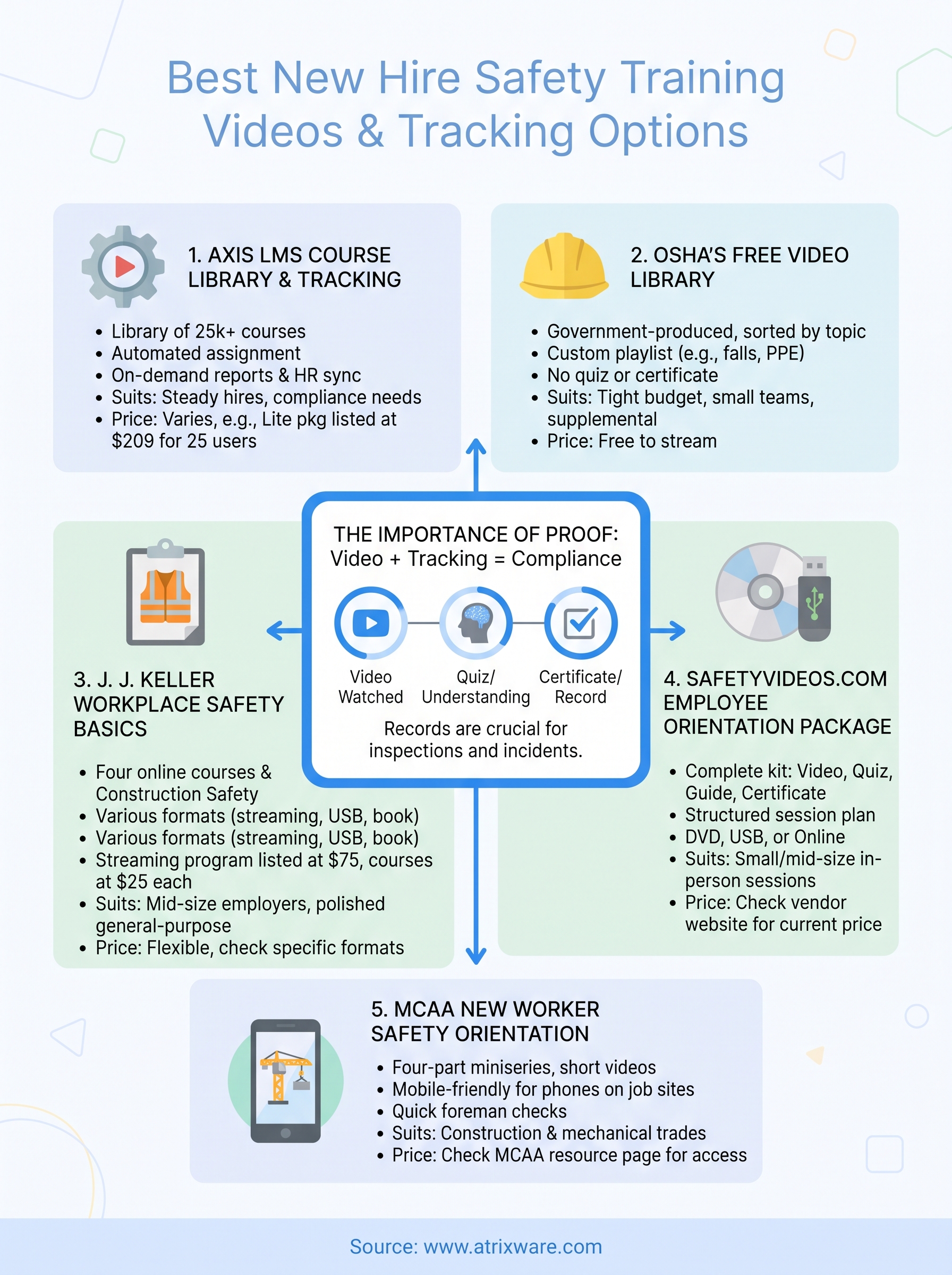
Start with what you need to show afterward. If a quiz and certificate are enough, a packaged kit like SafetyVideos.com works. If you want free content, OSHA’s library works. For phones on a job site, use the MCAA miniseries. If you hire often and need records, set up a learning system that assigns, scores, and reports.
Whichever videos you choose, cover PPE, hazard recognition, and injury reporting in the first session. To see how Axis LMS would handle assignment and tracking for your new hires, sign up for an Axis LMS admin demo.
