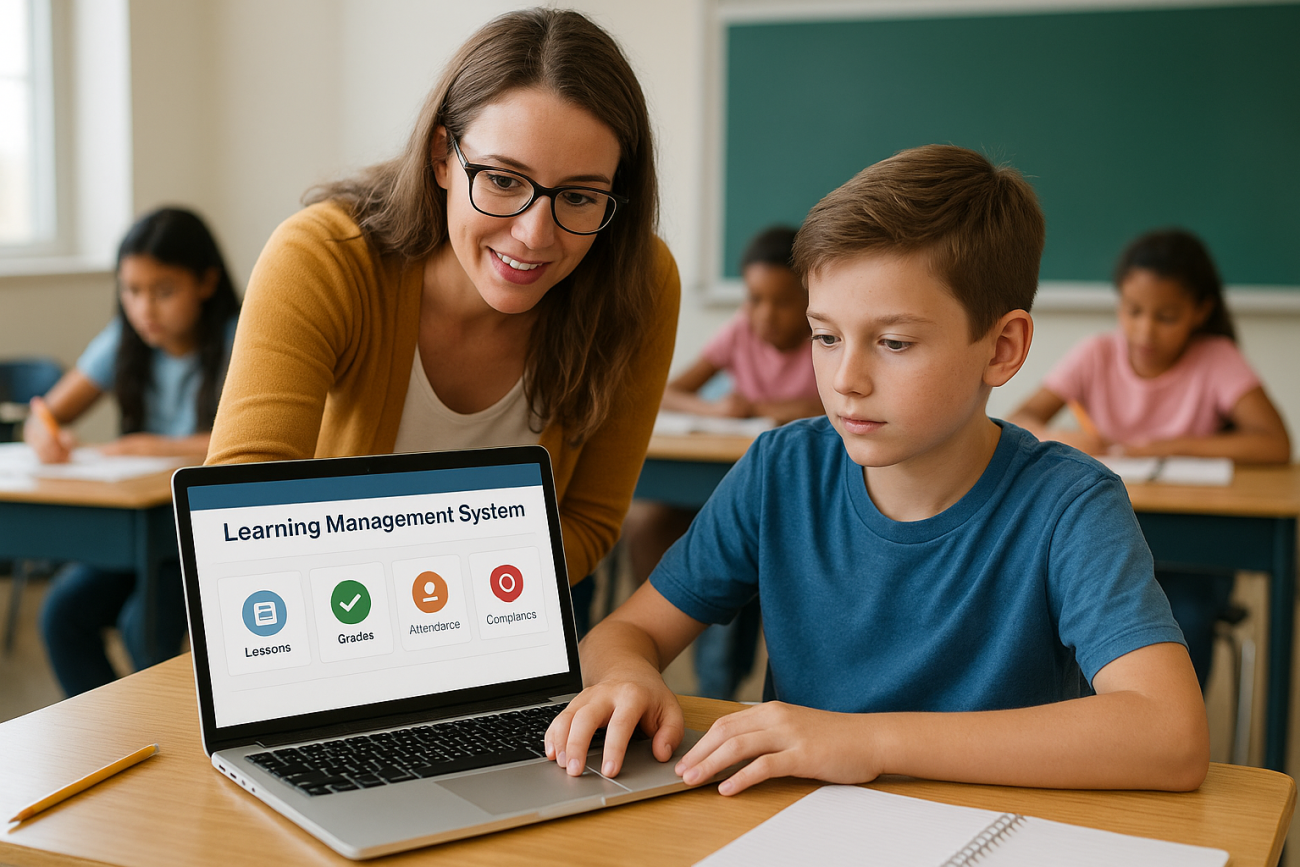
A learning management system in schools does more than post homework online. It’s the platform teachers use to deliver lessons, track student progress, and give administrators a clear view of what’s working across a district. If you’re a school leader, IT coordinator, or curriculum director trying to figure out whether your school actually needs one, or which type fits your setup, you’re in the right place.
In plain terms, a school LMS is software that organizes course content, assignments, grades, and communication in one place, replacing scattered spreadsheets, email threads, and paper folders. A k-12 learning management system typically adds features built for younger learners, parent portals, simplified interfaces, and tighter data privacy controls that higher-ed or corporate platforms don’t prioritize.
This article breaks down what an LMS actually does in a school setting, the main types of platforms you’ll encounter, and real examples of systems schools are using right now. By the end, you’ll know enough to evaluate whether your school needs one and what to look for.
Why learning management systems matter in schools
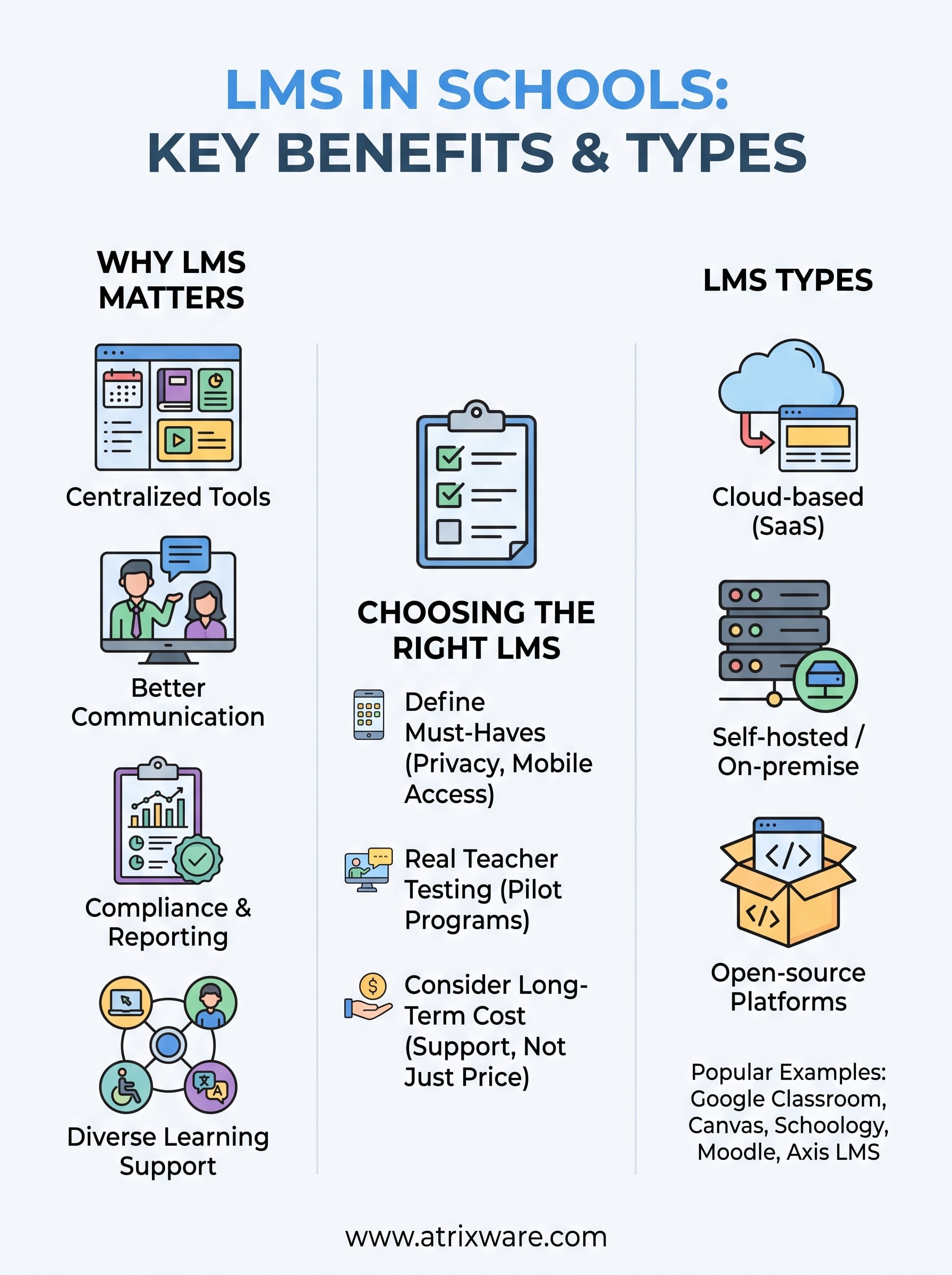
Schools run on more moving parts than most people realize: lesson plans, grades, attendance, parent communication, special education documentation, and now hybrid or remote instruction. A learning management system in schools pulls all of that into one dashboard instead of five different logins. Teachers stop chasing paper forms, and administrators stop guessing which classrooms actually finished a unit or which students are falling behind before report cards go out.
Keeping everyone on the same page
Parents want visibility into what their kids are learning, and teachers want a fast way to post assignments without rebuilding a website every semester. A solid school LMS platform gives both groups a shared, always-current view of coursework, due dates, and grades. That transparency cuts down on the "I didn’t know that was due" emails and gives parents a reason to check in on progress instead of waiting for conferences.
A learning management system turns scattered classroom tools into one system everyone in the building can actually see.
Making compliance and reporting manageable
Districts answer to state boards, federal programs, and sometimes accreditation bodies, and most of that reporting depends on clean data. An LMS with built-in reporting tools tracks completion rates, instructional time, and intervention records automatically, which matters when a superintendent needs proof of Title I compliance or a special education audit lands on short notice. Manually assembling that data from spreadsheets wastes hours that teachers and administrators don’t have.
Supporting different ways students learn
Not every student learns the same way, and not every school runs the same schedule anymore. Here’s what a school-grade LMS typically needs to handle well:

- Blended classrooms where some students work online and others in person
- Remote or hybrid days during closures, weather events, or illness
- Differentiated pacing so advanced students move faster and struggling students get extra practice
- Accessibility requirements like screen reader support and closed captioning
- Multilingual families who need translated communication and materials
Covering these cases isn’t optional anymore. Since 2020, most districts built hybrid capability into their standard operations rather than treating it as an emergency backup plan.
Reducing the burden on teachers
Every hour a teacher spends grading manually, formatting a gradebook, or resending a missed assignment is an hour not spent on instruction. Good LMS platforms automate grading for objective assessments, send automatic reminders to students with missing work, and let teachers reuse content across sections instead of rebuilding it. Time saved on administrative tasks is time schools get back for actual teaching, which is ultimately what the investment needs to justify.
How to choose the right LMS for your school
Picking a learning management system in schools isn’t about finding the platform with the most features. It’s about matching the tool to how your teachers actually teach and how your IT team can actually support it. Start with your constraints, not the vendor’s demo, because a system that dazzles in a sales pitch but breaks under real classroom load helps no one.
Start with your must-haves, not nice-to-haves
Write down the non-negotiables before you look at a single product, then follow a step-by-step way to compare LMS platforms. A K-12 learning management system should cover these basics without add-on fees:
- Parent and guardian access separate from student logins
- Compliance with FERPA and COPPA for student data
- Single sign-on with your existing student information system
- Mobile access on any device for both teachers and families
- Reporting that maps to your state’s required metrics
The right LMS fits your school’s actual workflow, not the other way around.
Test it with real teachers, not just IT staff
Demos run by sales reps rarely reveal how a platform feels during a Monday morning rush of five different classes logging in at once. Give a pilot group of teachers real access for a few weeks and ask them to build an actual unit, grade real assignments, and message real parents. Their friction points, not the feature checklist, tell you what daily use will look like.
Weigh cost against long-term support
Budget matters, but the cheapest license often costs more later in support tickets and lost instructional time. Ask vendors directly about implementation support, training resources, and how quickly their team responds when something breaks during a school day. A platform like Axis LMS that includes onboarding help and responsive support tends to save administrators more time over a school year than a slightly lower price tag ever will. Compare total cost of ownership, including the real costs of implementing an LMS, not just the sticker price, before signing a multi-year contract.
Types of learning management systems used in schools
Not every learning management system in schools works the same way under the hood, and the deployment model you pick affects cost, control, and how much your IT staff will manage day to day. Understanding the main categories before you shop keeps you from paying for infrastructure you don’t need or missing capacity you do.
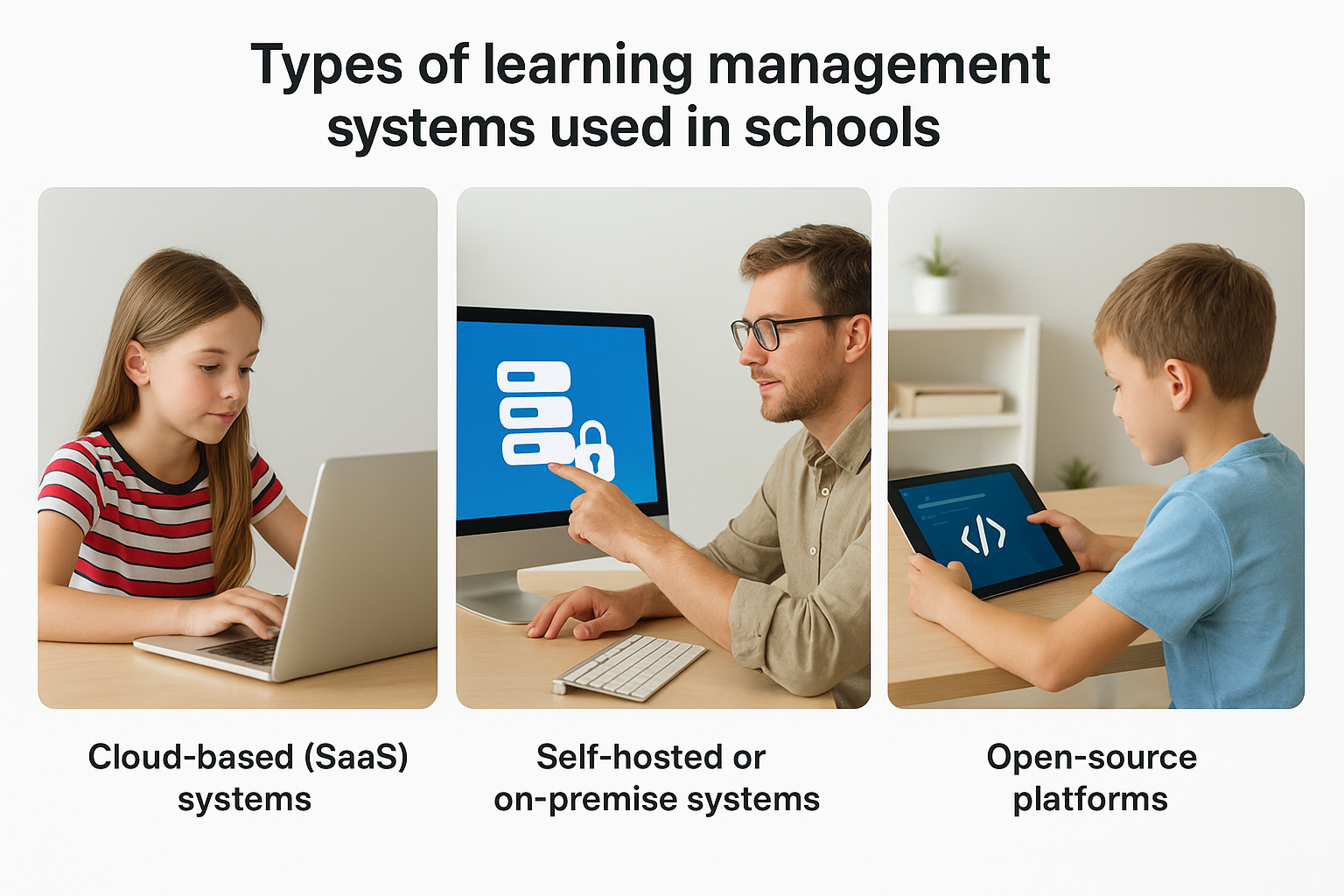
Cloud-based (SaaS) systems
Most districts now run a cloud-based LMS, where the vendor hosts everything and your school accesses it through a browser, so it helps to know how cloud and hosted LMS options differ. There’s no server to maintain, updates happen automatically, and scaling up for a growing student population doesn’t require new hardware. Axis LMS runs this way, which is why smaller districts with lean IT teams often lean toward SaaS platforms instead of self-hosted alternatives.
The deployment model you choose determines how much your IT team manages and how fast problems get fixed.
Self-hosted or on-premise systems
Some districts, particularly larger ones with dedicated IT departments, still prefer self-hosted platforms installed on their own servers. This gives full control over data storage location and customization, which matters for districts with strict internal security policies. The tradeoff is real: your staff owns every update, security patch, and outage, and that workload adds up fast during a school year.
Open-source platforms
Open-source systems offer free base software that districts customize themselves, appealing to schools with strong technical staff and tight budgets. The catch is that
Popular LMS platforms and examples for K-12 schools
Knowing the categories helps, but seeing actual names makes the decision concrete. Districts across the country run a mix of free, low-cost, and enterprise-grade platforms, and the right pick depends on budget, grade levels served, and how much customization your team wants to handle.
What K-12 schools are actually using
Google Classroom dominates in districts already using Google Workspace for Education, mostly because it’s free and integrates with tools teachers already know. Canvas and Schoology show up more in mid-size and larger districts that need deeper gradebook functionality and standards-based reporting. Moodle remains popular with schools that have IT staff comfortable managing an open-source deployment. Here’s a quick snapshot of how these compare:
| Platform | Deployment Type | Best Fit |
|---|---|---|
| Google Classroom | Cloud-based | Districts on Google Workspace, simple workflows |
| Canvas | Cloud-based | Mid-to-large districts needing detailed reporting |
| Schoology | Cloud-based | Districts wanting strong parent communication tools |
| Moodle | Open-source | Schools with dedicated IT support |
| Axis LMS | Cloud-based | Districts wanting compliance tracking and branding control |
No single platform fits every district, which is why matching features to your actual workflow matters more than brand recognition.
Where Axis LMS fits in
Atrixware built Axis LMS with the compliance tracking, branding customization, and integration options that many free classroom tools skip entirely. Schools handling FDA, GDPR, or state-mandated training records get automated compliance training records instead of manually compiling spreadsheets. Districts already juggling a student information system and HR platform benefit from Axis LMS’s SSO support and integration builder, since fewer manual logins mean fewer support tickets for your IT team.
What this means for your school
A learning management system in schools isn’t a luxury add-on anymore. It’s the infrastructure that keeps lesson delivery, grading, compliance reporting, and parent communication running without duct tape and spreadsheets. Whether you land on a free classroom tool, an open-source build, or a full K-12 learning management system with compliance tracking built in depends on your district’s size, IT capacity, and how much reporting your state actually requires.
Start small if you need to. Pilot a platform with a handful of teachers, check how it handles real grading and real parent messages, then scale from there. Don’t sign a multi-year contract based on a demo alone.
If you’re still weighing options, try the Axis LMS admin demo and see how compliance tracking, branding, and integrations actually work before you commit your district’s budget.
