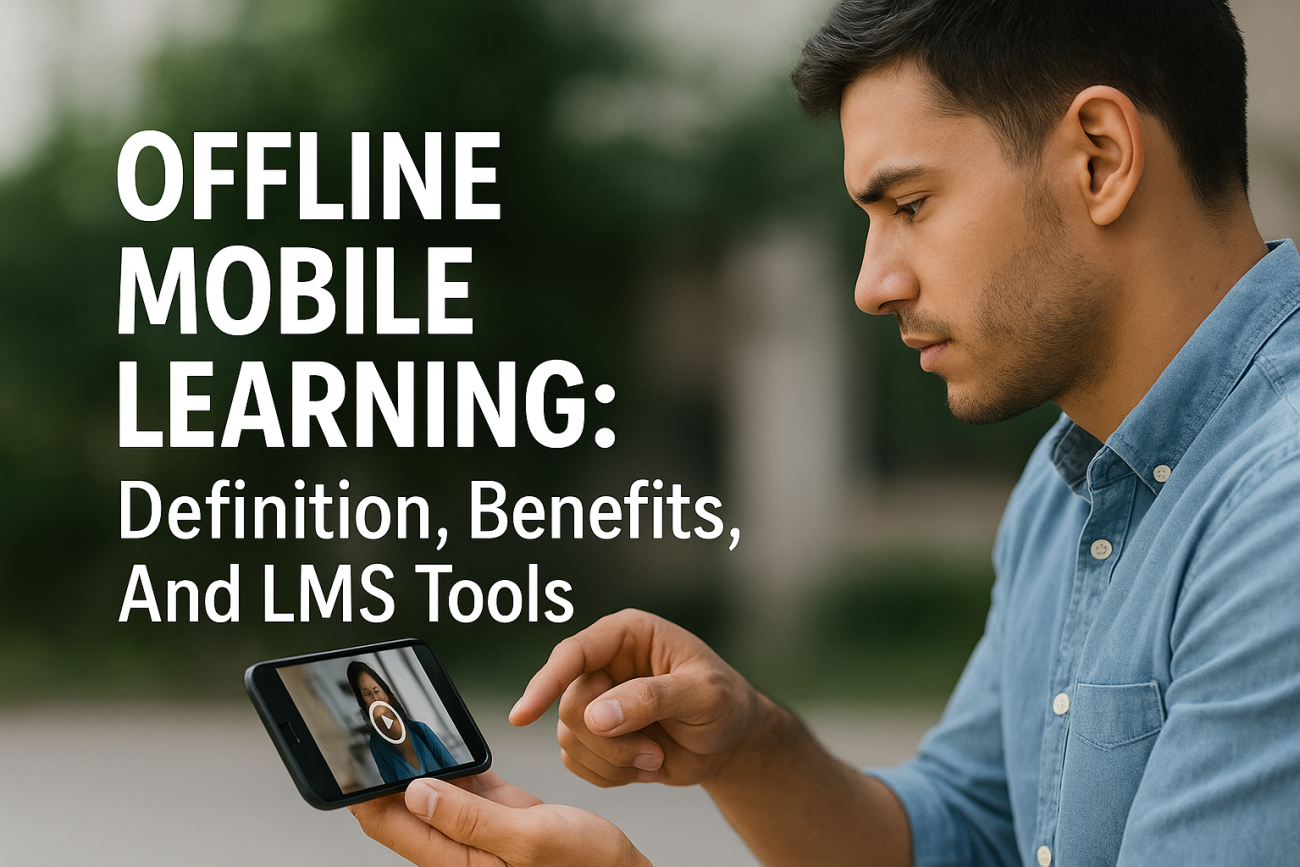
Your sales team is on a flight to a client meeting. Your field technicians are working in a warehouse with spotty WiFi. Your remote employees are commuting through areas with no cell service. In each scenario, training doesn’t have to stop. Offline mobile learning makes it possible for learners to download courses, complete modules, and track progress, all without an active internet connection.
For organizations using a Learning Management System like Axis LMS, understanding how offline capabilities work is essential for reaching every learner, regardless of their connectivity situation. Whether you’re training employees across multiple locations, educating customers on your products, or ensuring compliance for a distributed workforce, offline access removes one of the biggest barriers to consistent training: the assumption that everyone has reliable internet.
This article explains what offline mobile learning actually means, why it matters for modern training programs, and which LMS features to look for when evaluating platforms that support disconnected learning. By the end, you’ll know how to keep your training programs running smoothly, even when the WiFi isn’t.
What offline mobile learning means
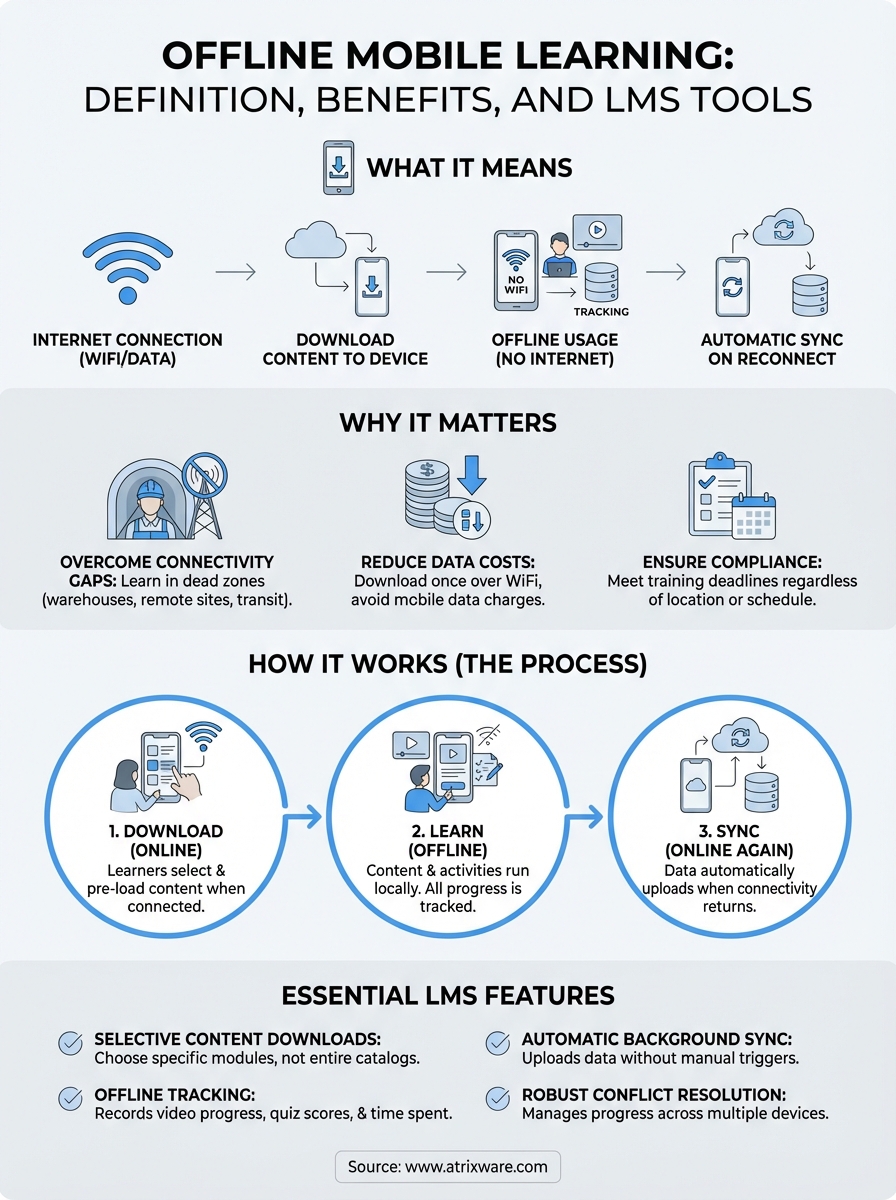
Offline mobile learning refers to the ability for learners to download training content to their mobile devices and complete courses, modules, or lessons without requiring an active internet connection. The content lives locally on the device, allowing users to watch videos, read materials, take quizzes, and progress through training modules while disconnected. Once they reconnect to the internet, their progress automatically syncs back to the Learning Management System, updating completion records and test scores.
This capability transforms how organizations deliver training by removing dependency on WiFi or cellular data. Instead of requiring learners to stay connected throughout their training session, the LMS platform pre-loads content onto their device when they do have internet access. Learners then work through materials at their own pace, and the system captures all activity locally until the next sync opportunity.
Offline mobile learning turns any location into a training environment, whether you’re on a plane, in a subway, or at a remote job site with no connectivity.
The basic technology behind it
Your LMS handles offline functionality through mobile app integration and local data storage. When a learner opens the app while connected to the internet, they can select which courses or modules to download. The system transfers all necessary files to the device, including videos, PDFs, interactive elements, and assessment questions. Modern LMS platforms compress this content to minimize storage space while maintaining quality.
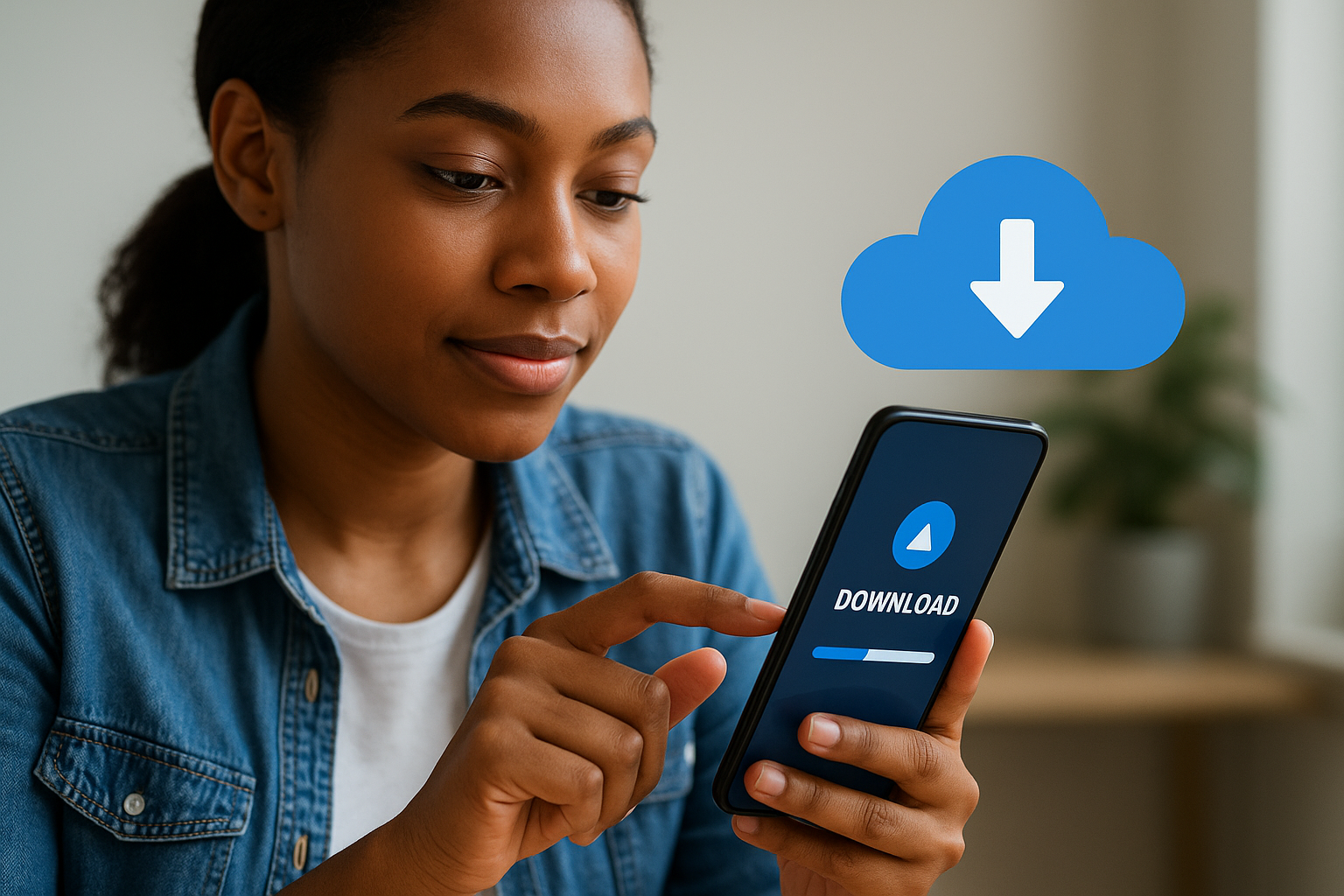
The app creates a temporary local database on the device that mirrors the structure of your online training environment. This database tracks every action the learner takes: which videos they watch, how long they spend on each screen, which answers they select on quizzes, and when they complete activities. All of this information sits securely on the device until connectivity returns.
What learners can do offline
Learners access the full training experience without limitations in most cases. They can watch video lectures, read text-based lessons, and review downloadable resources like manuals or job aids. Interactive elements such as drag-and-drop activities, branching scenarios, and knowledge checks all function normally because the content runs locally on the device.
Assessment completion works differently depending on your LMS configuration. Most platforms allow learners to complete quizzes and tests offline, storing responses locally. Some systems show immediate feedback for multiple-choice questions, while others wait until sync to display results. Discussion forums and live collaboration features typically require connectivity, but individual learning activities proceed without interruption.
The sync process explained
When your device reconnects to the internet, the LMS app initiates an automatic background sync that uploads all stored activity data. The system matches the local records with your central database, updating completion percentages, quiz scores, and time tracking. This process usually takes seconds to minutes depending on how much content the learner completed offline.
Your LMS handles conflicts intelligently if the same learner accessed training from multiple devices. Most platforms use timestamp-based logic to determine which version of progress data is most recent, ensuring accurate records. Administrators see the final results in their reporting dashboards without needing to manually reconcile offline sessions.
Why offline access matters for training
Your training program only works when learners can actually access it. Internet reliability remains inconsistent across industries, locations, and work environments, yet most organizations still design training around the assumption of constant connectivity. Offline mobile learning solves this fundamental problem by decoupling learning from network availability, ensuring your workforce completes required training regardless of their physical location or network conditions.
Real connectivity challenges in the workplace
Field employees face spotty coverage as a daily reality. Your technicians working in basements, warehouses, or remote job sites encounter dead zones where cellular signals fail completely. Construction crews on new builds, agricultural workers in rural areas, and healthcare professionals in hospital wings with thick concrete walls all experience the same barrier. When training depends on streaming content, these connectivity gaps create completion delays that affect certification timelines and compliance deadlines.
Transportation workers represent another major group affected by unreliable internet. Your truck drivers, airline crews, and maritime staff spend significant time in transit where WiFi is unavailable or prohibitively expensive. Asking these employees to complete training only when they have stable internet access limits their learning opportunities to breaks at facilities or home time, reducing engagement and extending program timelines unnecessarily.
Making training accessible offline transforms dead time during commutes, flights, and remote assignments into productive learning opportunities.
Cost and compliance impact
Data costs add up quickly when you require streaming for all training content. Organizations with large mobile workforces face substantial cellular data charges when employees access video-heavy courses over mobile networks. Offline access eliminates these recurring costs by allowing learners to download content once over WiFi and complete training without consuming additional data.
Compliance training carries legal and regulatory consequences when completion rates suffer. Your organization faces audit risks and penalties when employees miss mandatory training deadlines due to access issues. Offline capabilities remove the connectivity excuse entirely, ensuring every employee can complete required courses on schedule regardless of their work environment or travel schedule.
How offline mobile learning works
Your LMS orchestrates a three-phase cycle that enables disconnected training: content download, offline usage, and automatic synchronization. The process starts when learners connect to the internet and open their mobile learning app. The system displays available courses, and learners select which materials to download for offline access. Your LMS then transfers all course files to the device’s local storage, creating a self-contained learning environment that operates independently of network availability.
The download process
Learners access your course catalog through the mobile app while connected to WiFi or cellular data. The interface clearly marks which courses support offline access and displays download file sizes so users can manage their device storage effectively. When they tap the download button, your LMS compresses and packages all course components including videos, documents, interactive activities, and assessment questions into an encrypted format that protects your training content.
The app monitors download progress and resumes interrupted transfers automatically if connectivity drops mid-download. Most platforms allow learners to queue multiple courses for download and continue using other device functions while the transfer completes in the background. Once finished, the content remains on the device until the learner manually deletes it or your LMS remotely removes outdated versions.
What happens during offline use
Your training content runs entirely from the device’s local storage when learners work offline. The app tracks every interaction including video completion percentages, time spent on each screen, quiz responses, and navigation patterns. This data gets written to a temporary local database that mirrors your central LMS structure, ensuring no learning activity goes unrecorded even during extended offline periods.
Offline mobile learning transforms network limitations from training barriers into non-issues, capturing complete learning data regardless of connectivity status.
The synchronization cycle
Your device automatically detects when internet connectivity returns and initiates background synchronization without requiring manual intervention. The app uploads all stored activity data to your LMS servers, where the system validates and processes the information to update completion records, certificates, and compliance tracking. This sync typically completes within seconds, and learners can continue working during the upload process.
Best practices for offline-ready courses
Your course design directly determines how well offline mobile learning functions for your learners. Building content specifically for disconnected use requires different considerations than traditional online courses. You need to account for device storage limitations, optimize file formats for mobile viewing, and structure content so learners can pause and resume without losing progress or context.
Design for limited storage
Mobile devices have finite storage capacity, and your learners often store personal files, apps, and multiple training courses simultaneously. Keep individual course packages under 500 MB whenever possible to avoid forcing learners to delete other content. Break longer training programs into smaller modules that learners can download selectively rather than requiring them to commit device space to an entire curriculum upfront.
Structure your content so learners can complete meaningful sections in one sitting without needing additional downloads. Each module should function as a standalone unit with clear learning objectives and completion criteria. This approach lets your workforce download only what they need for immediate training requirements.
Optimize media files
Video content consumes the most storage space and battery life during offline use. Compress video files using modern codecs that maintain visual quality at lower bitrates, targeting resolutions appropriate for mobile screens rather than desktop monitors. Test your compressed videos on actual mobile devices to ensure text remains readable and demonstrations stay clear at the reduced file size.
Well-optimized courses deliver the same learning impact while using 60-70% less storage space and device battery compared to desktop-formatted content.
Build in progress checkpoints
Your LMS needs frequent save points throughout each course to prevent data loss if the app closes unexpectedly. Configure your system to capture progress after every completed activity rather than waiting for learners to finish entire modules. Include visual indicators that show when progress has been saved locally so learners can close the app confidently without losing work.
How to pick an offline-capable LMS
Your choice of LMS determines whether offline mobile learning actually works for your organization or becomes a source of frustration. Not all platforms handle disconnected training equally well, and vendor marketing claims rarely match real-world performance. You need to evaluate specific technical capabilities, test actual user experiences, and verify that the platform syncs reliably when connectivity returns.
Essential offline features to verify
Your LMS must support selective content downloads so learners can choose which courses to store on their devices rather than forcing them to download entire catalogs. Check whether the platform automatically removes outdated content when you publish course updates, preventing learners from completing superseded versions. Confirm that the system tracks all activity types offline, including video progress, assessment responses, and time spent on each learning object.
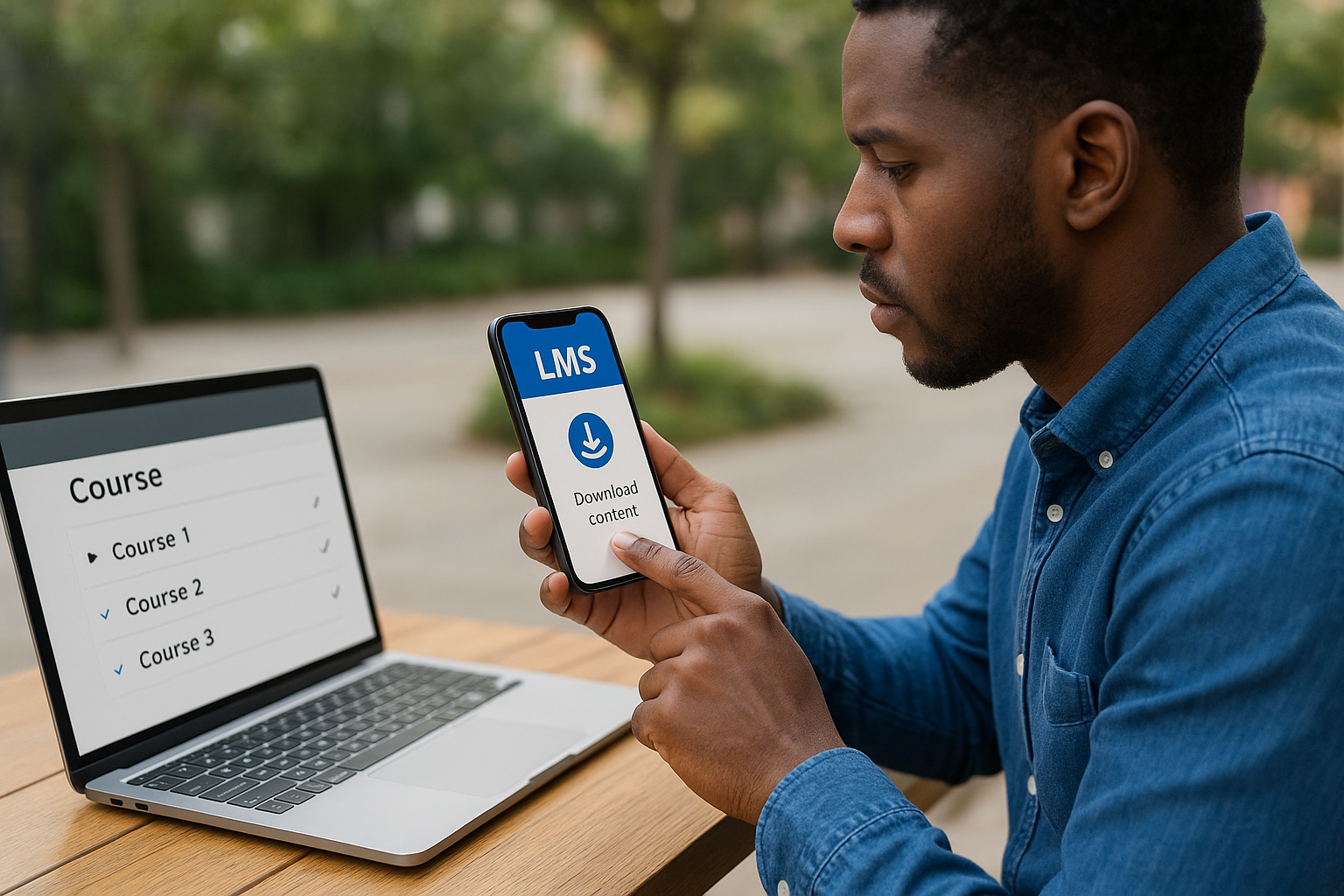
Ask vendors to demonstrate how their platform handles quiz functionality during disconnected sessions. Some systems show immediate feedback for correct answers while offline, while others wait until sync to display results. Verify whether learners can access previously downloaded certificates and completion records without connectivity, as your workforce often needs proof of training at job sites.
Testing before you commit
Request a pilot program that includes your actual learners working in their real environments. Have field employees download courses, complete them during typical workdays, and report any sync failures or data loss. Your IT team should monitor sync traffic patterns to understand bandwidth requirements when large groups reconnect simultaneously after offline training sessions.
Testing offline capabilities with your actual workforce reveals problems that never surface during vendor demonstrations in ideal connectivity conditions.
Integration and sync capabilities
Your LMS needs robust conflict resolution when the same learner accesses training from multiple devices. Verify how the platform handles situations where someone starts a course on their phone offline, then continues on a tablet. Check whether the system supports background synchronization that occurs automatically without requiring learners to manually trigger uploads after reconnecting.
Next steps
Your training program needs to work everywhere your learners go, and offline mobile learning capabilities should be a non-negotiable requirement when evaluating platforms. The LMS you choose will either expand your training reach or create unnecessary barriers for your distributed workforce.
Start by identifying which learner groups face connectivity challenges most frequently. Map out their typical work environments and daily routines to understand how often they need offline access. This analysis helps you prioritize features during vendor evaluations and ensures your chosen platform actually solves real problems rather than checking boxes on a feature list.
Ready to explore whether your organization is prepared for an LMS implementation? Take our LMS readiness quiz to determine where you stand in the selection process and what steps you need to take next. The assessment takes five minutes and provides personalized recommendations based on your current training challenges and organizational readiness.
