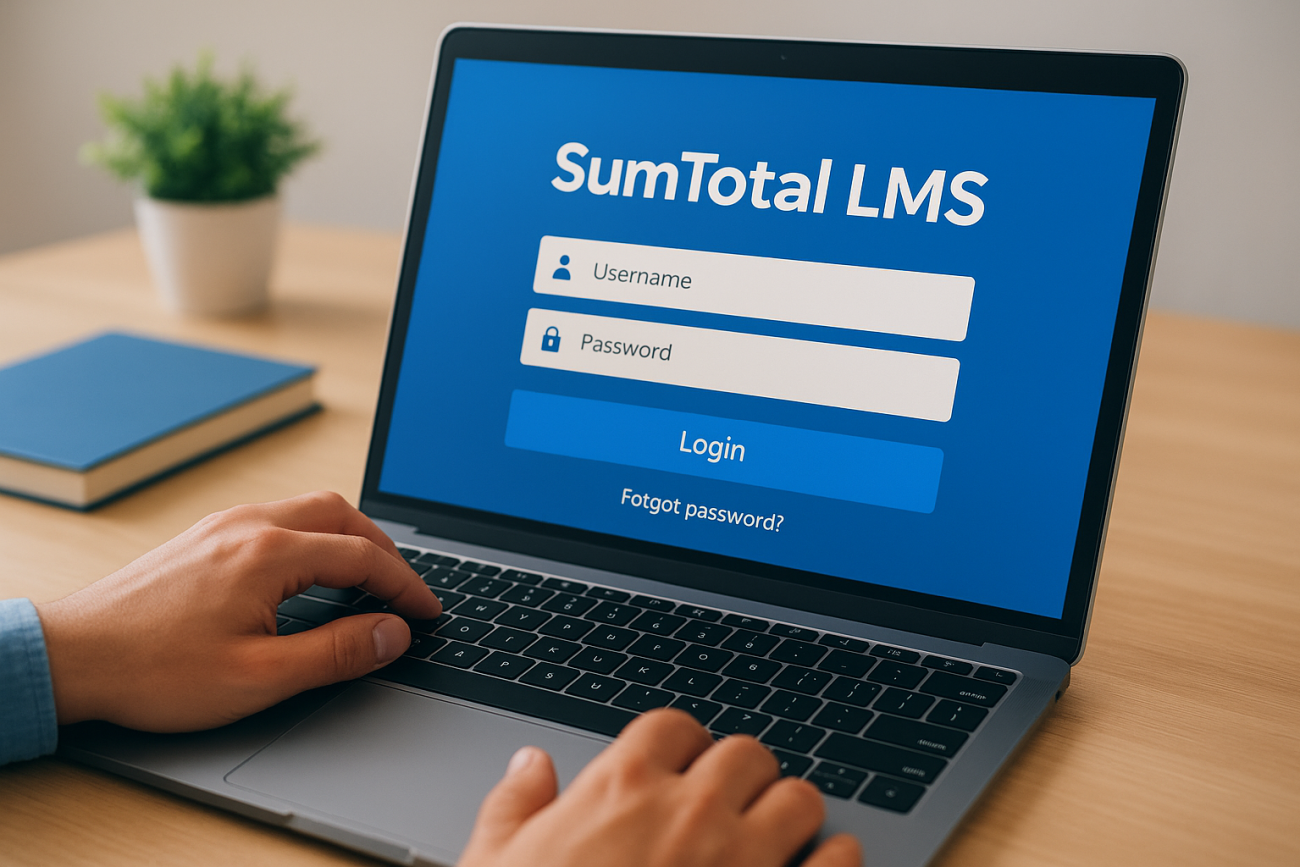
SumTotal LMS is a learning management system that helps organizations deliver, track, and manage employee training programs. Companies use it to handle everything from mandatory compliance courses to leadership development and new hire onboarding. The platform supports online learning, virtual classrooms, and blended training approaches. If your employer uses SumTotal, you typically access your training materials through a custom branded portal or the SumTotal mobile app.
Trying to find your login page? Need to understand what SumTotal actually offers? This guide covers everything you need to know about the platform. You’ll learn how to access your account, explore the key features the system provides, and understand how pricing works. We’ll also explain why companies choose SumTotal for enterprise training and review alternative LMS solutions if you’re considering a switch. Whether you’re a new employee looking for your first login or an administrator evaluating the platform, you’ll find practical answers here.
Why SumTotal LMS matters for enterprise training
Large organizations face unique training challenges that basic learning platforms can’t handle. You need to train thousands of employees across multiple locations, ensure everyone meets regulatory requirements, and prove that learning investments drive business results. SumTotal LMS addresses these enterprise-specific needs with features built for scale and complexity.
Scale training across global workforces
Your company operates in different countries with diverse learning needs and language requirements. SumTotal lets you deliver consistent training programs while adapting content for local regulations and cultural contexts. The platform supports multiple languages and time zones, so employees in Tokyo and Toronto access relevant training materials during their work hours. You can manage everything from a central system while giving regional managers control over their specific programs.
Meet compliance requirements with confidence
Regulatory training creates serious risk if you don’t track it properly. SumTotal provides automated compliance tracking that documents who completed which training and when they need recertification. The system generates audit-ready reports that prove your organization meets industry standards like FDA 21 CFR Part 11 or GDPR requirements. You receive alerts before certifications expire, preventing gaps in compliance coverage.
Compliance training isn’t optional. The right system turns a legal obligation into a manageable workflow.
Track learning impact and business results
Training programs need to justify their budget with measurable outcomes. SumTotal gives you detailed analytics that show completion rates, assessment scores, and time spent on each course. You can connect learning data with performance metrics to demonstrate how training improves sales results, reduces safety incidents, or speeds up time-to-productivity for new hires. Executive dashboards present this information in formats that business leaders understand and value.
Organizations choose SumTotal LMS when they need enterprise-grade features that simpler platforms don’t provide. The system handles complex training scenarios while maintaining the security and reliability that large companies require.
How to access your SumTotal LMS account
Your organization provides access to SumTotal LMS through a custom web portal specific to your company. Unlike consumer apps where everyone uses the same URL, each organization hosts its own instance of SumTotal with unique login credentials and branding. You’ll need to get your access details from your HR department or training administrator before you can log in for the first time.
Find your organization’s login URL
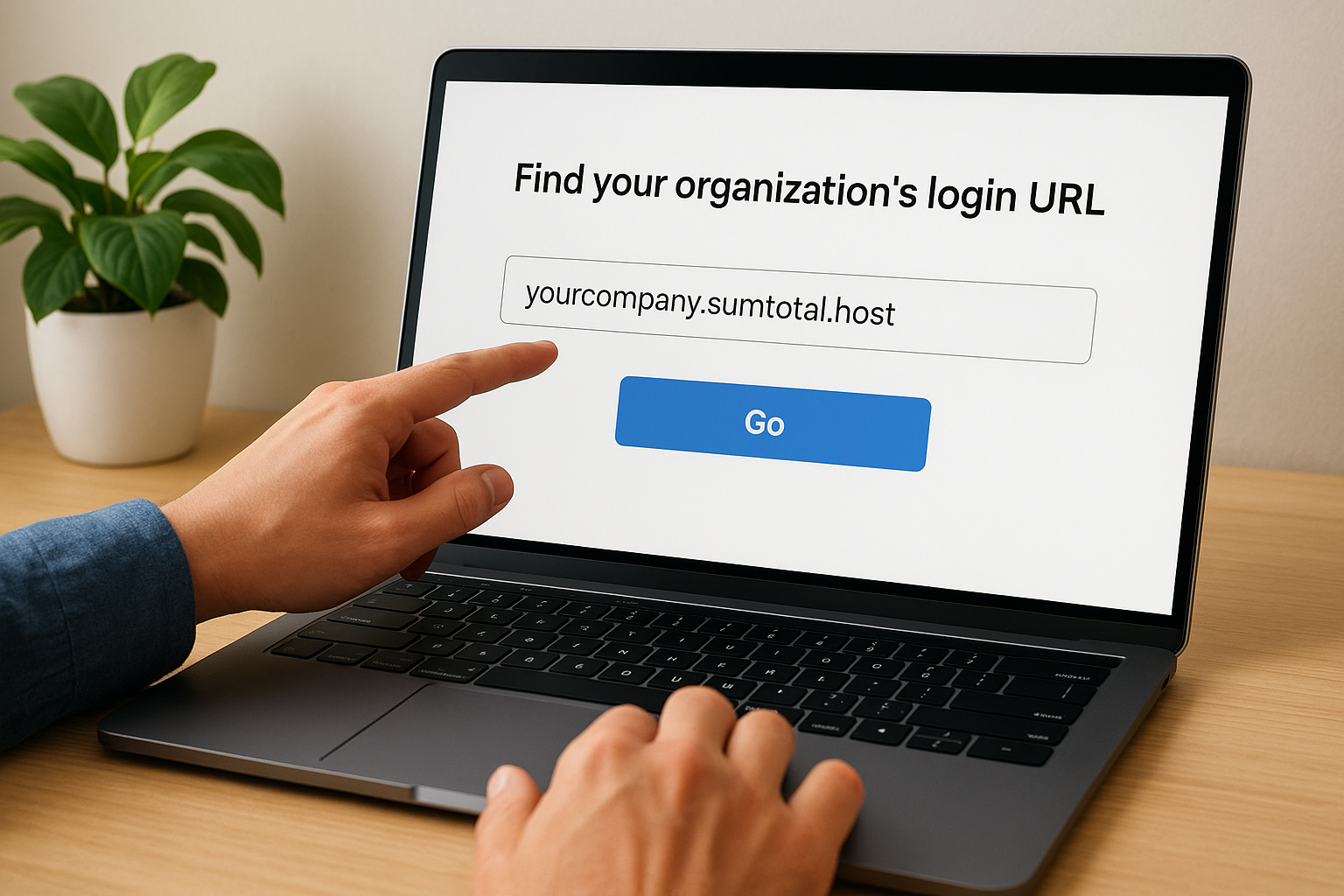
SumTotal doesn’t use a universal login page that works for all users. Your company’s portal typically follows a pattern like yourcompany.sumtotal.host or uses a custom domain that reflects your organization’s name. Check your welcome email from HR or look for login instructions in your new hire paperwork. Some companies integrate SumTotal with their internal intranet, so you might access it through your employee portal rather than a direct link.
If you can’t locate your login URL, contact your IT help desk or training department. They maintain the official link and can verify whether your account has been created. Searching for "SumTotal login" on Google won’t help because you need your organization’s specific portal address.
Your SumTotal login works only on your company’s portal. Bookmark the correct URL to avoid confusion.
Log in through the SumTotal mobile app
Download the SumTotal Mobile app from the Apple App Store or Google Play Store to access training on your phone or tablet. The app requires your organization’s server address during initial setup, which matches your web portal URL. Enter this information exactly as provided by your employer, including any specific formatting.
Your mobile credentials are the same username and password you use for the web version. The app synchronizes automatically with your desktop progress, so you can start a course on your computer and finish it on your phone. Push notifications alert you about upcoming deadlines and newly assigned courses.
Troubleshoot common access issues
Forgot your password? Look for the "Forgot Password" link on your login page, which sends reset instructions to your registered email address. Your organization controls the password reset process, so recovery emails come from your company’s domain rather than SumTotal directly.
Account locked after multiple failed login attempts? Your system administrator needs to unlock your account manually. Contact your help desk with your employee ID and explain the situation. Security policies vary by organization, but most accounts unlock automatically after a waiting period or require administrator intervention.
SumTotal LMS overview and key features
SumTotal LMS provides a comprehensive learning platform designed for organizations that need to manage complex training requirements across large employee populations. The system combines course delivery, compliance tracking, and performance management in a single interface. Your administrators can create training programs, assign them to specific groups, and monitor completion rates without switching between multiple tools. The platform handles online courses, virtual instructor-led training, and blended learning programs that mix different delivery methods.
Cornerstone OnDemand acquired SumTotal in 2020 and continues to maintain the platform while encouraging existing customers to migrate to their Cornerstone Galaxy platform. Despite this transition period, many organizations still actively use SumTotal LMS for their training operations. You’ll find that the system offers robust functionality for enterprise needs, though some features reflect its older architecture compared to newer cloud-native platforms.
Course creation and content delivery
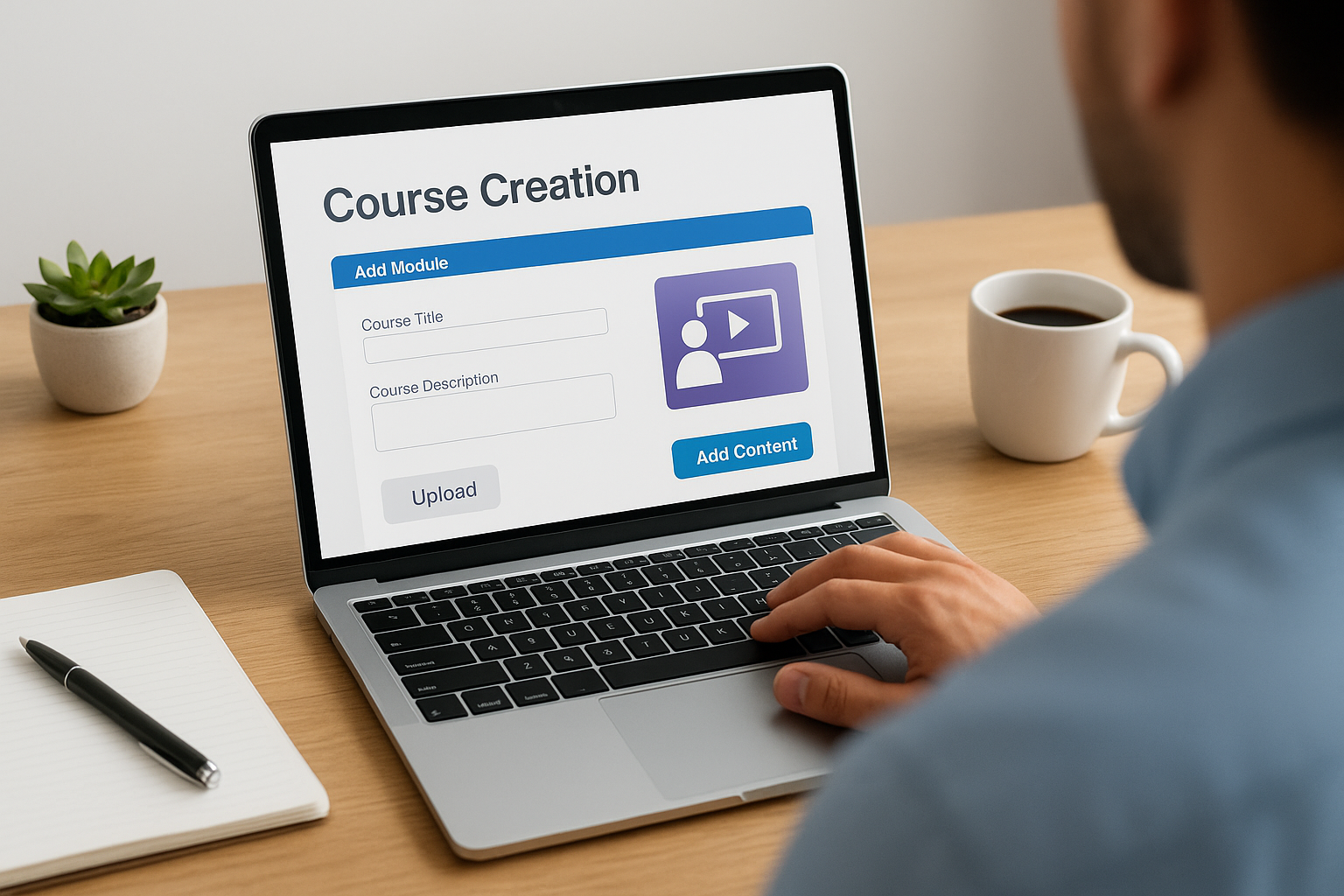
You can build training courses directly in SumTotal using the built-in authoring tools or upload content created in external programs. The platform supports SCORM and AICC standards, which means courses developed in popular authoring tools like Articulate or Adobe Captivate work seamlessly. Your learners access courses through a web browser without installing special software, and the system tracks their progress automatically as they move through each module.
The course library feature lets you organize content by topic, department, or skill level. You assign courses based on job roles, locations, or custom criteria that match your organizational structure. Automated enrollment rules trigger when employees meet specific conditions, such as starting a new position or reaching a certain tenure milestone. This automation reduces manual administrative work while ensuring people receive relevant training at the right time.
Compliance and certification management
SumTotal excels at tracking mandatory compliance training that organizations must document for regulatory purposes. The system maintains detailed records of who completed which courses, when they finished, and what scores they achieved. You can set expiration dates for certifications that require periodic renewal, and the platform sends automatic reminders before credentials expire. This proactive notification prevents compliance gaps that could expose your organization to regulatory penalties.
Automated compliance tracking transforms regulatory requirements from a manual headache into a systematic process.
Your compliance reports show exactly which employees need to complete specific training and who has fallen behind schedule. Managers receive dashboard views that highlight overdue assignments in their departments. The audit trail functionality documents every interaction with training materials, providing the evidence regulators need during inspections or compliance reviews.
Reporting and analytics capabilities
The reporting engine in SumTotal generates standard reports for common metrics like completion rates, assessment scores, and time spent on training. You can schedule reports to run automatically and deliver results to specific email addresses, eliminating the need to log in and pull data manually. Custom report builders let you combine different data points to answer specific questions about your training program’s effectiveness.
Analytics dashboards present training data in visual formats that make trends easier to spot. You track learner engagement by monitoring how many people start courses but don’t finish them, which helps identify content that needs improvement. Performance comparisons show how different departments or regions stack up against each other, revealing where additional training support might strengthen results.
SumTotal LMS pricing and licensing
SumTotal LMS does not publish standard pricing on its website because costs vary significantly based on your organization’s size and specific requirements. You need to contact their sales team directly for a custom quote that reflects your number of users, feature selections, and implementation needs. This approach is typical for enterprise learning management systems that serve large organizations with complex training demands.
Contact-based pricing model
Your final cost depends on several factors that the vendor evaluates during the sales consultation process. The number of active learners in your system affects pricing more than any other variable, with most vendors offering tiered pricing structures based on user counts. Additional costs come from implementation services, data migration from existing systems, and custom integrations with your HR or business software. Training for administrators and ongoing technical support typically appear as separate line items in your proposal.
Enterprise software pricing reflects the total value delivered, not just software access.
Most organizations pay through annual subscription contracts rather than one-time purchases. This subscription model includes software updates, security patches, and basic technical support. You might encounter multi-year agreements that lock in pricing but require longer commitments from your organization. Be prepared to negotiate contract terms, especially if you’re migrating from another platform or bringing a large user base.
License types and seat models
SumTotal offers different licensing options based on how you count users in your system. Named user licenses assign each login to a specific person, while concurrent licenses allow a pool of users to share a smaller number of active seats. The concurrent model costs less if many employees only access training occasionally, but you risk capacity issues during peak usage periods. Your vendor representative helps you analyze usage patterns to determine which license structure provides the best value for your training needs.
Alternatives to SumTotal LMS and migration tips
Several modern learning management systems offer features comparable to SumTotal LMS while providing updated interfaces and cloud-native architectures. Organizations choose to migrate for various reasons, including better user experiences, improved integration capabilities, or more flexible pricing models. Your decision to switch platforms requires careful evaluation of what features you actually use versus what you pay for in your current system. The migration process takes planning and coordination, but the right alternative can reduce administrative burden and increase learner engagement.
Popular LMS platforms to consider
Axis LMS delivers enterprise-grade features with an intuitive interface that both administrators and learners appreciate. The platform handles compliance tracking, certification management, and automated reporting while offering extensive branding options that match your organization’s identity. Your teams benefit from built-in integration capabilities that connect with HR systems, CRM platforms, and e-commerce tools without requiring custom development work. The pricing structure remains transparent compared to enterprise systems that only reveal costs during lengthy sales cycles.
Other established platforms include Cornerstone Galaxy, which SumTotal’s parent company promotes as the migration path for current customers. SAP SuccessFactors provides comprehensive talent management alongside learning functionality for organizations already using SAP business systems. Your evaluation should focus on specific capabilities your organization needs rather than choosing based on brand recognition alone.
Plan your migration strategy
Start your migration planning by documenting which SumTotal features your organization actively uses versus which features exist in your license but remain untouched. This audit reveals opportunities to simplify your new system and potentially reduce costs by selecting a platform that matches your actual needs. Interview administrators, managers, and frequent learners to understand pain points with your current system that you want to solve during migration.
Choose your migration timing carefully to minimize disruption to active training programs.
Your project timeline should account for data extraction, system configuration, user training, and a testing period before go-live. Allocate more time than vendors suggest because unexpected issues always emerge during complex migrations. Identify a pilot group that tests the new platform before you roll it out organization-wide, which helps catch problems when they affect fewer people.
Preserve your training data during transition
Export your training records and completion histories from SumTotal before you begin migration work. Most platforms provide data extraction tools, but the format might require transformation before importing into your new system. Your IT team or implementation partner handles the technical aspects of data mapping between systems, ensuring employee records, course completions, and certification dates transfer accurately.
Test your migrated data thoroughly by comparing sample records in the new system against source data in SumTotal. Verify that compliance documentation transferred completely because gaps in certification records create regulatory risks. Keep your SumTotal instance accessible during the transition period so you can reference historical data if questions arise about training completion dates or assessment scores.

Final thoughts
SumTotal LMS serves enterprise organizations that need robust compliance tracking and large-scale training management. Your evaluation of the platform should focus on specific features your organization uses rather than capabilities you’ll never implement. If you’re considering alternatives or planning a migration, take time to document your actual requirements and test potential replacements thoroughly. Looking for a more intuitive platform with transparent pricing? Take our LMS readiness quiz to determine which features matter most for your training program and discover whether Axis LMS matches your needs.
