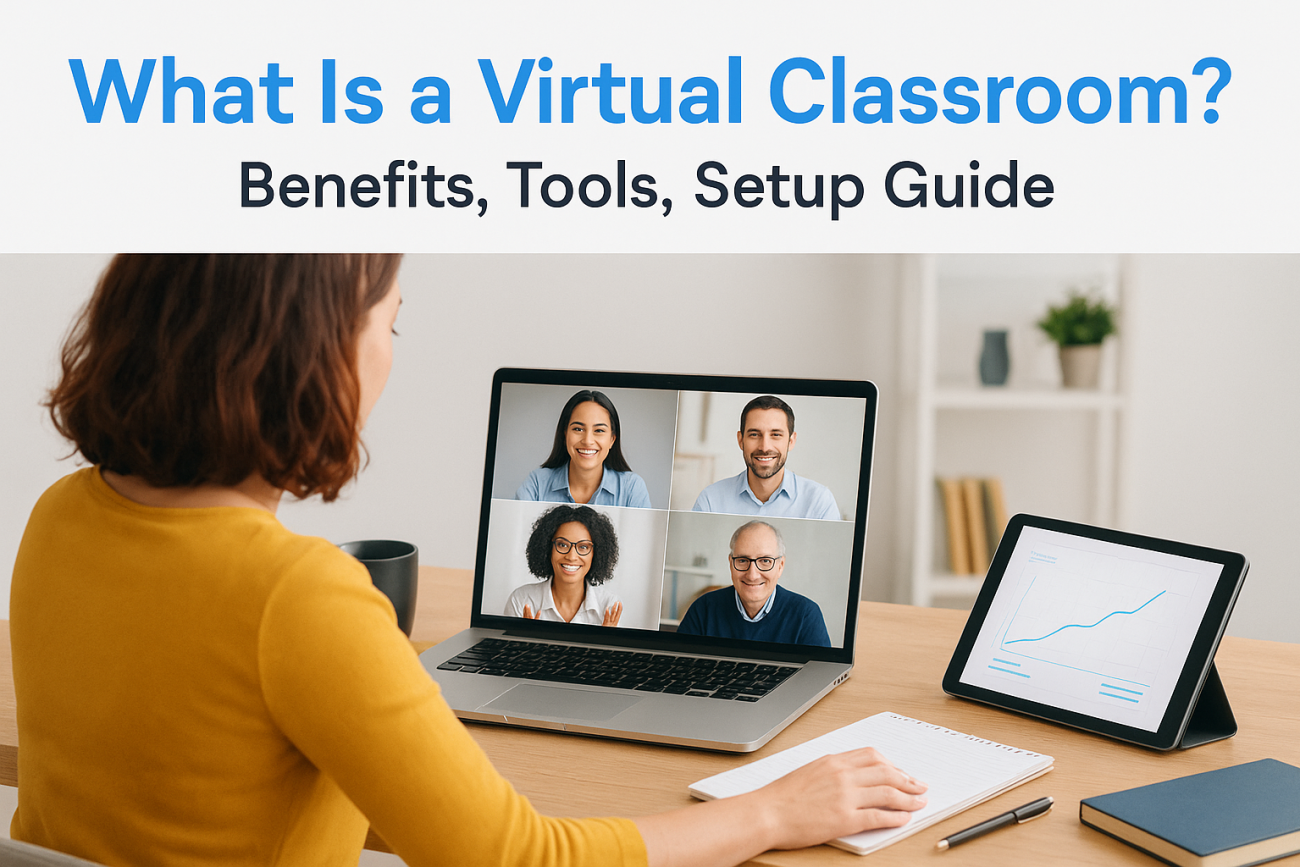
A virtual classroom is an online space where instructors and learners meet in real time through video conferencing technology. Think of it as your physical training room moved to the web. Participants join from anywhere using computers or mobile devices to attend live sessions, interact with course materials, ask questions, collaborate in groups, and complete activities. The key difference from recorded video courses is the live synchronous interaction. You get immediate feedback, real time discussions, and direct engagement between instructors and participants.
This guide walks you through everything you need to know about virtual classrooms. You’ll learn why they’ve become essential for modern training programs, how to set one up effectively, what features to look for, and the tangible benefits they deliver to organizations. We’ll also explore practical tools and examples you can use right away. Whether you’re planning your first virtual training session or looking to improve your current setup, you’ll find actionable insights to create engaging online learning experiences that actually work.
Why virtual classrooms matter today
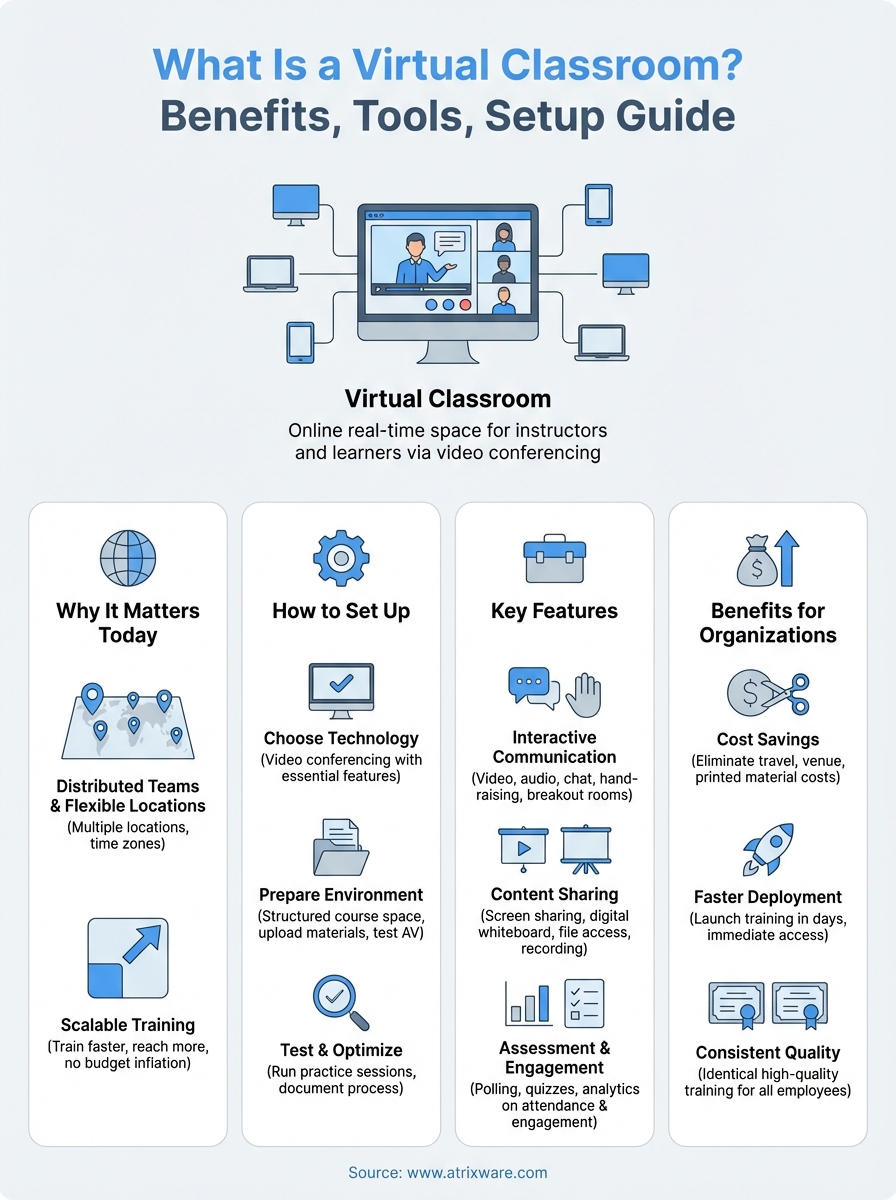
Your workforce is more distributed than ever before, and traditional in-person training simply can’t keep up. Organizations now operate across multiple locations, time zones, and even countries, making it impossible to gather everyone in one room for training sessions. Virtual classrooms solve this challenge by bringing your entire team together online, eliminating travel costs and scheduling conflicts while maintaining the interactive experience that makes training effective.

Meeting the demands of modern training
You face constant pressure to train faster and reach more people without inflating your budget. Virtual classrooms let you scale your training programs instantly while maintaining quality and engagement. Your subject matter experts can teach hundreds of participants at once, and you can record sessions for those who couldn’t attend live. Understanding what is a virtual classroom means recognizing how it transforms your organization’s ability to deliver consistent, high-quality training across your entire workforce, regardless of where they work.
Virtual classrooms have become essential infrastructure for organizations that need to train distributed teams efficiently and cost-effectively.
How to set up an effective virtual classroom
Setting up a virtual classroom requires more than just picking video conferencing software. You need to create a complete learning environment that supports interaction, engagement, and effective knowledge transfer. Start by defining your training objectives and audience needs, then build your virtual classroom setup around those requirements. This approach ensures you invest in the right tools and create processes that actually work for your specific training goals.
Choose your technology foundation
Your platform selection makes or breaks the virtual classroom experience. Look for video conferencing software that includes essential teaching features like screen sharing, breakout rooms, polling capabilities, and recording options. Most organizations already have access to tools like Microsoft Teams or Google Meet, which provide solid baseline functionality. Consider whether you need integration with your learning management system to track attendance, manage course materials, and monitor participant progress. What is a virtual classroom without proper technology? Simply a video call that won’t deliver the results you need.

Prepare your digital environment
Create a structured course space before your first session begins. Upload all presentation materials, handouts, and resources to a central location where participants can access them easily. Set up clear naming conventions and folder structures so learners find what they need without confusion. Test your audio and video quality from the actual space where you’ll teach, and prepare backup plans for technical issues.
Preparation determines whether your virtual classroom runs smoothly or becomes a frustrating technical obstacle course.
Test and optimize before launch
Run practice sessions with colleagues or volunteers to identify problems before real training begins. Check that participants can join easily, access materials, use interactive features, and hear clearly. Document your step-by-step setup process and troubleshooting solutions so you can replicate success and handle issues quickly when they arise during actual sessions.
Key features of a modern virtual classroom
Modern virtual classrooms include specific technical capabilities that separate them from basic video calls. You need these features to create an effective learning environment where participants can engage with content, interact with each other, and demonstrate their understanding. The difference between a successful virtual classroom and a frustrating experience often comes down to having the right tools available at the right moments during your training sessions.
Interactive communication tools
Your virtual classroom needs multiple ways for participants to communicate with you and each other. Video and audio capabilities let learners see and hear the instructor in real time, creating personal connections that improve engagement. Look for platforms that offer chat functions for questions and comments, hand-raising features to manage speaking order, and emoji reactions for quick feedback. Breakout rooms let you divide larger groups into smaller teams for discussions or activities, then bring everyone back together to share insights.

Interactive features transform passive viewers into active participants who engage with content and collaborate with peers.
Content sharing and presentation capabilities
You need robust tools to share materials during live sessions. Screen sharing lets you demonstrate software, walk through documents, or show presentations. Digital whiteboards allow you to sketch concepts, brainstorm ideas, and illustrate complex topics visually. File sharing gives participants immediate access to handouts, worksheets, and reference materials without leaving the session. Recording functionality captures your entire presentation for participants who missed the live event or want to review key concepts later.
Assessment and engagement features
Track participant understanding through built-in polling and quiz tools that provide instant feedback. These features let you check comprehension in real time and adjust your teaching pace accordingly. Session analytics show you attendance patterns, engagement levels, and participation rates across your training programs. When you understand what is a virtual classroom at this technical level, you can select platforms that give you the assessment capabilities you need to measure training effectiveness.
Benefits of virtual classrooms for organizations
Virtual classrooms deliver tangible cost savings that directly impact your bottom line. You eliminate travel expenses, venue rentals, and printed materials while reaching more employees with the same training budget. Organizations report cutting training costs by 40-60% when they transition from in-person to virtual delivery methods.

Faster training deployment
You can launch training programs in days instead of weeks or months. Virtual classrooms remove logistical barriers like scheduling conference rooms, coordinating travel, and waiting for everyone to gather in one location. Your teams access critical knowledge immediately when they need it, improving time-to-competency for new hires and accelerating skill development across your workforce.
Consistent quality across locations
Virtual classrooms ensure every employee receives identical training regardless of their office location. Your best instructors deliver the same high-quality content to all learners, and recorded sessions provide consistent reference materials. Understanding what is a virtual classroom means recognizing how it standardizes your training quality while maintaining the flexibility to customize content for specific departments or roles.
Virtual classrooms transform training from an expensive logistical challenge into a scalable strategic asset.
Virtual classroom tools and examples
You have dozens of platform options available to power your virtual classroom, each with different strengths for specific training scenarios. Your choice depends on whether you need basic video conferencing functionality or a complete learning management system with integrated virtual classroom capabilities. Most organizations find success with tools they already own or with specialized platforms designed specifically for corporate training environments.
Popular platform options
General video conferencing tools like Microsoft Teams, Google Meet, and Zoom provide solid baseline functionality for virtual classrooms. These platforms offer screen sharing, breakout rooms, recording capabilities, and chat features that support interactive training sessions. They integrate well with existing productivity suites and require minimal technical setup, making them practical choices for organizations just starting with virtual training.
Specialized training solutions
Learning management systems with built-in virtual classroom features offer more comprehensive solutions for structured training programs. These platforms combine live session delivery with course management, reporting, and tracking capabilities in one system. When you understand what is a virtual classroom in the context of your complete training strategy, you realize that integrated platforms eliminate the need to manage multiple disconnected tools. They provide a single interface where participants access recorded content, join live sessions, complete assessments, and track their progress through certification programs.
Choosing the right platform means matching your technical requirements with your training objectives and existing technology infrastructure.
Key takeaways
Virtual classrooms give you the power to train distributed teams efficiently while cutting costs and maintaining quality. You’ve learned what is a virtual classroom, how to set one up effectively, the essential features you need, and the practical tools available to get started. Now it’s time to evaluate whether your organization is ready to implement a comprehensive learning management system with integrated virtual classroom capabilities. Take our LMS readiness quiz to discover your next steps.
