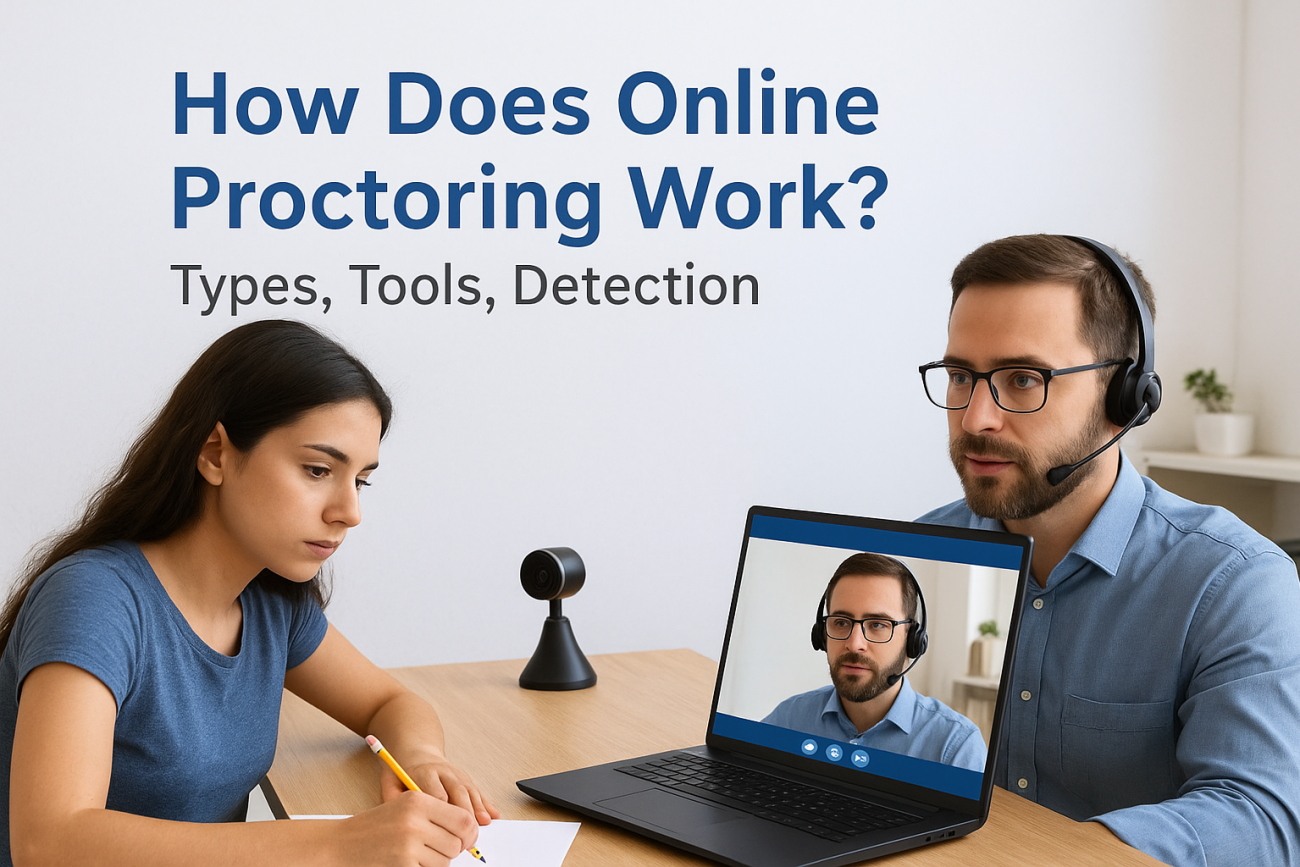
When you deliver training online, whether for compliance, certification, or professional development, you eventually hit a critical question: how do you know the person taking the exam is actually the one doing the work? That’s exactly the problem online proctoring solves. Understanding how does online proctoring work gives training administrators and L&D teams the confidence that their assessment results reflect real learner knowledge, not shortcuts.
At its core, online proctoring uses a combination of webcam monitoring, screen recording, and browser restrictions to supervise exams remotely. Some systems rely on live human proctors watching in real time. Others record sessions for later review. And increasingly, AI-driven tools analyze behavior patterns, flagging things like eye movement, background noise, or unauthorized devices, without a human needing to watch every second.
For organizations using a learning management system like Axis LMS from Atrixware, proctoring fits into a broader training ecosystem. You’re already building courses, tracking completions, and managing compliance requirements. Adding proctored assessments strengthens that chain by protecting the integrity of your certifications and compliance records, something auditors and regulators care about deeply.
This article breaks down the three main types of online proctoring, explains the technology behind each, and covers exactly what these tools can (and can’t) detect. By the end, you’ll have a clear picture of which approach fits your organization’s training goals and how to put it into practice.
What online proctoring is and why it exists
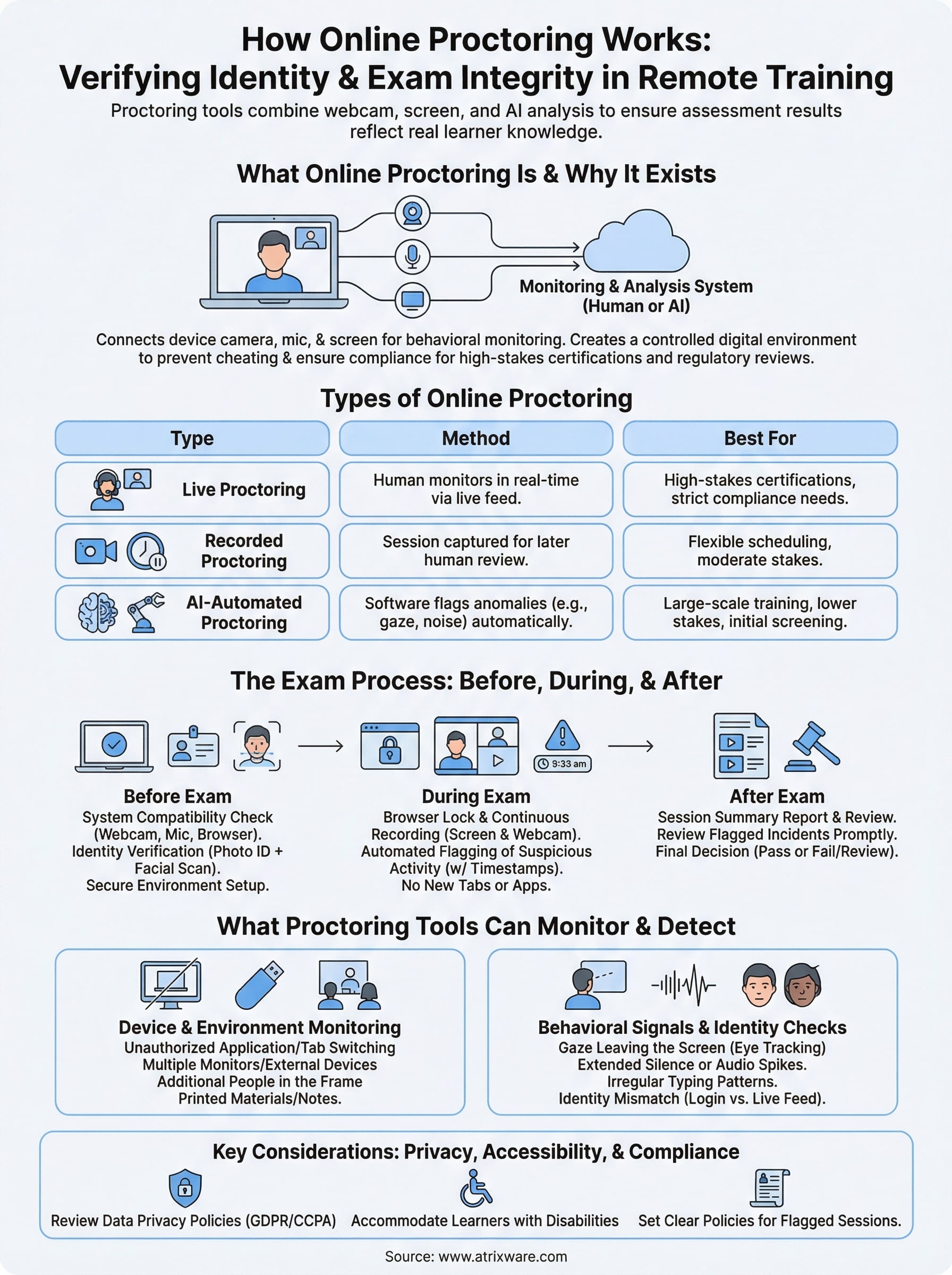
Online proctoring is a remote exam supervision system that uses technology to verify learner identity and monitor behavior during a test, without requiring anyone to be in the same room. When you ask "how does online proctoring work," the short answer is: software connects your device’s camera, microphone, and screen to a monitoring system that watches for behaviors suggesting cheating or identity fraud. The result is a controlled digital environment that mirrors the oversight of a physical exam room.
The trust problem with remote testing
Remote training solves a real logistics problem, but it creates a new one: verification. When a learner completes a compliance certification or earns a professional credential through your LMS, you need to know the results are legitimate. Without oversight, nothing stops someone from opening a second browser tab, consulting notes, or having another person sit the exam in their place.
The integrity of a certification is only as strong as the process used to award it.
This matters most when regulatory bodies or auditors review your training records. If your compliance program relies on exam scores to demonstrate that employees understand required procedures, those scores need to hold up to scrutiny.
Why organizations are adopting it now
The shift to remote and hybrid work pushed training programs fully online, and that shift accelerated the adoption of proctoring tools. Organizations that once ran in-person, proctored exams now needed a digital equivalent that didn’t require travel or scheduling a physical testing center. Proctoring software fills that gap by giving your training administrators reliable oversight at scale, whether you’re testing ten employees or ten thousand.
Beyond logistics, data security concerns and compliance regulations have made organizations more deliberate about how they award certifications. Industries like healthcare, finance, and manufacturing operate under strict rules about who holds which credentials. A proctored exam process gives you a defensible record showing that your certification process met a defined standard of oversight.
Types of online proctoring
Not every proctoring approach works the same way. Your choice depends on your exam stakes, budget, and the number of learners you need to test at once.
| Type | Method | Best for |
|---|---|---|
| Live | Human monitors in real time | High-stakes certifications |
| Recorded | Session reviewed after the exam | Flexible scheduling needs |
| AI-automated | Software flags anomalies automatically | Large-scale training programs |
Live and recorded proctoring
Live proctoring pairs your learner with a human monitor during the exam in real time. It delivers the highest level of immediate oversight and suits regulatory or compliance certifications where the consequences of fraud are serious.
Recorded proctoring captures the full session for later human review. It scales more easily than live monitoring but introduces a delay before your team can act on anything flagged during the exam.
AI-automated proctoring
AI-driven systems analyze behavioral signals during the exam, including gaze patterns, audio changes, and unexpected movement in the frame. The software flags these events automatically so your reviewers can focus attention where it matters most.
Understanding how does online proctoring work at the AI level means recognizing that the software surfaces issues but doesn’t replace human judgment. You still define the threshold for what gets flagged and what action follows.
Set clear policies for flagged session review before you deploy AI proctoring to avoid inconsistent outcomes across your learner population.
What happens before, during, and after the exam
Understanding how does online proctoring work means tracing the full exam lifecycle, not just the monitoring moment itself. Each phase carries specific steps that your learners and administrators must complete for the process to hold up.
Before the exam
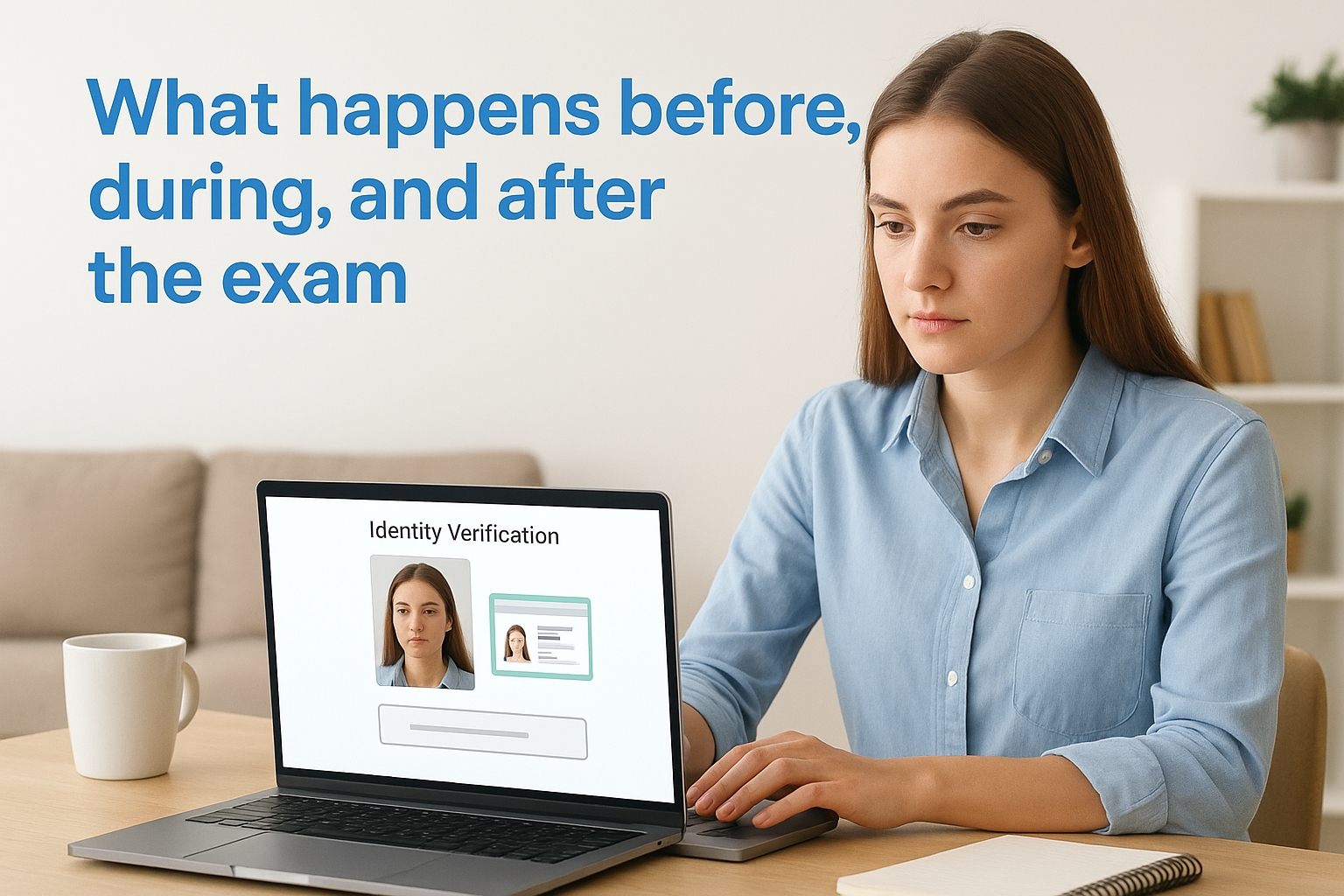
Your learner runs a system compatibility check before the session opens, confirming their webcam, microphone, and browser meet the software’s requirements. They also complete an identity verification step, typically submitting a government-issued photo ID alongside a live facial scan.
Common pre-exam requirements include:
- Stable internet connection above a minimum threshold
- Supported browser with the proctoring extension installed
- A clear, well-lit, distraction-free environment
During and after the exam
During the test, the software locks the browser, records webcam and screen activity continuously, and logs any flagged incidents with precise timestamps. Your learner cannot open new tabs, switch applications, or access outside resources without triggering an alert in the system.
Review flagged session recordings promptly so you can resolve any integrity questions before issuing certifications.
After the exam closes, your administrators receive a session summary report showing flag counts, short video clips tied to incidents, and a recommended outcome, giving you a clear basis for a final pass or review decision.
What proctoring tools can monitor and detect
Knowing exactly what gets tracked answers a common question about how does online proctoring work in practice. Proctoring software monitors multiple data streams simultaneously, combining hardware inputs with behavioral analysis to build a complete picture of the exam session.
Device and environment monitoring
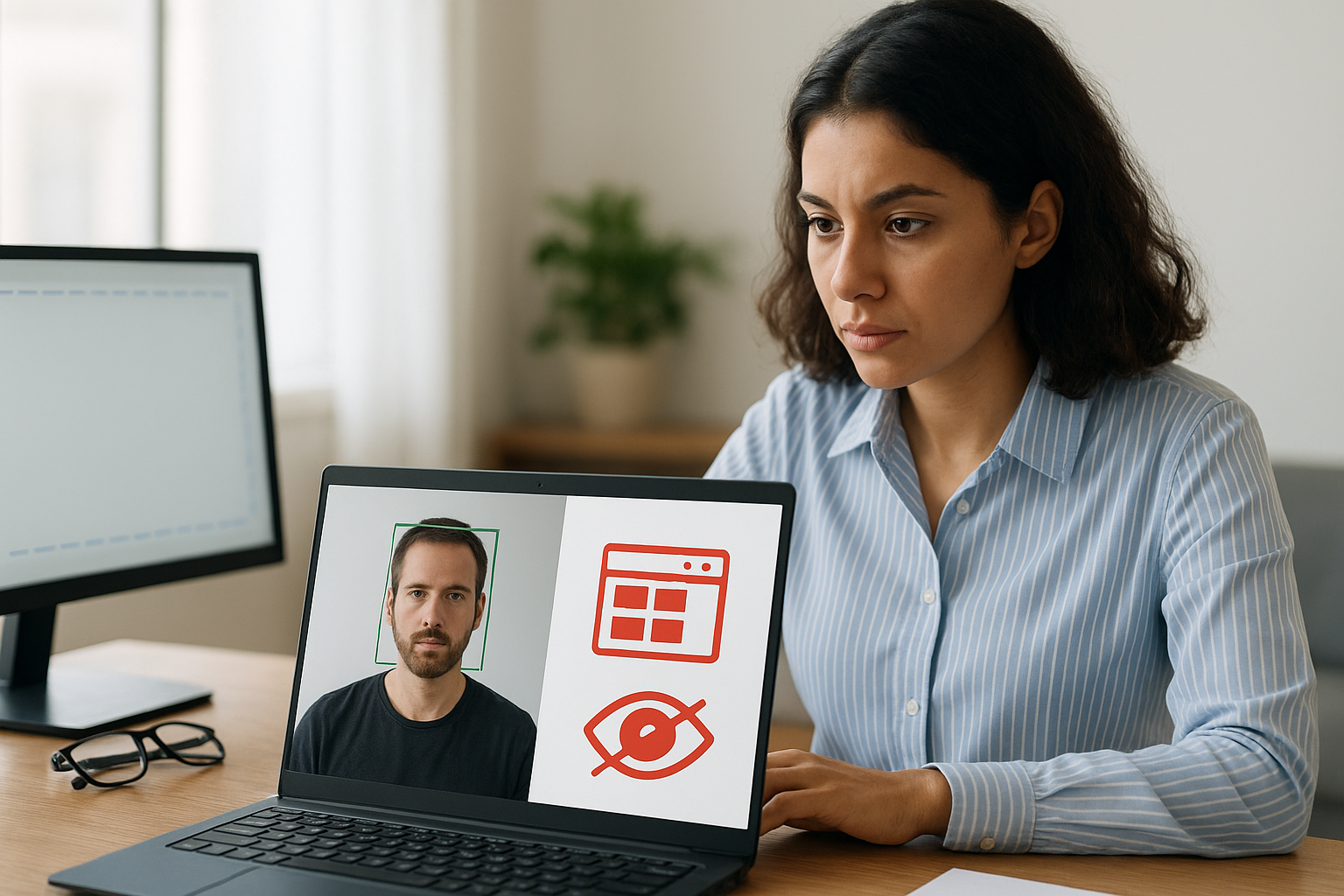
Your screen activity and browser behavior are among the first things the software watches. It detects unauthorized application switches, multiple monitors, and external device connections. The webcam feed captures the physical space around the learner, flagging additional people entering the frame or printed materials being referenced during the test.
A secondary monitor connected during the exam will typically trigger an immediate flag, regardless of whether the learner actually uses it.
Behavioral signals and identity checks
The software also tracks subtle behavioral patterns throughout the session. These include gaze direction leaving the screen, extended silence followed by audio spikes, and irregular typing cadence. Many tools cross-reference facial recognition data collected at login against the live feed at intervals throughout the test to confirm the same person remains present.
Common detection categories include:
- Unauthorized browser tabs or applications
- Multiple faces or voices in the room
- Suspicious eye movement patterns
- Unrecognized audio in the background
- Identity mismatch between login and live feed
Privacy, accessibility, and compliance basics
When you ask how does online proctoring work from a legal and ethical standpoint, data privacy becomes the first concern your organization must address. Proctoring tools collect biometric data, session recordings, and identity documents, which means you need to understand where that data goes, who can access it, and how long it’s retained before you deploy a single exam.
Data handling and learner privacy
Your learners have a reasonable expectation that their webcam footage and personal identifiers stay secure. Before deploying any proctoring tool, review its data retention policy and confirm it aligns with the regulations your organization follows, such as GDPR or CCPA. Communicate clearly to learners what data gets collected, how it’s stored, and who can view it.
Publish a written proctoring policy and share it with learners before their first proctored exam to reduce confusion and build trust.
Accessibility considerations
Learners with disabilities may need specific accommodations, such as extended time, alternative identity verification methods, or adjusted monitoring sensitivity. Work with your proctoring provider to confirm accommodation workflows exist before your exam goes live, so no learner faces an avoidable barrier to completing their certification.
Final takeaways
Understanding how does online proctoring work gives your organization the foundation to build credible, auditable training programs. Whether you choose live, recorded, or AI-automated monitoring, the core goal stays the same: confirm that your exam results reflect genuine learner knowledge, not workarounds.
Your choice of proctoring type should match your exam stakes and operational scale. High-stakes compliance certifications call for stricter oversight, while large-scale training programs benefit from AI-driven tools that flag issues without requiring a human reviewer at every session. Either way, clear policies on flagged sessions, data privacy, and learner accommodations need to be in place before you deploy.
Ready to see how a full LMS supports proctored assessments and compliance tracking? Take the Axis LMS admin demo and explore the tools your team needs to deliver credible, compliant training at scale.
