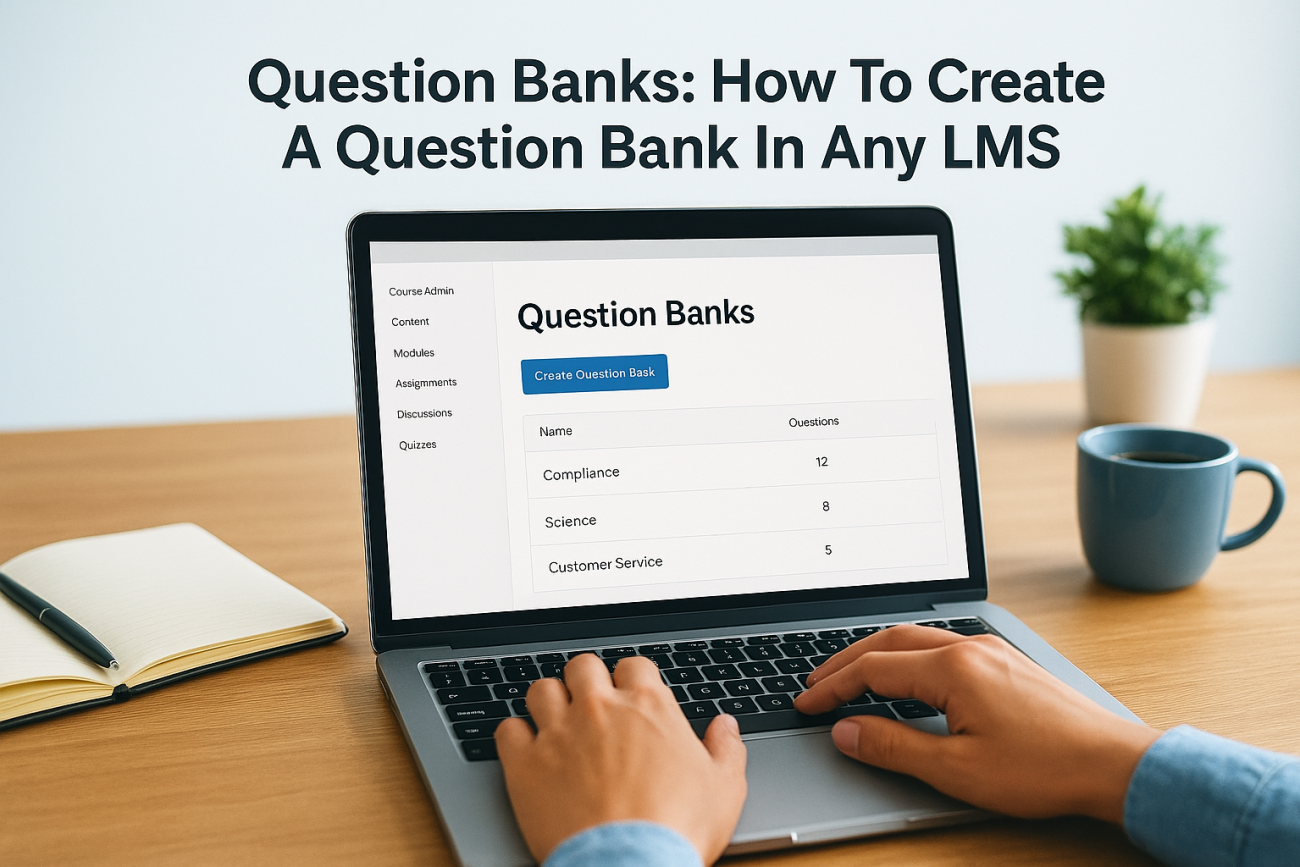
If you’ve ever built a quiz or exam from scratch every single time you needed one, you already know how to create a question bank would’ve saved you hours of repetitive work. A question bank is a centralized repository of pre-written questions you can pull from, reuse, and randomize across multiple assessments, and it’s one of the most practical features inside any Learning Management System (LMS).
At Atrixware, we’ve helped thousands of organizations streamline their training with Axis LMS, and question banks are one of the features our customers rely on most. They make it easier to scale assessments without sacrificing quality, whether you’re onboarding new employees, running compliance certifications, or selling courses to external learners.
This guide walks you through the full process, from planning your question bank structure to organizing, populating, and maintaining it inside an LMS. Whether you’re building your first question bank or cleaning up a messy one, you’ll leave with a clear, repeatable system that works.
What a question bank is and how it works
A question bank is a structured library of questions stored in your LMS that you can draw from whenever you build an assessment. Instead of writing new questions every time, you build the library once and reuse items across multiple courses, exams, or certifications. Each question sits in the bank independently, tagged by topic, difficulty, or type, so you can pull exactly what you need without digging through old quizzes.
A well-organized question bank separates the act of writing questions from the act of building assessments, which makes both processes faster and more consistent.
The difference between a question bank and a quiz
A quiz is a single, delivered assessment that learners see and complete. A question bank is the source material behind it. Think of the bank as a warehouse and the quiz as a shipment pulled from that warehouse. You can draw from the same bank to build dozens of different quizzes, each with a different combination of questions, without duplicating effort or manually tracking which questions you’ve already used.
How an LMS pulls from a question bank
Most LMS platforms, including Axis LMS, let you link an assessment directly to your question bank and specify how many questions to pull, from which categories, and at what difficulty level. The system then selects questions automatically, either in a fixed order or at random. This randomization is what makes cheating significantly harder, because two learners sitting the same exam rarely see the same set of questions in the same order.

Understanding how this process works is the foundation for knowing how to create a question bank that actually scales with your training program. When you update a question in the bank, the change applies everywhere that question appears, giving you centralized control over your entire assessment library without editing each quiz individually.
Step 1. Define outcomes, topics, and difficulty
Before you write a single question, you need to know what the assessment is supposed to measure and who will be taking it. Skipping this step is the most common reason question banks grow into unmanageable piles of loosely related questions. Start by listing the learning outcomes for each course or compliance requirement your bank will support.
Define your outcomes first, and every question you write will have a clear purpose instead of just filling space.
Map topics and assign difficulty tiers
Once you have your outcomes, break them into specific topics that match individual skills or knowledge areas. Then assign each topic a difficulty tier: beginner, intermediate, and advanced works well for most training programs. This structure lets your LMS pull a balanced mix when it automatically builds an assessment.
Use this planning template before you start building:
| Outcome | Topic | Difficulty | Question Type |
|---|---|---|---|
| Identify safety hazards | Workplace Safety | Beginner | Multiple choice |
| Apply GDPR rules | Data Compliance | Advanced | Scenario-based |
| Explain onboarding steps | HR Process | Intermediate | True/False |
This upfront work is what separates a scalable question bank from a disorganized collection that bogs you down later. When you know how to create a question bank with this foundation already in place, adding new questions takes minutes, not hours.
Step 2. Build your bank structure and naming
Once you have your outcomes and topics mapped out, you need to translate that plan into a physical structure inside your LMS. Most platforms organize question banks using folders, categories, or tags, and the names you choose here will determine how fast you can find and filter questions six months from now.
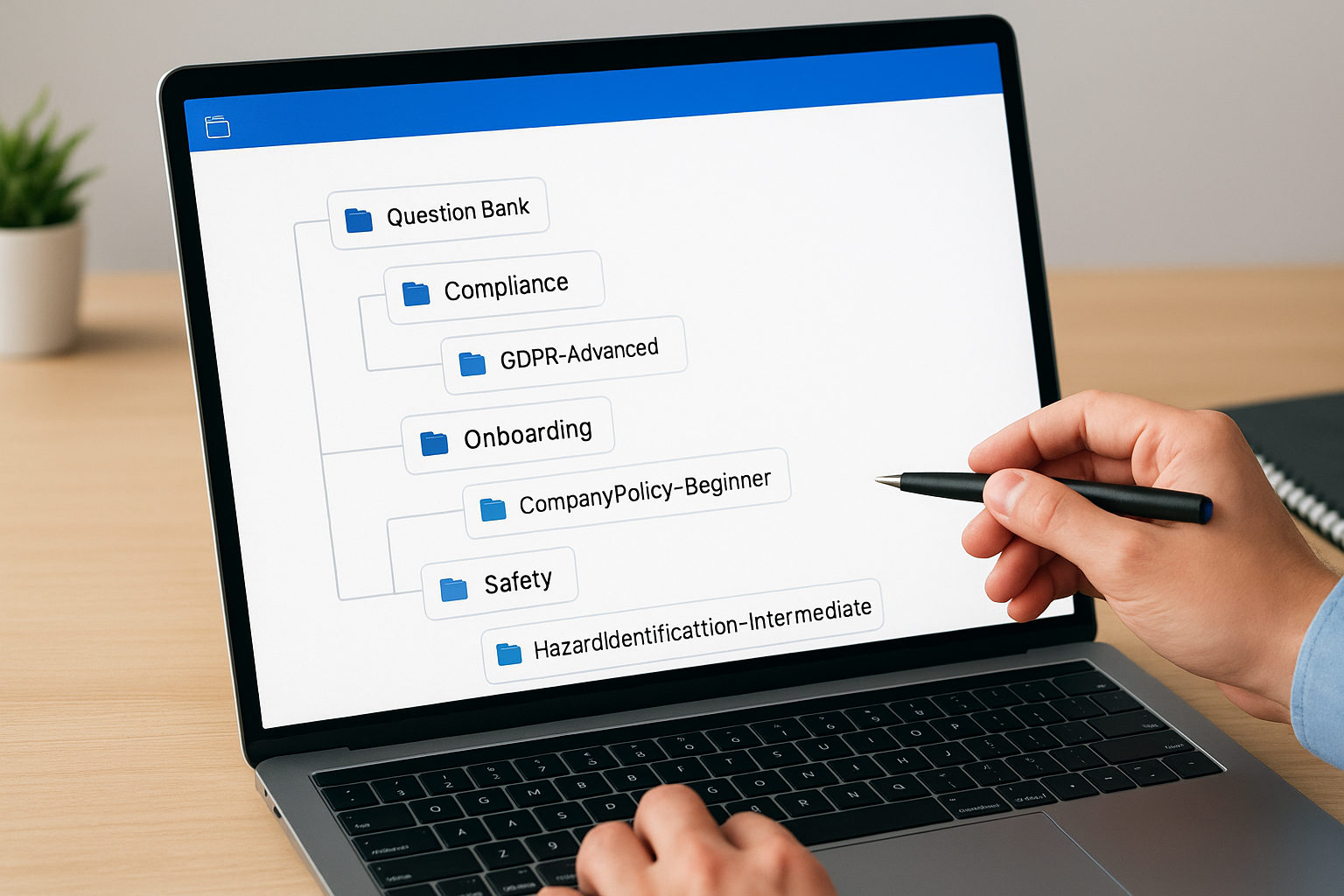
Consistent naming conventions at the start save hours of cleanup later.
Use a consistent naming convention
Name each category using a pattern that reflects course, topic, and difficulty in one readable label. A format like [Course]-[Topic]-[Level] works well across most LMS platforms. Here are examples you can adapt directly:
Compliance-GDPR-AdvancedOnboarding-CompanyPolicy-BeginnerSafety-HazardIdentification-Intermediate
Separate banks by department or course
If your organization runs multiple training programs, keep each department or course in its own dedicated bank. Mixing compliance questions with sales training questions in a single bank makes filtering unreliable and slows down every assessment you build from that point forward.
A clean separation also makes it easier to hand off ownership of each bank to the right subject matter expert, so the person managing compliance content never has to sort through onboarding material to find what they need. Knowing how to create a question bank with this structure in place keeps everything maintainable as your library grows.
Step 3. Create, import, and write questions
With your structure in place, you’re ready to populate the bank. Each question you write should map directly to one of the outcomes and topics you defined in Step 1. If you can’t trace a question back to a specific outcome, it doesn’t belong in the bank yet.
Write questions with the learner’s task in mind, not just the content they need to memorize.
Write questions that test specific outcomes
Strong questions test application, not just recall. Instead of "What does GDPR stand for?", ask "A customer requests data deletion. Which action is required under GDPR?" Use this template when drafting each item:
- Question stem: One clear, specific scenario or prompt
- Correct answer: The single best response
- Distractors: Plausible wrong answers that reflect common mistakes
- Tag: Topic, difficulty, and course label
Import questions from existing files
Most LMS platforms accept bulk imports via CSV or QTI format, which lets you migrate questions from a spreadsheet without retyping everything. Knowing how to create a question bank efficiently means using import tools early, especially if questions already live in Word documents or old quiz files.
Check your LMS’s import template before formatting your spreadsheet. A standard CSV import row typically includes columns for question text, answer choices, correct answer, and category tag, so map your existing content to those fields before uploading.
Step 4. Deploy, randomize, and maintain the bank
With your bank populated, you’re ready to connect it to live assessments and configure how questions are delivered. Most LMS platforms let you specify how many questions to pull per category, which keeps every assessment balanced without requiring manual selection each time you publish.
Randomization turns a question bank into a genuine anti-cheating tool.
Set randomization rules before publishing
Before you publish, configure your LMS to pull questions randomly from each category rather than in a fixed order. If you have 20 questions tagged Compliance-GDPR-Advanced, pull only 10 per attempt so learners retaking the exam see a different set each time.
Use these settings as a starting point:
- Pull 50-70% of available questions per category per attempt
- Enable answer-choice shuffling if your LMS supports it
- Set a passing threshold before marking the assessment complete
Schedule regular maintenance reviews
A bank nobody maintains fills quickly with outdated or inaccurate content that undermines every connected assessment. Set a quarterly review reminder for each category owner to flag questions that no longer reflect current policies or regulations.
Knowing how to create a question bank is only half the work. Consistent review cycles keep your question pool accurate and your assessments trustworthy across every training program you manage.
Wrap up and keep it organized
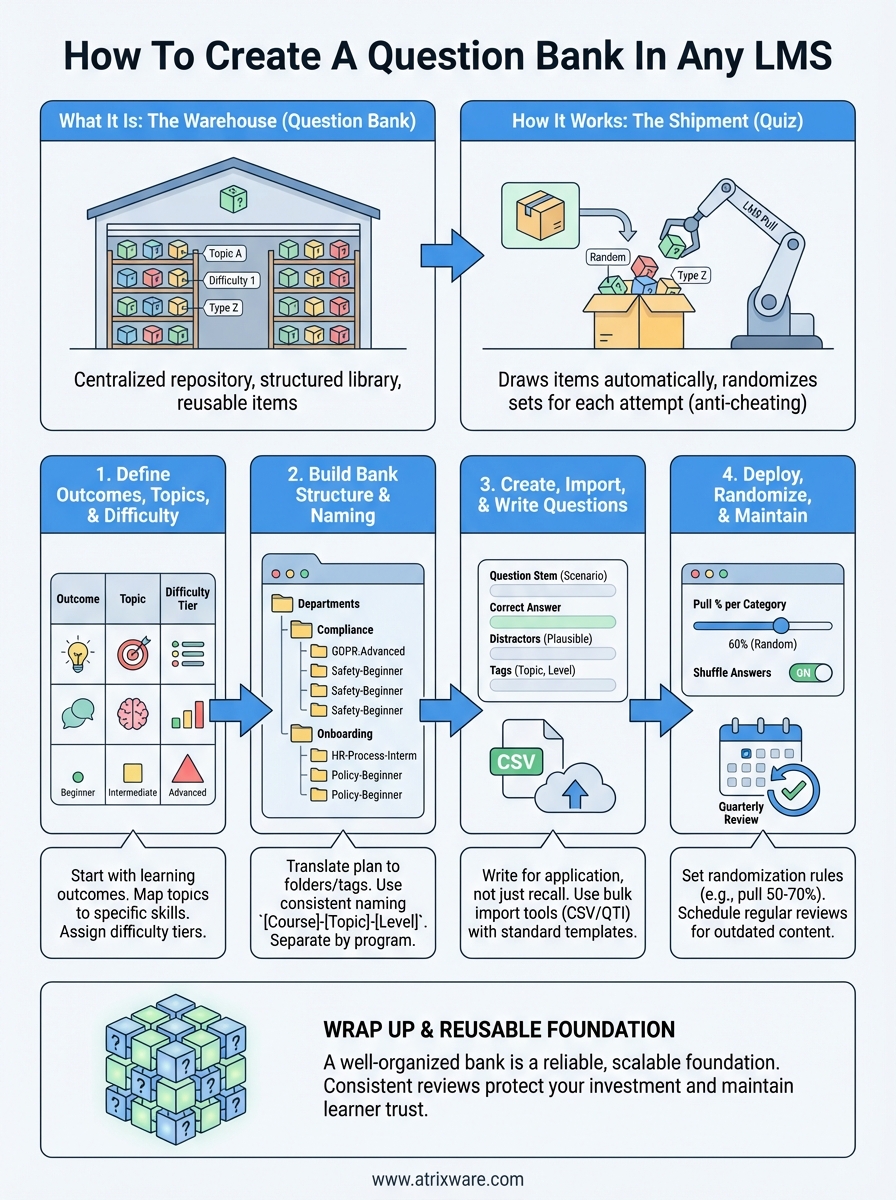
Knowing how to create a question bank gives you a reliable, reusable foundation for every assessment you build. The four steps in this guide cover the full cycle: define your outcomes first, build a clean naming structure, write questions that test application, and configure randomization before you publish. Follow them in order and you’ll avoid the disorganized banks that slow most training teams down.
The biggest risk to your bank from this point forward is neglect. Outdated questions erode learner trust faster than a cluttered folder structure does, so protect your investment by scheduling quarterly reviews and assigning a clear owner to each category. Even a 30-minute review per quarter keeps your question pool accurate and your connected assessments credible across every program you run.
Ready to put this into practice? Take the Axis LMS readiness quiz to find out which features match your needs and get your question bank running inside a real LMS.
