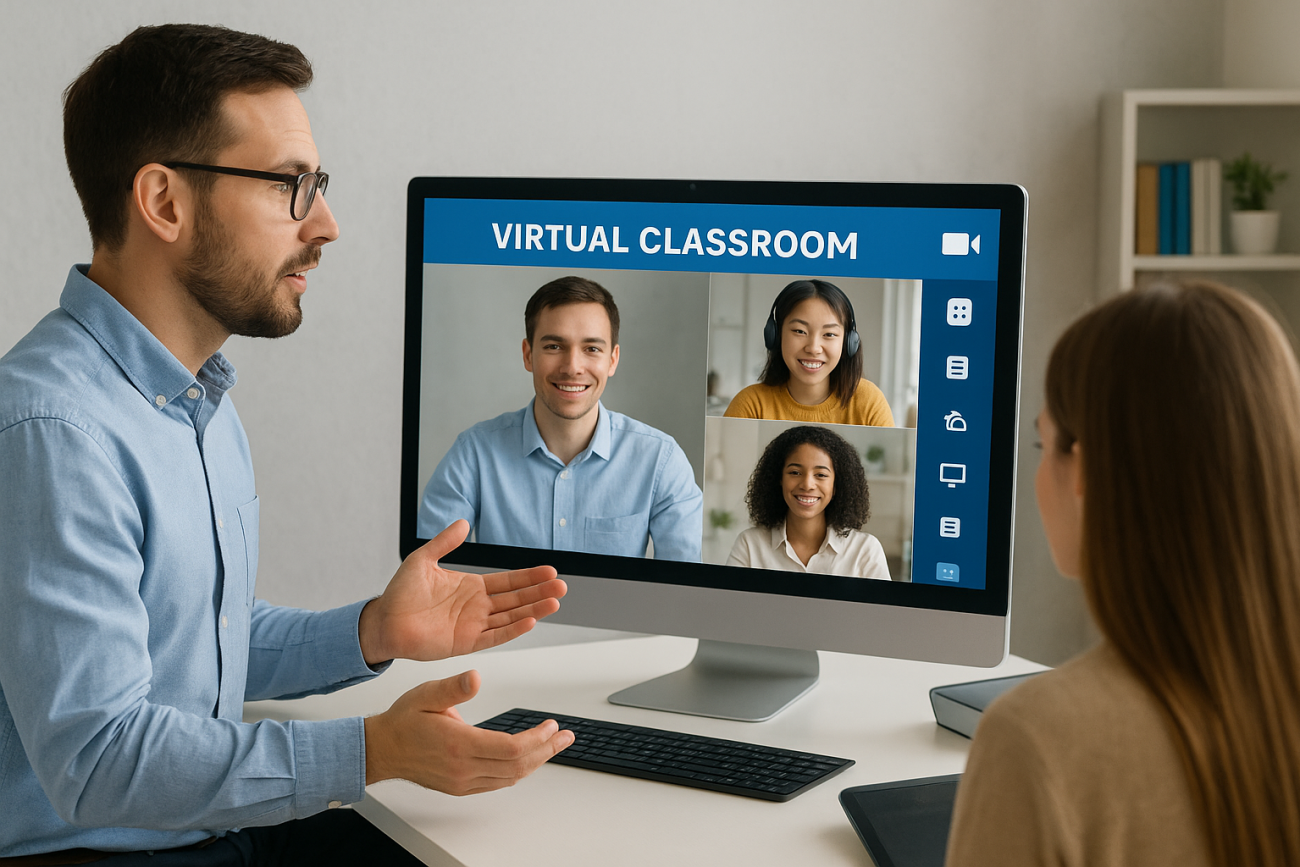
A virtual classroom definition might seem straightforward on the surface, it’s a digital space where teaching and learning happen online. But the term often gets confused with pre-recorded courses, self-paced modules, or any browser-based training. The distinction matters because virtual classrooms offer something those formats don’t: real-time interaction between instructors and learners.
Understanding what actually qualifies as a virtual classroom helps organizations choose the right tools for their training goals. Whether you’re onboarding new employees, running compliance sessions, or training customers on your product, knowing when live instruction beats asynchronous content can shape your entire learning strategy.
At Atrixware, we build Axis LMS to support both virtual classroom training and self-paced learning, because most organizations need both. This article breaks down the core features of virtual classrooms, shows you practical examples of how they work, and explains when they’re the right choice for your training programs.
Virtual classroom definition
A virtual classroom is a digital learning environment where instructors and learners meet at the same time through online platforms to engage in live, interactive instruction. Unlike pre-recorded videos or self-paced courses, virtual classrooms replicate the real-time dynamics of traditional classrooms through web conferencing technology. You see your instructor and fellow participants, ask questions as they arise, and participate in discussions as they happen.
The virtual classroom definition centers on synchronous learning, meaning everyone joins at a scheduled time rather than accessing content whenever convenient. Your instructor delivers material through video, shares their screen to demonstrate concepts, and responds to questions in the moment. This live format creates accountability and engagement that asynchronous courses often lack.
What makes it "virtual" and "classroom"
The "virtual" component simply means the environment exists online rather than in a physical room. You access the session through a web browser or application without traveling to a training center or office. Your instructor might be in one city while participants join from dozens of different locations, yet everyone shares the same learning experience at the same moment.
The "classroom" element refers to the structure and interaction model. Virtual classrooms maintain the instructor-led format where one person guides the session, presents material, and facilitates learning activities. You raise your hand (digitally), participate in polls, work through exercises with other learners, and receive immediate feedback. These interactions mirror what happens in traditional classrooms but use digital tools instead of physical whiteboards and raised hands.
Virtual classrooms bring the structure and engagement of in-person training to distributed teams and remote learners.
Key distinguishing factors
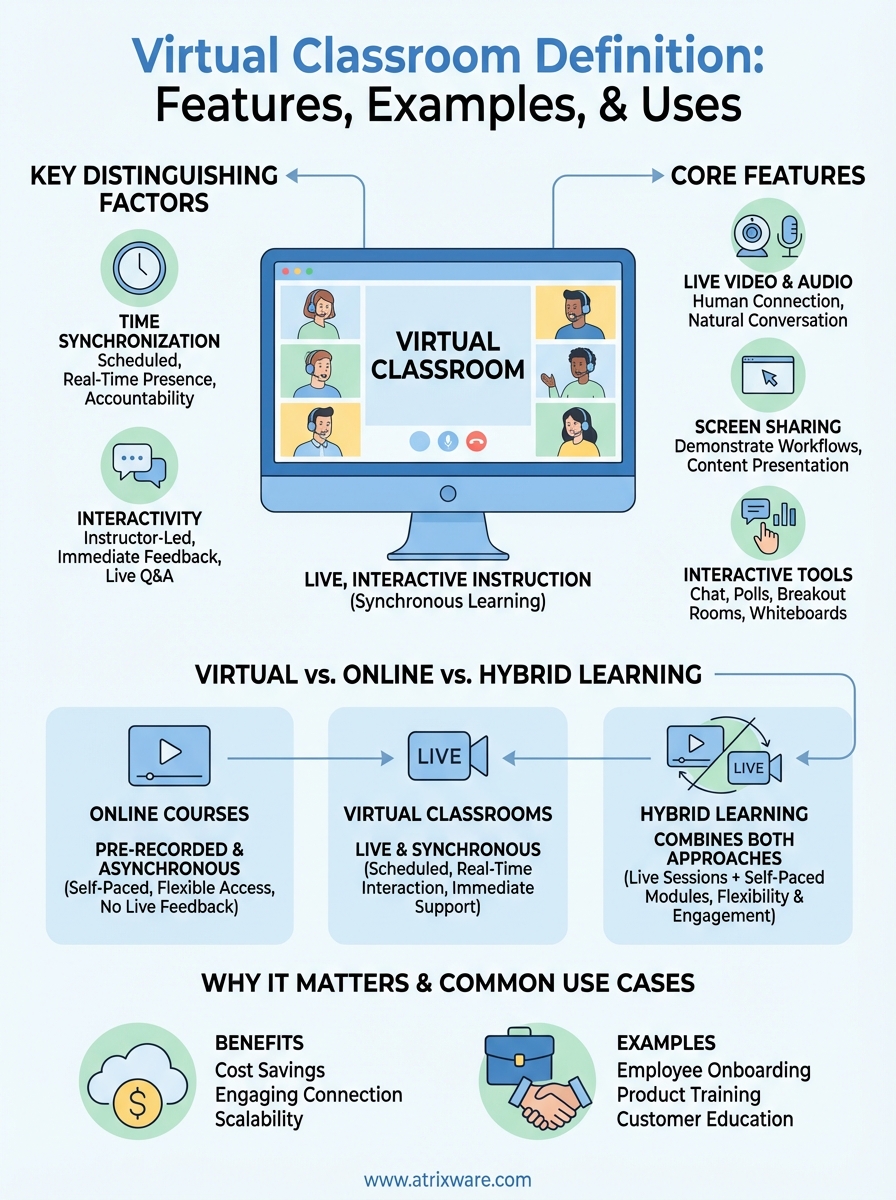
Time synchronization separates virtual classrooms from other online learning formats. When you join a virtual classroom session, you commit to being present at a specific time, just as you would for an in-person training. This scheduled nature allows for real-time collaboration and immediate clarification of complex topics that confuse learners.
Interactivity defines the experience. Your instructor can call on you directly, assign breakout room activities, share documents for group editing, and adjust the pace based on participant understanding. You’re not watching a recording where you can’t ask questions or influence the flow. The session happens once, in real time, with everyone contributing to the learning environment.
Why virtual classrooms matter for training
Your training budget gets stretched when you factor in travel costs, venue rentals, and instructor time away from primary responsibilities. Virtual classrooms eliminate these physical barriers while preserving the interactive elements that make instructor-led training effective. You can deliver consistent training experiences to distributed teams without coordinating complex logistics or limiting participation based on geography.
The virtual classroom definition emphasizes live interaction, which matters because training effectiveness depends on more than content delivery. When learners can ask questions in the moment and receive immediate clarification, comprehension improves and retention increases. Your team members don’t wait days for email responses or struggle through concepts alone. They get real-time support exactly when confusion arises.
Virtual classrooms deliver the accountability of scheduled training with the cost savings of digital delivery.
Engagement that asynchronous courses can’t replicate
Pre-recorded courses offer convenience but sacrifice the human connection that drives engagement. Your learners know someone is watching, waiting for their input, and ready to challenge their thinking. This accountability keeps participants focused during sessions rather than multitasking or skipping sections. Instructors read the virtual room, adjust pacing when concepts prove difficult, and create discussion opportunities that reveal gaps in understanding.
Scalability without quality loss
You can reach hundreds of learners simultaneously while maintaining direct instructor access. Your single training session serves multiple locations, time zones, and departments without repeating the same material dozens of times. This scalability transforms training from a resource drain into an efficient operation that grows with your organization.
Core features of a virtual classroom
Virtual classrooms rely on specific technical capabilities that enable real-time instruction and participant engagement. Understanding these core features helps you evaluate platforms and determine which tools your training programs actually need. The virtual classroom definition hinges on these capabilities working together to create an interactive learning environment rather than passive content consumption.
Live video and audio communication
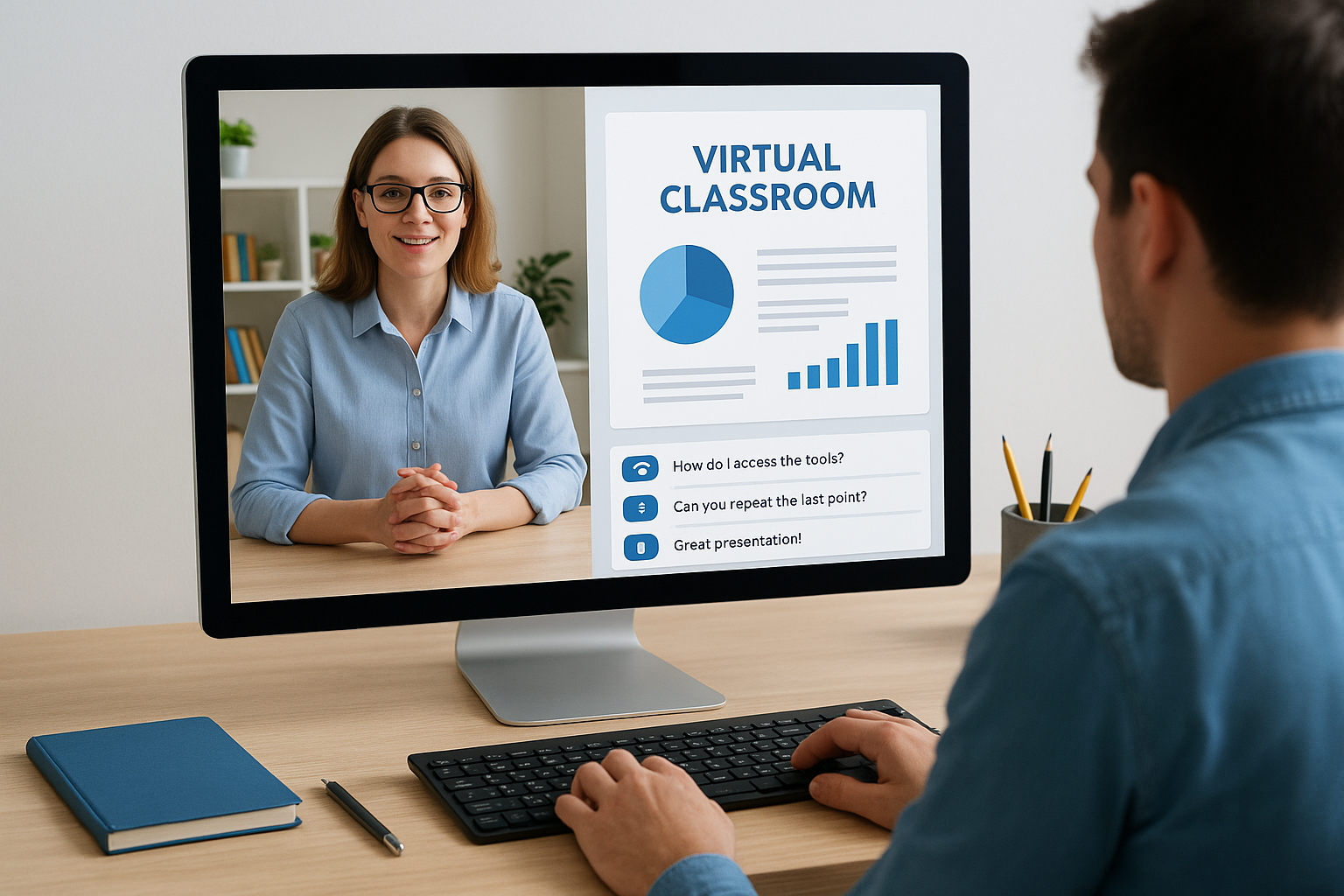
Your instructor appears on screen through webcam feeds, creating the visual presence that builds connection with learners. Audio transmission allows for natural conversation flow where questions get asked and answered immediately. Most platforms let participants enable their cameras to foster accountability and allow instructors to read nonverbal cues that signal confusion or understanding.
Live audio and video transform static content into dynamic instruction where human connection drives learning.
Screen sharing and content presentation
Instructors share their screens to demonstrate software workflows, present slides, or walk through documents in real time. This capability lets you show rather than just tell, making complex processes easier to understand. Participants see exactly what the instructor does, step by step, rather than trying to interpret written instructions or static screenshots.
Interactive participation tools
Chat functions allow written questions during presentations without interrupting the speaker. Polling features let instructors gauge understanding instantly and adjust their approach based on participant responses. Hand-raising buttons, breakout rooms for small group work, and whiteboard tools create the participation opportunities that distinguish virtual classrooms from recorded videos.
Virtual vs online courses and hybrid learning
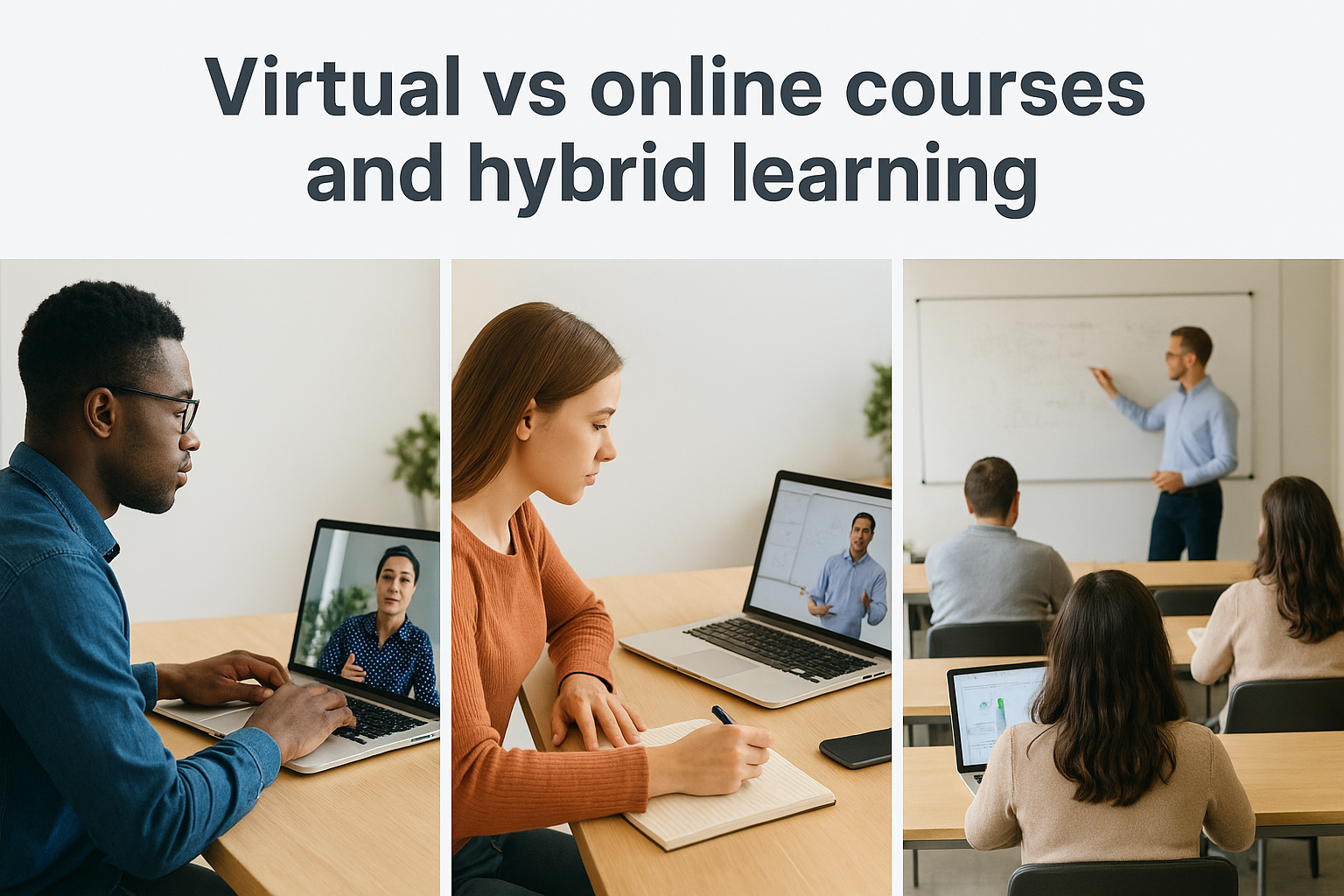
The virtual classroom definition specifically refers to live, synchronous sessions, but many organizations use "online learning" as a catch-all term that includes both real-time classes and self-paced courses. Understanding these distinctions helps you choose the right format for different training objectives. Your compliance training might require virtual classroom accountability, while product documentation works better as on-demand content learners access when needed.
Online courses operate asynchronously
Online courses let learners access pre-recorded content whenever their schedule allows. You watch videos, complete quizzes, and review materials at your own pace without coordinating with an instructor or other participants. This format works well for foundational knowledge that doesn’t require immediate feedback or when your team spans multiple time zones that make live sessions impractical.
Self-paced courses sacrifice real-time interaction for maximum scheduling flexibility and unlimited replay access.
Asynchronous learning lacks the immediate clarification and dynamic discussion that virtual classrooms provide. Your questions wait for forum responses or email replies rather than getting answered in the moment. Completion depends entirely on self-discipline rather than scheduled accountability.
Hybrid learning combines both approaches
Hybrid models use virtual classrooms for complex concepts requiring discussion and explanation, then assign self-paced modules for background information and reinforcement. You might complete prerequisite courses at your own pace, join live virtual sessions for hands-on practice and Q&A, then access recorded sessions afterward for review. This combination delivers flexibility where appropriate while preserving interactive instruction for topics that benefit from real-time engagement.
Examples and common use cases
Virtual classrooms serve distinct training needs where live interaction creates better outcomes than self-paced content. The virtual classroom definition emphasizes real-time instruction, which proves essential when you need immediate feedback, hands-on practice, or complex problem-solving. Organizations across industries use these digital learning environments for specific training scenarios that benefit from synchronous participation.
Employee training and onboarding
Your new hires need to ask questions during onboarding rather than waiting hours or days for responses. Virtual classrooms let you walk through company policies, demonstrate internal systems, and clarify role expectations in real time. Software companies use live sessions to train employees on product updates, allowing teams to practice new features together while an expert guides them through potential issues. Sales teams join virtual workshops to practice pitch techniques, receive immediate coaching, and learn from peer interactions during role-playing exercises.
Virtual classrooms transform onboarding from information dumping into guided conversations where new employees build confidence through participation.
Customer and partner education
You deliver product training to distributed customers without coordinating travel or limiting session access by location. SaaS companies host virtual implementation sessions where clients learn to configure systems while support staff answer configuration questions immediately. Channel partners attend live certification courses to learn about new product lines, participate in troubleshooting discussions, and earn credentials through instructor-verified demonstrations of their competency.
Next steps
Understanding the virtual classroom definition helps you determine when live instruction makes sense for your training programs. You now know the difference between synchronous virtual sessions and asynchronous online courses, plus when each format serves your learners best. Your next decision involves choosing a platform that supports both virtual classroom delivery and self-paced content, since most organizations need both capabilities.
Axis LMS delivers virtual classroom training alongside robust course management, reporting, and integration features. You can schedule live sessions, track attendance, and combine real-time instruction with on-demand materials that reinforce learning. Try our admin demo to see how virtual classroom scheduling, participant management, and session recording work together in a complete learning management system. The hands-on experience shows you exactly how these features support your specific training needs without requiring a sales conversation first.
