
You need virtual classroom software that works. Not one that promises everything but delivers a clunky interface and missing features when your first training session goes live. The market is packed with options, each claiming to be the best fit for your team, but most fall short on engagement tools, reporting depth, or simple usability. You might waste weeks testing platforms that look good on paper but fail when you need them most.
This guide breaks down 12 virtual classroom platforms that actually deliver. We cover free and paid options, diving into what each tool does well, where it falls short, who benefits most from using it, and what you can expect to pay. Whether you need robust compliance tracking, seamless integrations with your existing systems, or just a reliable way to run live training sessions, you will find a platform here that fits your specific needs. No fluff, just the features and insights that matter when choosing software your organization will use every day.
1. Axis LMS
Axis LMS delivers a complete learning platform that combines online course delivery with virtual classroom training in one unified system. You get drag-and-drop course building, automated reporting, and extensive branding control that lets you shape every aspect of your learner interface. The platform handles everything from employee onboarding to compliance tracking, with integration capabilities that connect to your existing HR and CRM systems without forcing you to rebuild your workflow.
Overview and key strengths
Your training program needs flexibility, and Axis LMS provides it through rapid course creation tools and real-time communication features that keep learners engaged. The system supports both synchronous and asynchronous learning, giving you control over how and when your team accesses training content. Built-in e-commerce functionality lets you sell courses directly to individuals or businesses, turning your training expertise into a revenue stream.
Virtual classroom and blended learning
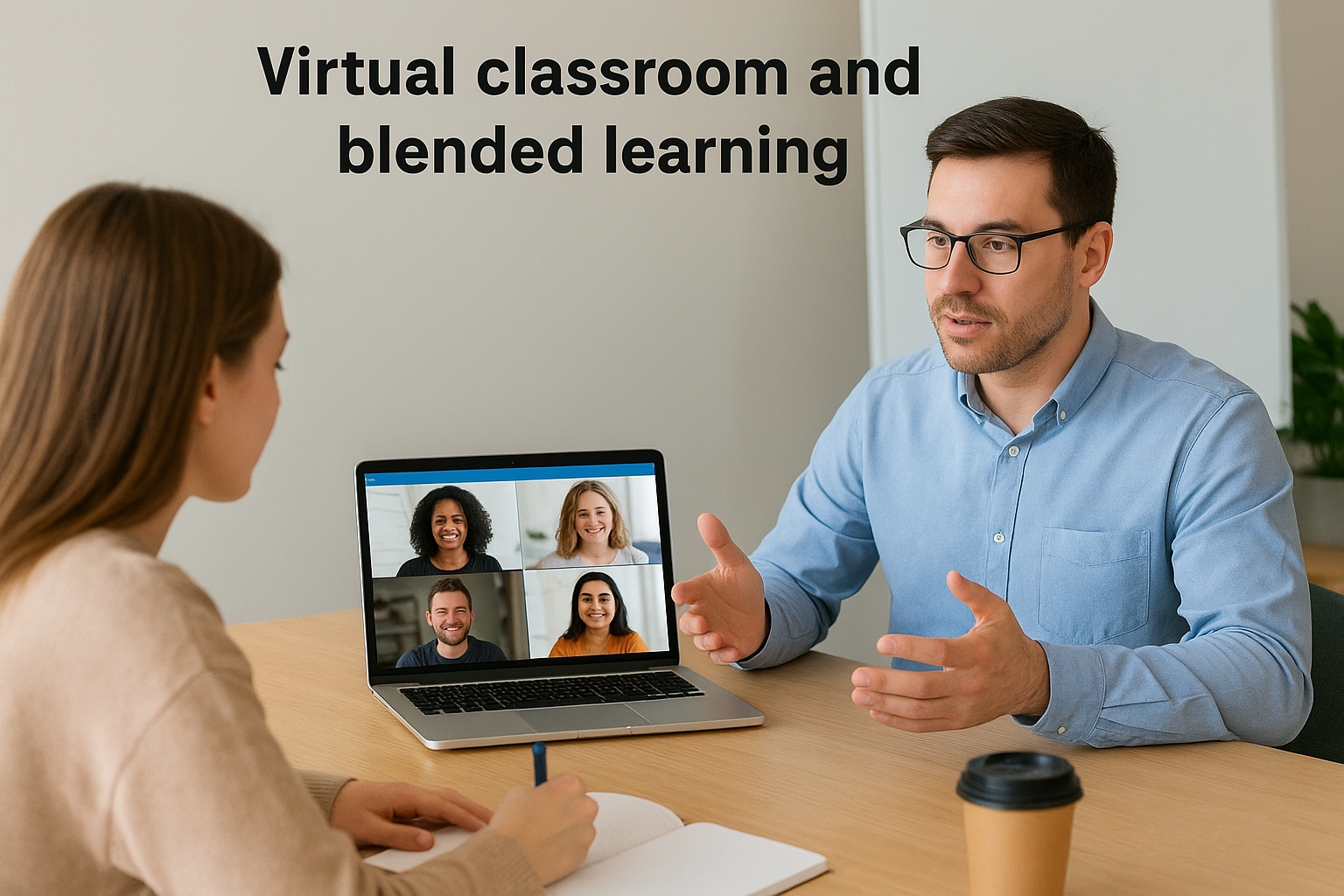
Axis LMS combines live virtual sessions with self-paced online modules, creating a blended learning environment that adapts to different learning styles. You can schedule live classes, record sessions for later viewing, and track attendance automatically. The platform’s collaborative tools enable group discussions, breakout sessions, and interactive exercises that mirror in-person training experiences.
Compliance, automation and reporting
Your compliance requirements get serious attention with FDA 21 CFR Part 11 validation and GDPR-ready features built into the core system. Automated workflows handle course assignments, deadline reminders, and certification tracking without manual intervention. The reporting suite delivers on-demand analytics that show exactly who completed what training, when they finished, and how they performed.
Organizations that need bulletproof audit trails for regulated industries rely on these compliance features daily.
Who Axis LMS is best for
You benefit most from Axis LMS if you manage enterprise-level training programs that demand robust reporting, multiple integrations, and strict compliance tracking. Companies in healthcare, manufacturing, and financial services find the platform particularly valuable.
Pricing and licensing overview
Axis LMS offers custom pricing based on your user count and feature requirements, with options for cloud hosting or on-premise deployment.
2. ProProfs Training Maker
ProProfs Training Maker stands out for its AI-powered course creation that builds complete training modules from a single prompt. You get lessons, quizzes, and summaries generated automatically, cutting course development time from days to minutes. The platform delivers prebuilt industry-specific courses and templates that you can customize to match your organization’s needs, making it one of the best virtual classroom software options for teams that need to launch training programs quickly.
Overview and key strengths
Your team gets immediate access to a forever-free plan that supports small groups without requiring payment information. The system handles everything from course creation to delivery, with built-in assessment tools that measure comprehension through interactive quizzes. Automated reminders keep learners on track without manual follow-up, while real-time analytics show you exactly where your training program succeeds or needs adjustment.
Virtual classroom and engagement tools
The platform integrates with Zoom and other video conferencing tools to deliver live training sessions alongside self-paced courses. You can embed interactive assessments directly into lessons, track participation through detailed reporting dashboards, and maintain engagement with scheduled notifications. Integration capabilities extend to Mailchimp and other business tools that connect your training data with broader organizational systems.
Who ProProfs Training Maker is best for
You benefit most from ProProfs if you manage training for small to mid-sized businesses that value simplicity over complex features. Organizations in retail, healthcare, and manufacturing find the platform particularly useful for rapid onboarding and compliance training.
Pros and cons at a glance
Strengths: Simple interface, extensive course library, integrated assessments, comprehensive reporting, free plan available.
Limitations: Cloud-only deployment, no dark mode interface, free plan lacks dedicated account support.
Pricing and licensing overview
ProProfs offers a forever-free plan for small teams, with paid plans starting at $1.99 per active learner monthly. You pay only for users who access training content each month, with a 15-day money-back guarantee and no hidden fees.
3. Blackboard Learn
Blackboard Learn brings community-based learning to the forefront with its comprehensive platform designed for educational institutions and corporate training programs. The system integrates Class for Web (formerly Class Collaborate) as its virtual classroom solution, delivering interactive whiteboards, polls, and moderated breakout groups that create engaging learning experiences. You access everything through your browser without downloading additional software, keeping your setup simple and your learners focused on content rather than technical barriers.
Overview and key strengths
Your organization gains access to a mature learning platform that has evolved through decades of development in the education sector. Blackboard Learn combines discussion forums, blogs, journals, and wikis into a unified environment where collaboration happens naturally. The platform provides peer review tools and interactive video capabilities that transform passive content consumption into active learning experiences.
Virtual classroom and collaboration tools
Class for Web delivers the virtual classroom features you need with chronological hand-raises, real-time chat, and instant polling that give you immediate feedback during live sessions. You control access through secure authentication that limits participation to authorized educators and students only. The system supports interactive whiteboarding that lets you demonstrate concepts visually while maintaining two-way communication with your learners.
Browser-based access eliminates installation friction that typically derails the first few training sessions.
Who Blackboard Learn is best for
You benefit most from Blackboard Learn if you operate in K-12 education, higher education, or government training programs that require established, proven technology. Organizations managing large-scale learning initiatives with multiple departments find the platform particularly valuable.
Pros and cons at a glance
Strengths: No app installation required, secure access controls, strong collaboration tools, works across education and corporate sectors.
Limitations: Learning curve for new users, requires stable internet connection, pricing may challenge smaller organizations.
Pricing and licensing overview
Blackboard Learn uses custom pricing based on your user count and deployment needs, requiring direct contact with their sales team for quotes.
4. Kaltura Virtual Classroom
Kaltura Virtual Classroom delivers purpose-built teaching tools designed specifically for online instruction rather than generic video conferencing. You get a completely browser-based platform that eliminates downloads, installations, and Flash requirements that typically slow down session starts. The system provides collaborative features through a branded portal you control, letting you create courses and run virtual classes without switching between multiple applications.
Overview and key strengths
Your teaching sessions benefit from Kaltura’s video-first architecture that handles live streaming and recording without degrading quality. The platform includes a content management system that organizes presentations, videos, and course materials in one accessible location. Integration capabilities connect directly to major learning management systems, creating a seamless experience when you already use Canvas, Moodle, or similar platforms.
Interactive teaching and video tools
You engage learners through digital whiteboards that support real-time collaboration and live quizzes that provide instant feedback during sessions. Cloud recording captures every class automatically, giving absent students access to full sessions later. Breakout rooms let you divide large groups into focused discussions, while real-time notes keep everyone aligned on key concepts covered during instruction.

Browser-based access means learners join from any device without technical setup that derails the first ten minutes of class.
Who Kaltura Virtual Classroom is best for
You gain the most value from Kaltura if you manage educational programs in K-12, higher education, or corporate training environments that prioritize video quality and teaching-specific features. Organizations already using established LMS platforms find the integration particularly valuable.
Pros and cons at a glance
Strengths: No software installation, strong video infrastructure, built for education, LMS integrations, custom branding.
Limitations: Pricing requires consultation, best suited for organizations with existing LMS investments.
Pricing and licensing overview
Kaltura uses custom pricing models based on your user count and feature requirements, requiring direct contact with their sales team.
5. Vedamo
Vedamo focuses on delivering interactive online tutoring experiences through its browser-based virtual classroom that requires no software installation. You get access to robust whiteboard tools, screen sharing capabilities, and media player integration that keeps learners engaged during live sessions. The platform provides session templates that save setup time for recurring lessons and integrates directly with major learning management systems through LTI connections.
Overview and key strengths
Your virtual teaching sessions benefit from Vedamo’s whiteboard-first design that lets you draw, annotate, and collaborate in real time with students. The system handles both one-on-one tutoring and group classes, scaling up to 50 participants per session. Built-in features include file sharing, live chat, hand raising, and survey tools that create interactive learning environments without juggling multiple applications.
Virtual classroom and whiteboard features
You access interactive whiteboard tools that support real-time collaboration alongside screen sharing and media playback capabilities. The platform provides session recording, breakout rooms for small group work, and customizable templates that streamline your lesson preparation. LTI integrations connect directly to Canvas and Moodle, letting you launch virtual classes from within your existing LMS.
Who Vedamo is best for
You benefit most from Vedamo if you deliver tutoring services or run small training programs that prioritize whiteboard interaction. Language teachers, math tutors, and skills trainers find the platform particularly effective for demonstrating concepts visually.
Pros and cons at a glance
Strengths: Simple interface for non-technical users, works on any device without downloads, supports various session formats.
Limitations: LMS integration challenges reported, limited breakout room oversight, cloud storage constraints for recorded content.
Pricing and licensing overview
Vedamo starts at $25 monthly for up to 50 learners per session with 5GB storage included.
6. LearnCube
LearnCube delivers browser-based virtual classroom tools designed specifically for tutors and language instructors who need more than basic video conferencing. You access a platform that eliminates downloads while providing interactive whiteboards, content libraries, and AI-powered teaching assistants that support lesson planning and delivery. The system handles both one-on-one tutoring and group sessions with up to eight students, making it adaptable for various teaching scenarios.
Overview and key strengths
Your teaching sessions benefit from LearnCube’s conversation mode that optimizes screen layout for quality discussions rather than overwhelming learners with interface elements. The platform provides class recording capabilities that save to cloud storage, your PC, or desktop, giving you flexibility in how you archive sessions. Custom branding features let you upload your logo and choose colors that match your tutoring business or school identity.
Virtual classroom and teaching aids
You engage students through interactive whiteboards that support real-time collaboration and media sharing tools that bring external content into lessons seamlessly. Class scheduling features automate booking workflows, while AI-powered ESL content provides ready-made materials for language instruction. The platform optimizes audio and video quality even on slower internet connections, reducing technical disruptions during live sessions.
Who LearnCube is best for
You gain the most value from LearnCube if you deliver language tutoring or run small educational programs that prioritize conversation-based learning. Individual tutors and tutoring companies find the platform particularly useful.
Pros and cons at a glance
Strengths: Works on slow connections, customizable branding, scheduling tools, AI teaching support.
Limitations: Annotation tools sometimes fail to save, session analytics lack depth, API integration proves challenging.
Pricing and licensing overview
LearnCube offers a free plan limited to one teacher account, with paid plans starting at $19 monthly.
7. eLecta Live
eLecta Live provides comprehensive virtual classroom capabilities that handle live online classes, team meetings, and training sessions through a single browser-based platform. You access high-quality VoIP audio that works reliably even on lower bandwidth connections, eliminating the need for separate conference call services. The system supports both standalone deployment and integration with the eLecta LMS, giving you flexibility in how you structure your training environment.
Overview and key strengths
Your training sessions benefit from multiple interactive whiteboards where you type, draw, and share slides without switching applications. The platform delivers screen sharing capabilities alongside remote control features that let you guide learners through hands-on exercises. Session recording automatically captures live classes for quality control and future playback, serving students who miss scheduled sessions or need to review material.
Live class and meeting features
You engage learners through breakout rooms that split large groups into focused discussions and collaborative exercises. The system provides file sharing, text chat, and polling tools that maintain interaction throughout sessions. Browser-based access eliminates software installation requirements across Android, iPad, iPhone, and desktop devices.

Who eLecta Live is best for
You gain the most value from eLecta Live if you deliver corporate training programs or educational courses that require robust live interaction features. Organizations already using the eLecta LMS find the integrated workflow particularly beneficial.
Pros and cons at a glance
Strengths: No software installation, strong audio quality, multiple whiteboards, cross-device compatibility, standalone or integrated deployment.
Limitations: Interface complexity for new users, limited custom branding, stable internet connection required.
Pricing and licensing overview
eLecta Live starts at $29.90 monthly for one room and one teacher account.
8. Adobe Connect
Adobe Connect provides highly customizable virtual environments that let you create unique learning experiences through flexible layouts and persistent rooms. You gain access to a platform designed for government agencies, educators, and corporate trainers who need enterprise-grade security alongside interactive teaching capabilities. The system supports both live presentations and on-demand content delivery, making it adaptable for various training scenarios from webinars to full courses.
Overview and key strengths
Your virtual sessions benefit from Adobe Connect’s backstage preparation area that lets presenters coordinate content and transitions without interrupting the live experience. The platform delivers accessibility features specifically designed for learners with visual, auditory, or mobility impairments, ensuring compliance with inclusive education requirements. Persistent rooms stay open for ongoing projects, creating continuity across multiple sessions without rebuilding your workspace each time.
Virtual classroom layouts and engagement
You control every aspect of your virtual classroom through customizable pods and layouts that arrange video, content, chat, and whiteboards according to your teaching style. The system provides interactive tools including polls, quizzes, and engagement dashboards that show real-time participation metrics. Breakout rooms divide large groups into focused discussions, while screen sharing and application sharing let you demonstrate concepts directly.
Complete customization means you build virtual spaces that match your specific training workflow rather than adapting to generic templates.
Who Adobe Connect is best for
You gain the most value from Adobe Connect if you manage large-scale training programs that demand robust security and extensive customization. Organizations in government, healthcare, and finance find the platform particularly suitable for sensitive training content.
Pros and cons at a glance
Strengths: Complete environment customization, high security standards, persistent rooms, strong accessibility features, immersive learning capabilities.
Limitations: Interface design lags modern standards, occasional session freezing during peak usage, limited in-platform slide editing requires external tools.
Pricing and licensing overview
Adobe Connect starts at $190 yearly per host with 100-person room capacity and 5GB cloud storage included.
9. WizIQ
WizIQ delivers a complete course creation and delivery platform that excels at building massive open online courses (MOOCs) alongside traditional virtual classroom training. You access tools for live instruction, self-paced learning, and e-commerce functionality that lets you sell courses directly to learners worldwide. The platform provides mobile apps for Android and iOS, extending learning beyond desktop browsers to support learners who prefer studying on phones or tablets.
Overview and key strengths
Your organization benefits from WizIQ’s scalability that adapts equally well to individual tutors and large educational institutions. The system combines virtual classroom features with course management tools, giving you everything needed to create content, deliver sessions, and track results. Built-in e-commerce capabilities transform training expertise into revenue streams without requiring separate payment processing systems.
Virtual classroom and course creation
You engage learners through HD video streaming that maintains quality during live sessions alongside interactive whiteboards and screen sharing tools. The platform provides live chat, polling features, and built-in assessments that measure comprehension during and after classes. Course analytics show detailed insights into student engagement and performance, helping you optimize content based on actual usage data. Multi-language support expands your reach to global audiences without rebuilding courses for different regions.
Who WizIQ is best for
You gain the most value from WizIQ if you build MOOC programs or sell training courses to external audiences. Educational institutions and corporate training departments that need both live and self-paced options find this among the best virtual classroom software for their needs.
Pros and cons at a glance
Strengths: Scalable for various organization sizes, affordable pricing, mobile accessibility, integrated e-commerce.
Limitations: Audio delays reported during sessions, unexpected platform updates, inconsistent video quality in larger classes.
Pricing and licensing overview
WizIQ requires custom quotes based on your user count and feature requirements.
10. Zoom Workplace
Zoom Workplace extends beyond basic video conferencing to deliver integrated virtual classroom capabilities through its Meetings, Webinars, and Team Chat features. You access a platform familiar to millions of users worldwide, reducing the learning curve that typically slows adoption of new training tools. The system provides recording capabilities, breakout rooms, and interactive polling that transform standard meetings into structured learning sessions, making it a practical choice among the best virtual classroom software options for organizations already invested in the Zoom ecosystem.
Overview and key strengths
Your training programs benefit from Zoom’s proven reliability at scale, handling everything from intimate tutoring sessions to massive webinars with thousands of attendees. The platform delivers whiteboard collaboration, screen sharing with annotation tools, and waiting room controls that give you complete session management. Integration capabilities connect to hundreds of business applications through the Zoom App Marketplace, extending functionality without switching platforms.
Virtual classroom features and add ons
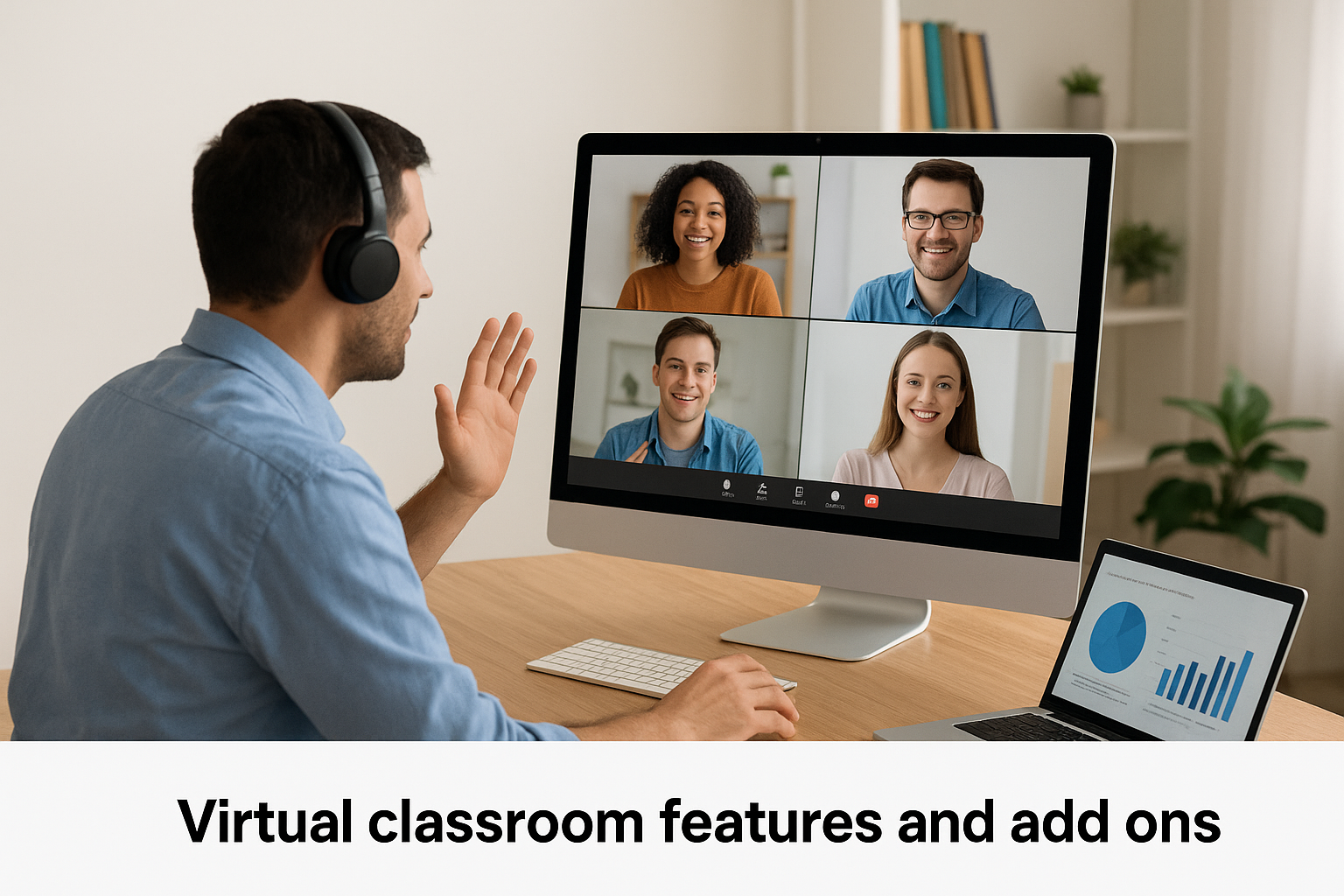
You engage learners through Zoom Webinars that support up to 50,000 view-only attendees or Meetings for interactive groups up to 1,000 participants. The system provides hand raising, reactions, and live transcription features that maintain engagement during sessions. Add-ons like Zoom Rooms and Virtual Backgrounds enhance professional presentation quality, while cloud recording stores sessions automatically for later access.
Platform familiarity reduces technical support demands that typically consume the first week of training program launches.
Who Zoom Workplace is best for
You gain the most value from Zoom Workplace if you manage corporate training programs or educational initiatives that prioritize ease of use and global accessibility. Organizations needing quick deployment without extensive technical setup find the platform particularly effective.
Pros and cons at a glance
Strengths: Universal familiarity, reliable at scale, extensive integrations, strong recording features, quick setup.
Limitations: Limited native LMS features, requires add-ons for advanced teaching tools, subscription costs increase with participant counts.
Pricing and licensing overview
Zoom Workplace offers a free tier for meetings up to 40 minutes with 100 participants, while paid plans start at $13.32 monthly per license for extended meeting duration and additional features.
11. BigBlueButton
BigBlueButton stands as a pioneering open-source virtual classroom platform that launched in 2007 and became publicly available in 2009, making it one of the earliest entries into the virtual learning space. You access a completely free solution built specifically for online teaching rather than generic conferencing, with features that include interactive whiteboards, desktop sharing, and simultaneous webcam streaming for up to 15 participants. The platform integrates seamlessly with major learning management systems, creating a unified teaching environment without additional licensing costs.
Overview and key strengths
Your organization gains access to a mature platform that has evolved through nearly two decades of development and community contributions. BigBlueButton delivers browser-based virtual classrooms that eliminate installation requirements while providing file sharing, breakout rooms, and collaborative tools designed specifically for educational contexts. The open-source nature means you customize features, host on your own servers, and avoid vendor lock-in that constrains other platforms.
Virtual classroom tools for education
You engage students through interactive whiteboards that support real-time collaboration alongside polling features and shared notes that keep everyone aligned during lessons. The system handles multi-user video with up to 15 concurrent webcam streams, giving you face-to-face interaction that builds connection in remote settings. Screen sharing and presentation upload capabilities let you demonstrate concepts directly while maintaining visual engagement.
Free open-source access removes budget barriers that prevent many educational institutions from adopting virtual classroom technology.
Who BigBlueButton is best for
You benefit most from BigBlueButton if you manage educational programs in K-12 schools, universities, or nonprofit training initiatives where budget constraints limit commercial software options. Organizations with technical resources to handle self-hosting find the platform particularly valuable.
Pros and cons at a glance
Strengths: Completely free, open-source customization, strong LMS integrations, built for education, no licensing costs.
Limitations: Requires technical expertise for setup and maintenance, self-hosted infrastructure needs, interface less polished than commercial options.
Pricing and licensing overview
BigBlueButton is completely free as an open-source project, though you incur hosting and infrastructure costs if you run your own servers.

Choose your virtual classroom
Your training program demands software that delivers results without creating technical headaches or budget problems. The twelve platforms covered here represent the best virtual classroom software available in 2026, each excelling in specific scenarios from compliance tracking to language tutoring. You now understand which tools prioritize ease of use, which ones provide enterprise-grade security, and which platforms work best for small teams versus large organizations.
Selecting the right platform starts with understanding your specific training requirements and technical constraints. Take our LMS readiness quiz to identify exactly where your organization stands in the evaluation process. The quiz clarifies your priorities and points you toward platforms that match your actual needs rather than marketing promises.
Your next step involves testing two or three platforms through free trials or demos before committing. Focus on the features you will use daily rather than impressive capabilities you might never touch.
